36
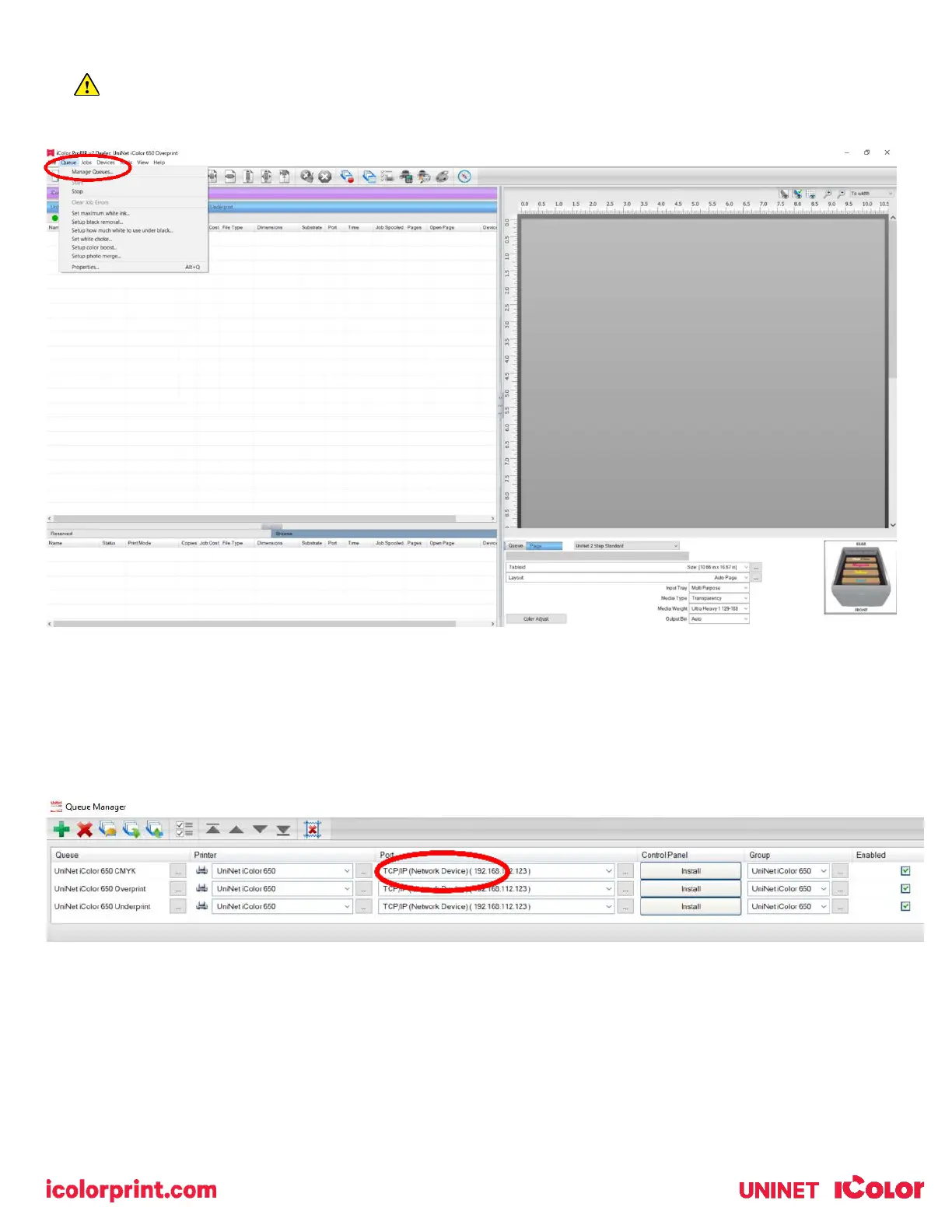
7) If you need to change or reset the ports in the future:
Click Queue >> Manage Queues to view, update or change the port settings.
Port settings will reset when the queues are updated so you will have to do this from time to time.
8) In the ‘Port’ drop down menu, choose the proper port. If connected via network (recommended), choose TCP/IP. If
connected by USB, choose the printer as identified in the drop down. All other ports will update automatically, it is
only necessary to do this for one queue.



 To Next Page