43
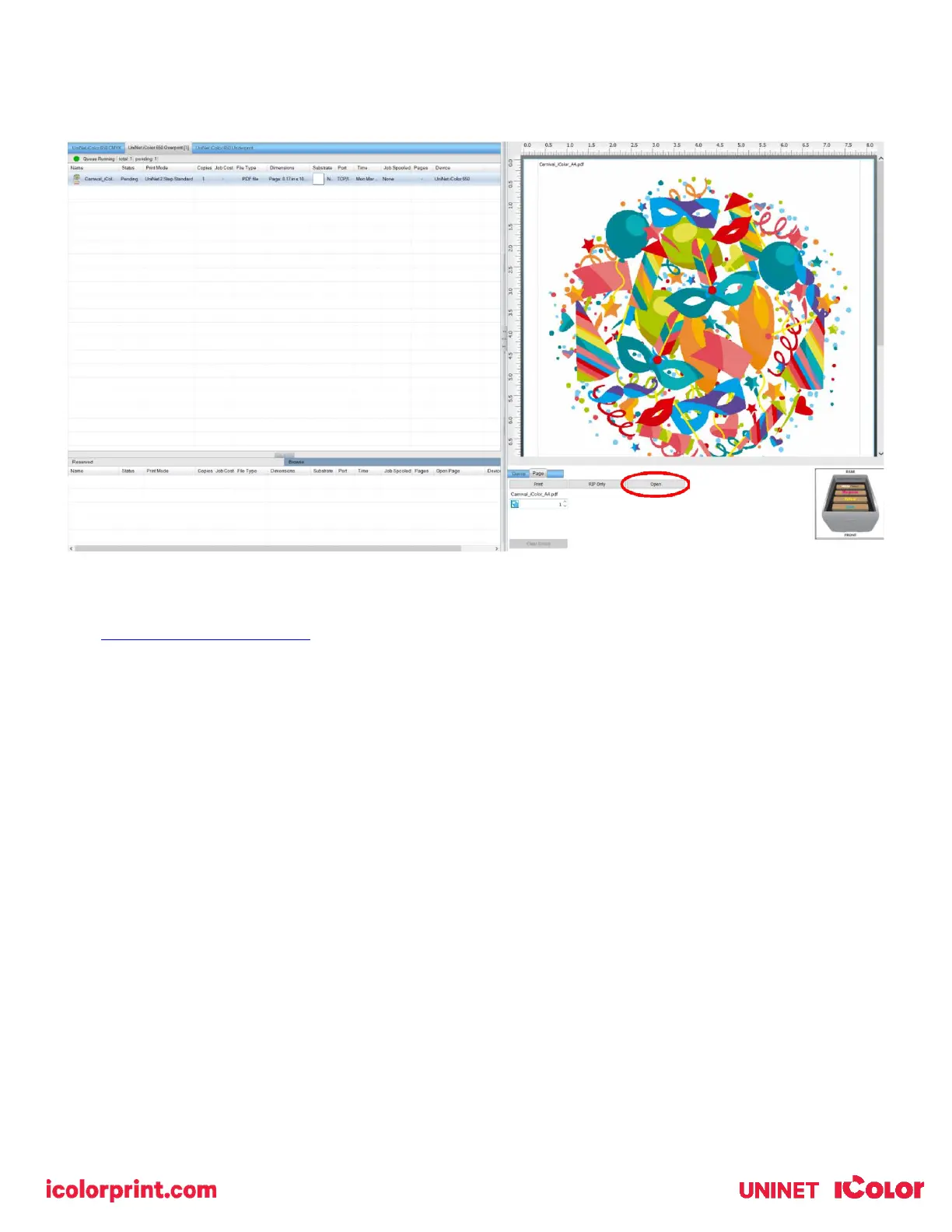
After a particular job has printed, it will be ‘closed’. This means that it was rendered by the software so that the next time
you print, the processing time will be minimal. If you need to make any changes to the print job before printing, you must
‘open’ the job. Otherwise, just reprint as needed (processing time is faster when already rendered).
For more detailed instructions for the IColor ProRIP software, please consult the IColor ProRIP User Manual.
Visit www.icolorprint.com/support for the most updated written and video instructions on the IColor ProRIP software.



 To Next Page