8
Layout
Instructions are paired with screen shots to illustrate the process and
provide confirmation of what you should see on your TV.
Section headings and on-screen text, such as screen titles, messages and
options are shown in Deep Blue Bold Type.
Buttons on the remote control are represented by a graphic of that button,
or Red Bold Type when a graphic cannot be shown.
Color-codes & Icons
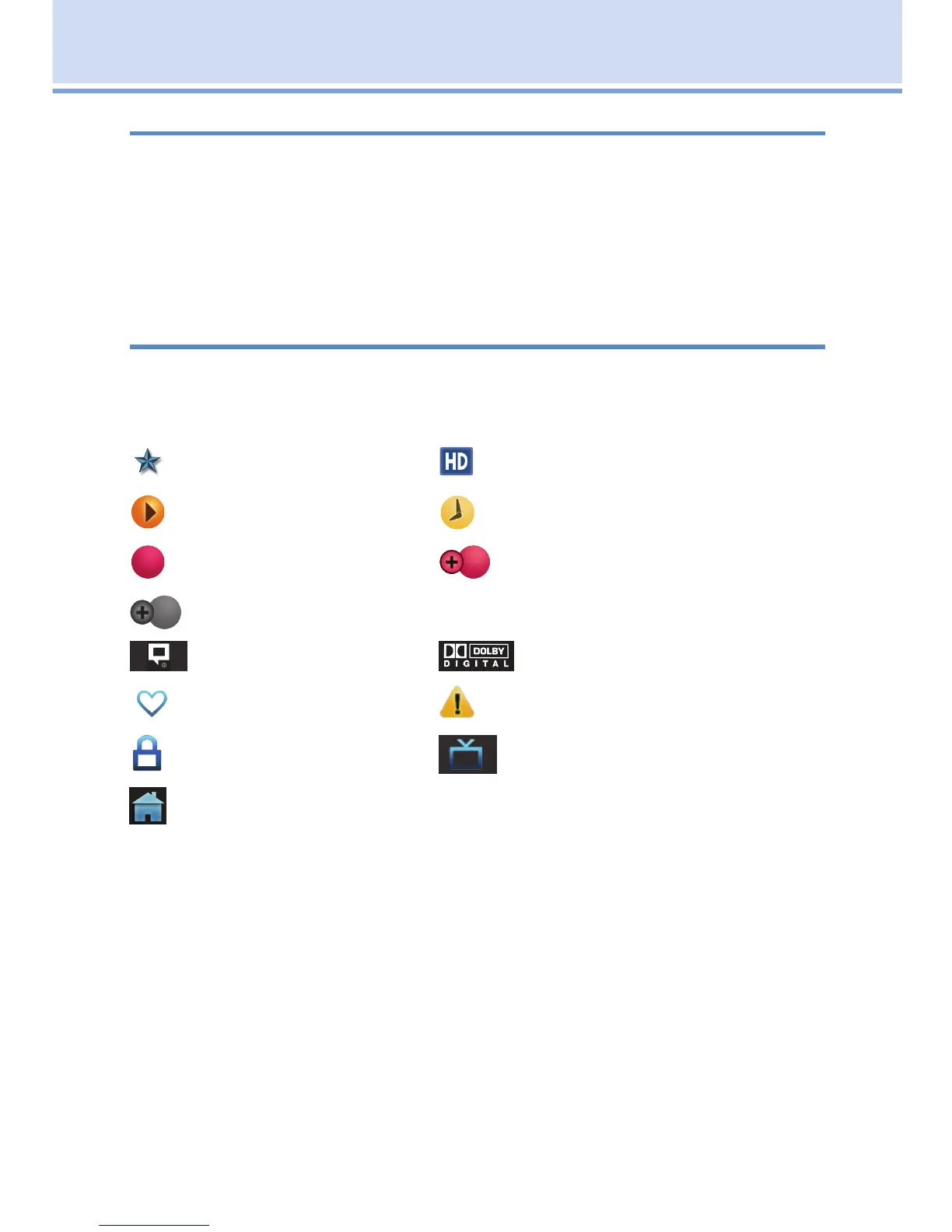
Program listings may display icons based on settings for a particular
program.
Program Attributes
New Episode (not a re-run) Program in High Definition
Autotune Reminder
Record* Series-Record*
Series Record Episode Skipped*
Closed Captioned Dolby Digital Audio
Favorite Alert Symbol
Lock Program Live TV
Whole Home DVR
*Record and Series Record only appear if your set top box supports
recording.
All menubar icons and explanations are in 4 Menubar.
Note: Your service provider uses a default PIN code for customers.
For instructions on changing the default PIN code, go to Settings -
Editing a User Account.
2 How To Use This Book



 To Next Page