77
18 Cloud TV (Coming Soon)
Using Search (MetaChannels)
While in the MetaChannels main menu, highlight Search and press OK
on your remote to search the MetaChannels.
The Search text box
will be highlighted.
Press OK to bring up
the keypad. See Cloud
TV (YouTube Search)
for operation of
keypad.
Use the steps
from Using MetaChannels
for viewing selections.
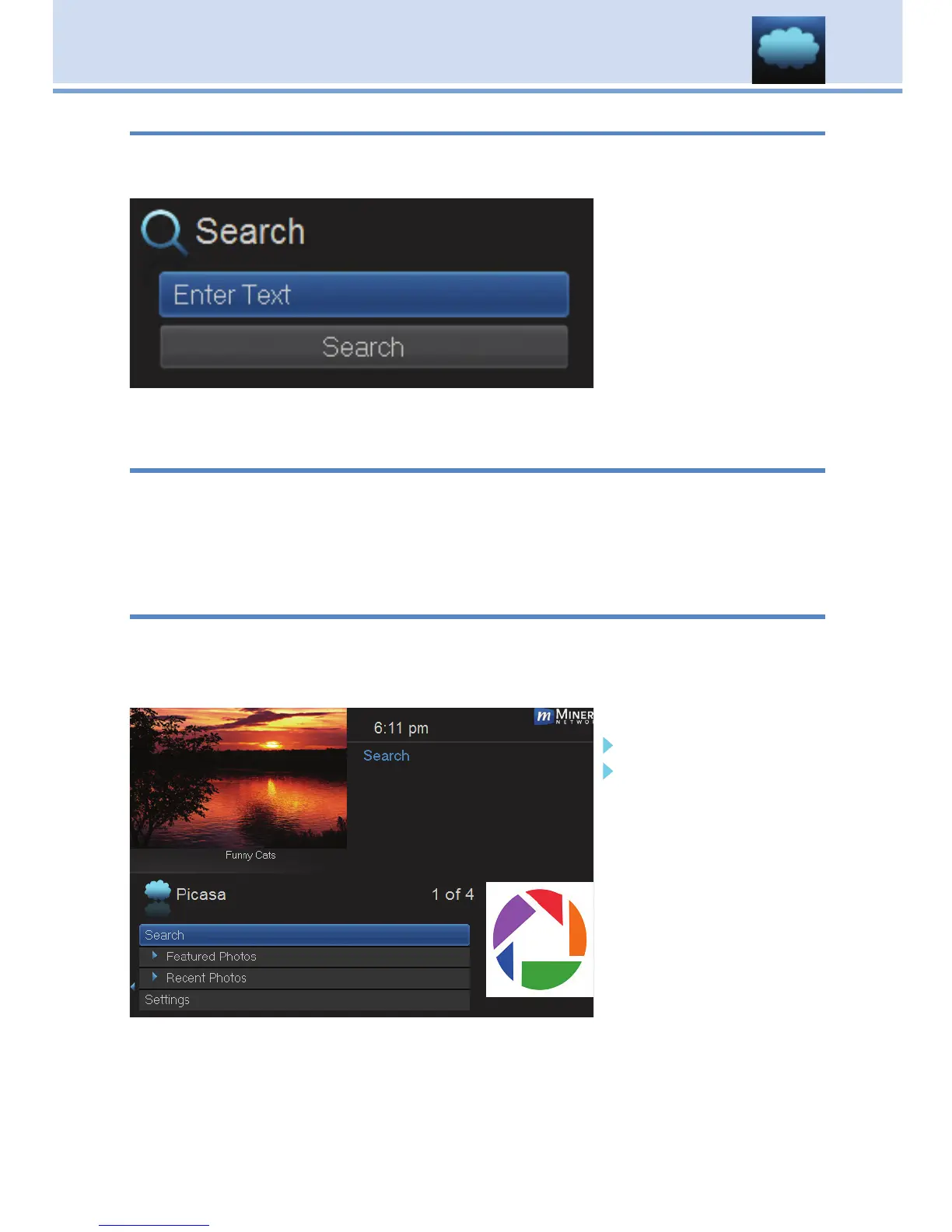
Introducing Picasa
Picasa gives you access to publicly uploaded photos (Featured Photos
and Recent Photos). You can login to your Picasa account to view your
personal photos privately on your TV, or search Picasa for photos on a
specific topic.
Go To Picasa
Press Menu on your remote and using your Arrow Keys scroll to
Cloud TV then press OK. Scroll down to Picasa and press OK to see
the Picasa menu items.
Search
Featured Photos
Recent Photos
Settings
Press the Left Arrow
Key on your remote to
return to the previous
Picasa menu.



 To Next Page