9
Changing Your Onscreen Guide
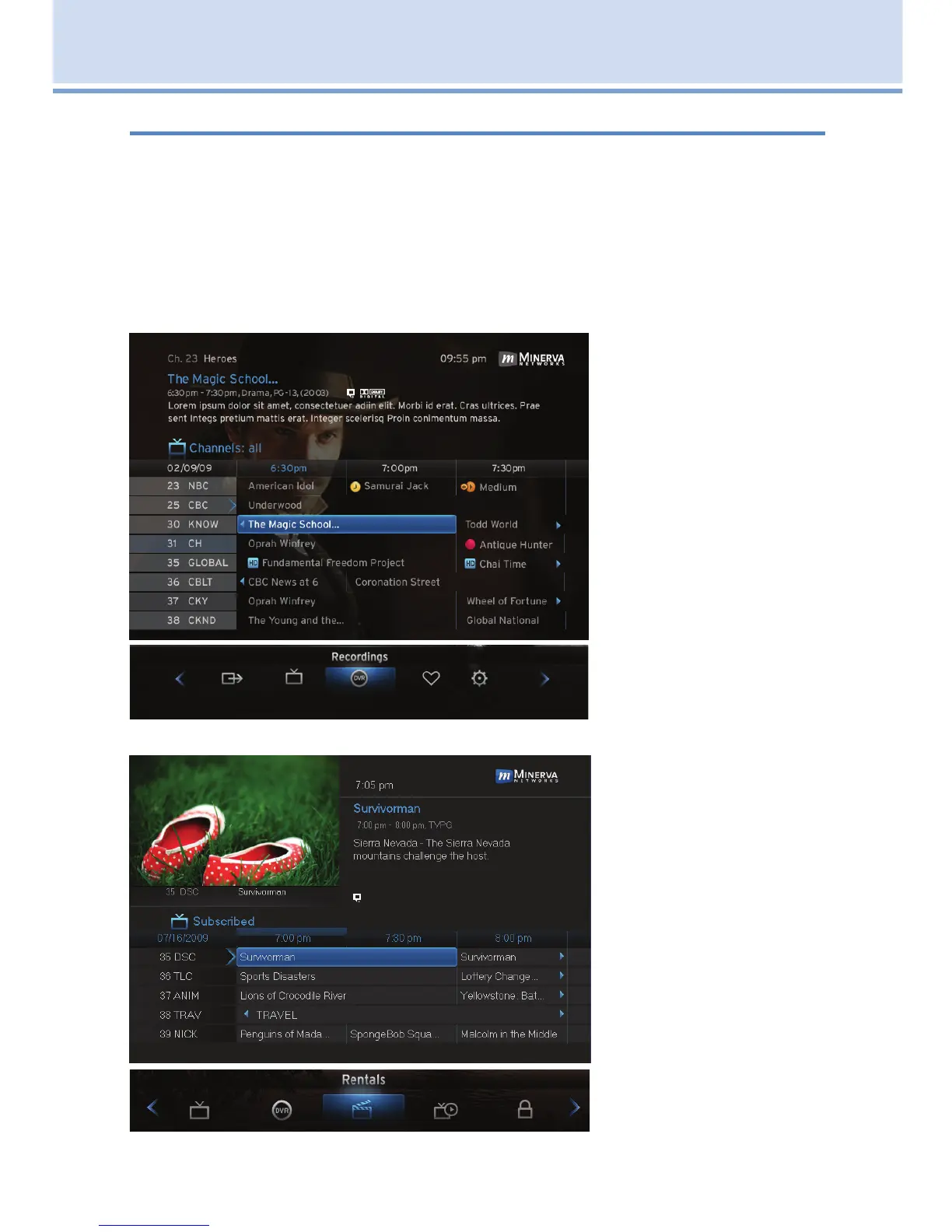
The graphic colors and background on the electronic program guide (skins)
may be different than the ones shown in this guide but the operations and
features are the same.
This User’s Guide uses the NuBlu skin and your United/Turtle Moutain
Digital TV onscreen program guide displays a different skin (BlueShadow).
You can change the BlueShadow skin to match the NuBlu in the guide.
BlueShadow (United/Turtle Mountain’s onscreen default theme)
Guide
Menu
NuBlu (as shown in this User’s Guide)
Guide
Menu
2 How To Use This Book



 To Next Page