85
Using the Search Guide Option
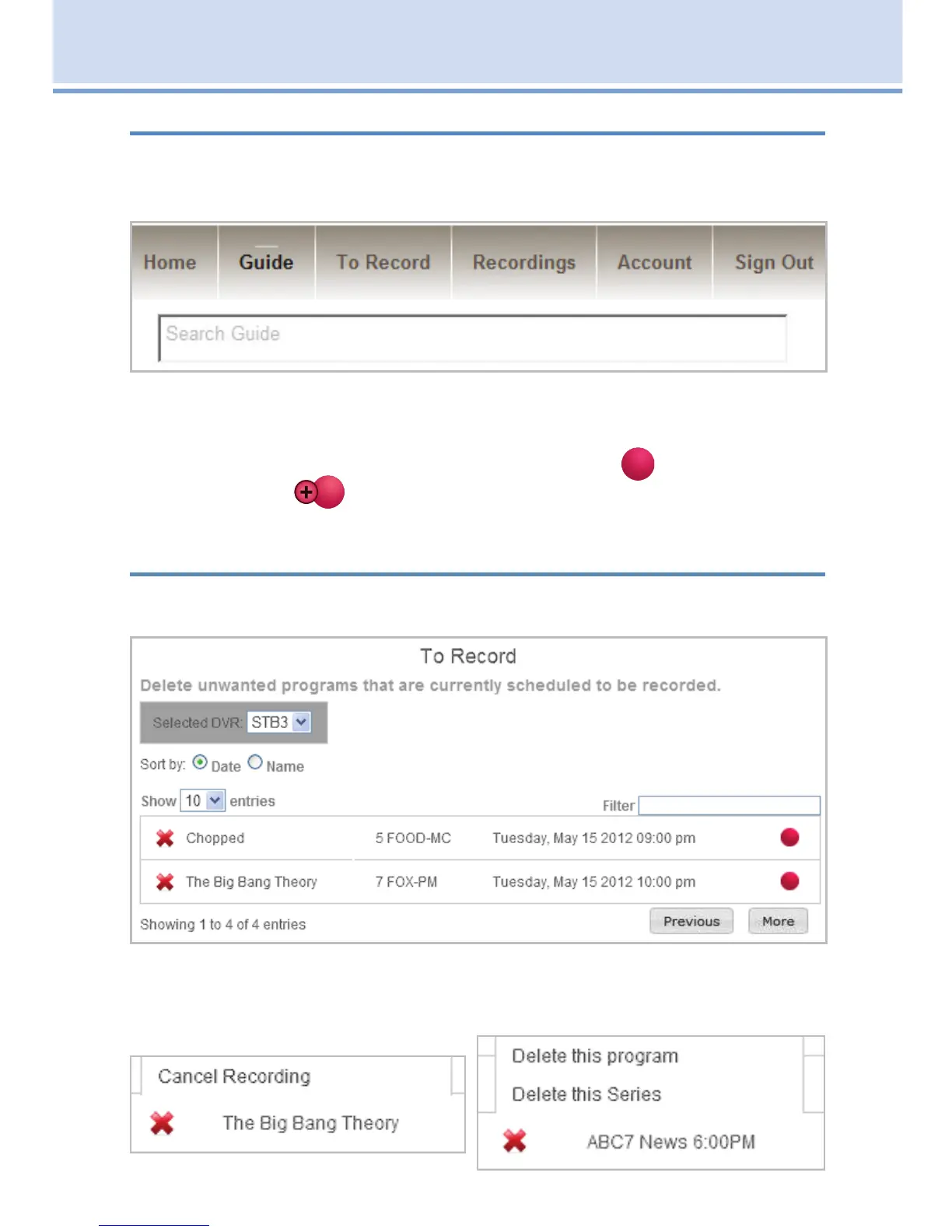
To search for a program to record, type in a keyword in the Search Guide
box at the top of the web page and press enter. A list of programs with the
keyword is displayed.
Click on a program to access the program’s information. Select either the
Record Program or Record Series for recording the selected program.
Your TV on-screen guide will show a single episode (
) or
series recording (
) next to the program indicating the program will be
recorded.
Managing Your Scheduled Recordings
When you click on the To Record tab, a list of scheduled recordings is
displayed.
You can delete a show by clicking on the red (x) next to the show. You can
cancel a scheduled single recording or a scheduled series recording by
clicking on it.
19 Remote Scheduling (Coming Soon)



 To Next Page