86
Managing Your DVR Recordings
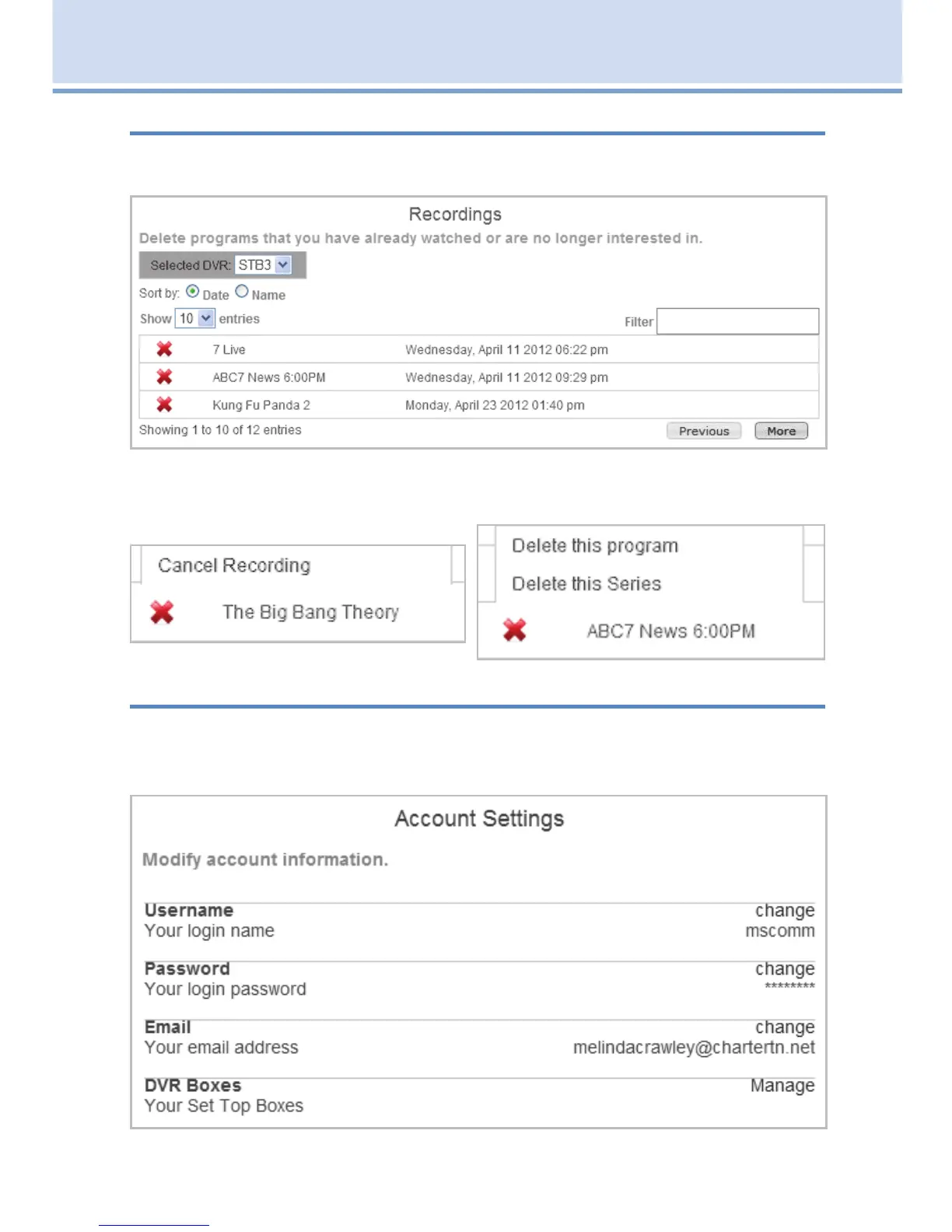
When you click on the Recordings tab, you’ll see a list of DVR recordings
stored on your DVR set top box.
Click on the (x) next to the program you want to delete. You can either
delete that specific recording or delete all recordings of that program.
Manage your account settings
To manage your account settings, click on the Account tab. Here you can
change your username, password, email address or rename your DVR set
top boxes.
19 Remote Scheduling (Coming Soon)



 To Next Page