42
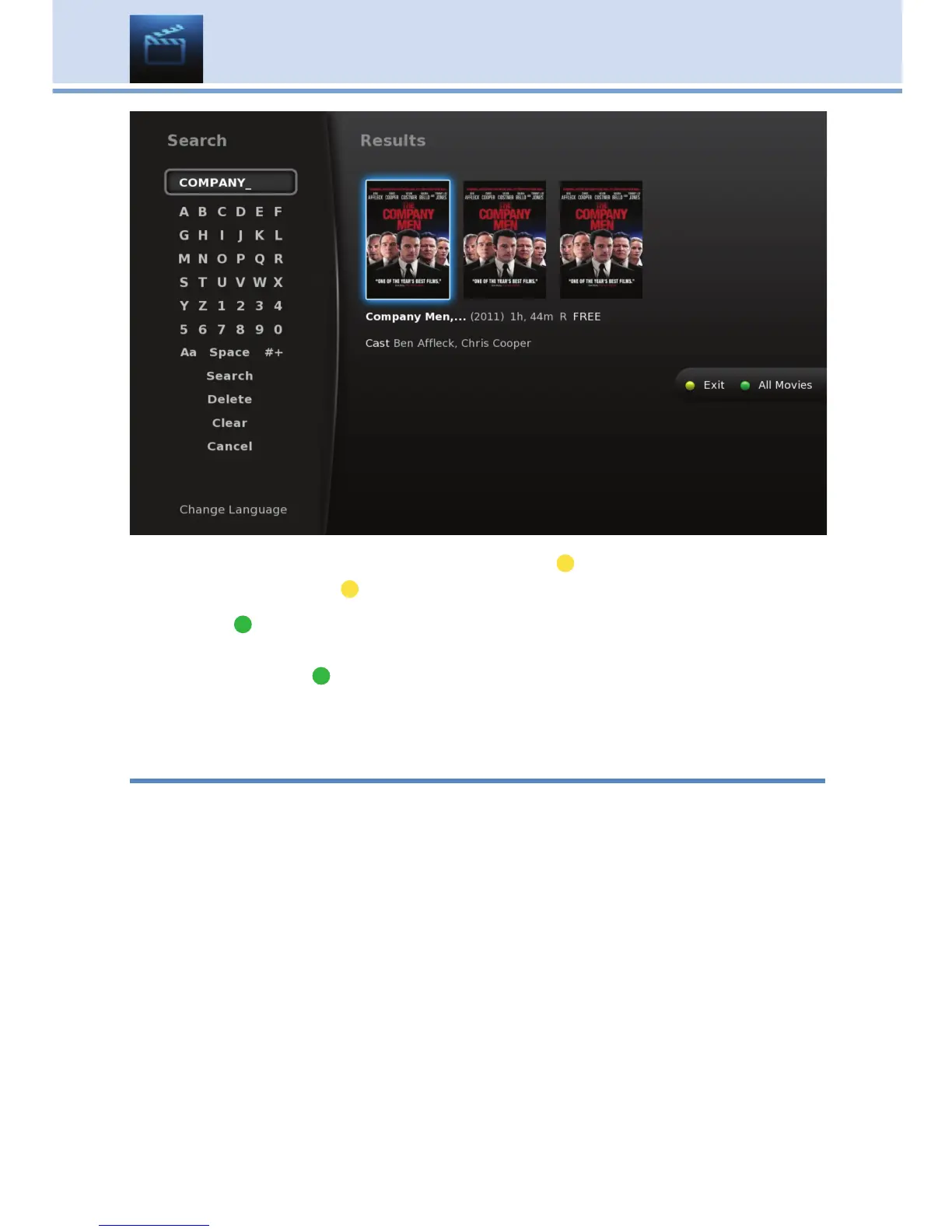
When the on-screen keypad is up, the yellow ( ) button will change to say
Exit. Press the yellow ( ) button on your remote to Exit the keypad.
The green (
) button on the On Demand menu screen will toggle between
showing Free Only programs and All Movies, and is accessed by
pressing the green ( ) button on your remote. When you toggle these
options, the On Demand menu screen itself will change and show Free
Movies and then All Movies (which include paid movies).
Stop a Video and Exit On Demand
If you wish to exit the video, press STOP on your remote to return to the
last On Demand menu screen viewed.
To exit the On Demand menu screen and return to live programming,
press EXIT on your remote.
10 On Demand



 To Next Page