64
16 Web & Email (Coming Soon)
Go To Email
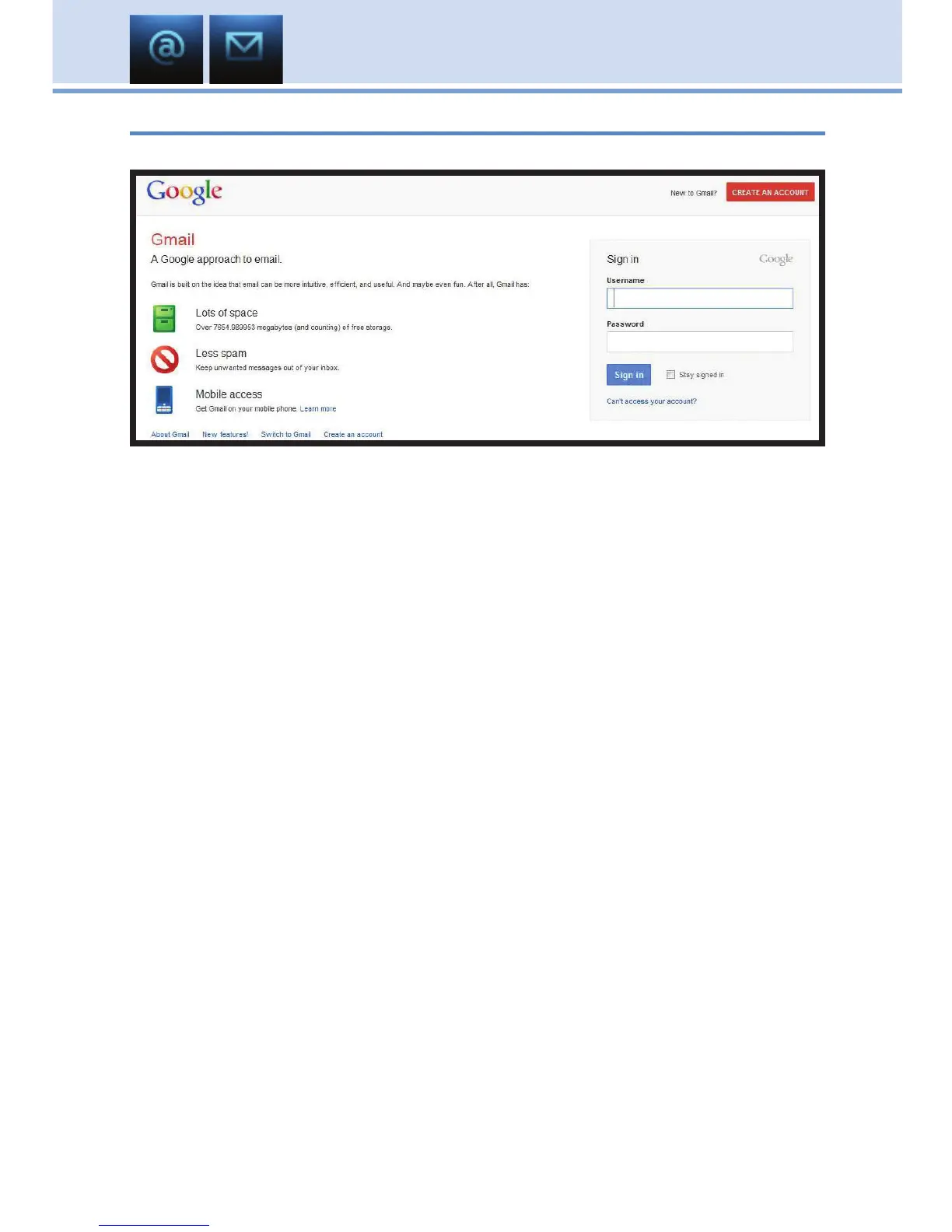
Press MENU on your remote control and highlight Email and press OK.
When you press OK, your TV will display your default email
web page.
Use the Arrow keys to highlight where you want to enter text.
The on-screen sign says PUSH THE INPUT BUTTON TO BRING UP
THE ON-SCREEN KEYBOARD.
The INPUT button is located on your remote.
Use the on-screen keyboard and Arrow keys to select the letters or
numbers you want to enter. If your remote does not have an INPUT button
to bring up the on-screen keyboard, use the 0-9 keys to type in letters or
numbers instead. You may need to hold the key down until it toggles to the
correct character.
When the user’s name is complete, scroll to Enter on the on-screen
keyboard and press OK.
Use the same process to complete your password. When complete,
highlight Enter on the on-screen keyboard and press OK. Then press Exit
on your remote to remove the keyboard.
Navigate to the website’s Sign In or Log In button and press OK to use
your email.



 To Next Page