41
10 On Demand
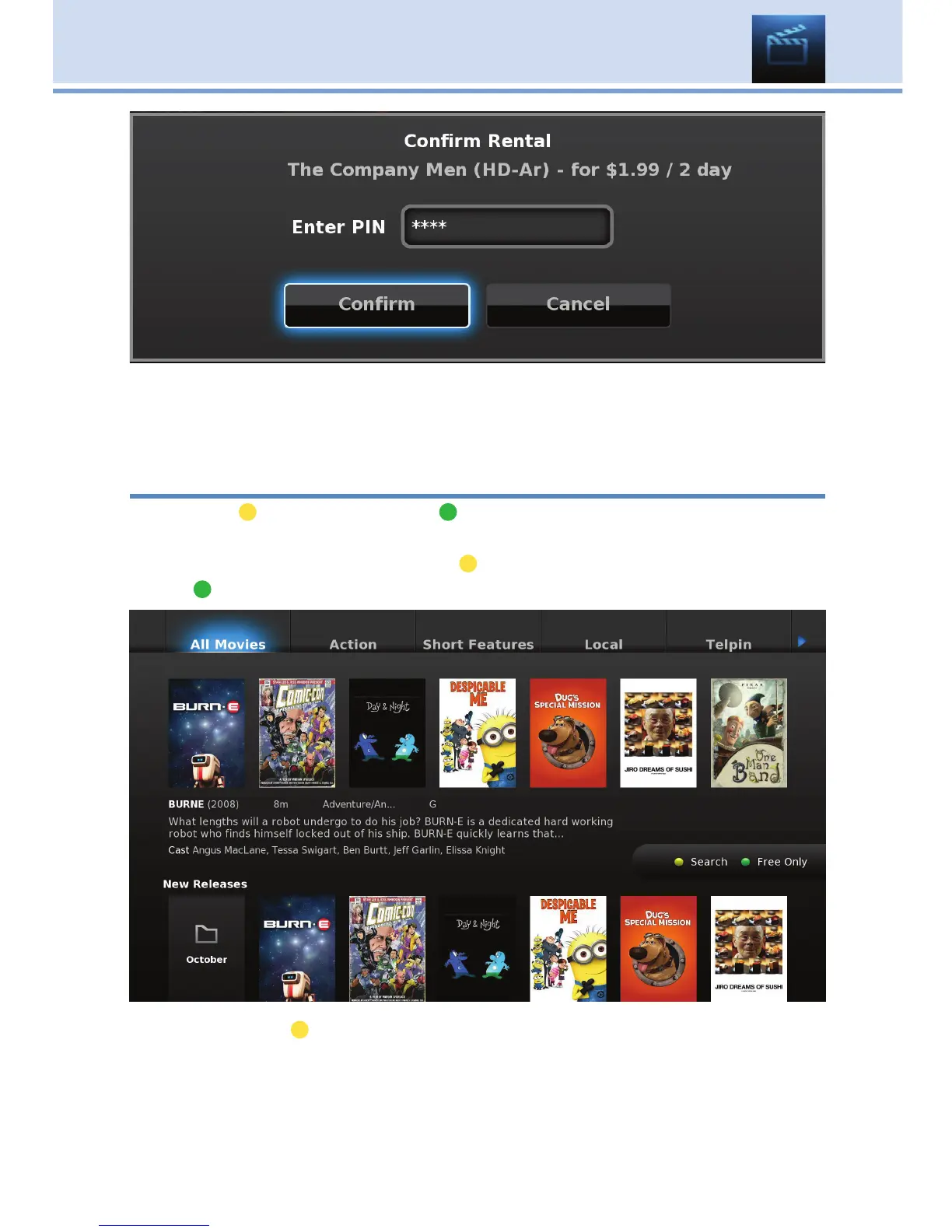
Once the confirm button is highlighted, press OK. The movie will then begin
to play. You can use the Stop, Pause, Rewind, Fast Forward and Play
buttons on the remote control anytime during the movie.
On Demand Browse & Search Options
The yellow (
) button and green ( ) button will change functions
depending on which menu screen you are on. When you begin browsing
On Demand programs, the yellow ( ) button will say Search, and the
green ( ) button will say Free Only.
Press the yellow ( ) button on your remote to bring up the on-screen
keypad. Using your Arrow Keys, enter a topic to be searched.
When complete, Arrow to Search and press OK. The menu screen will
show your search results.



 To Next Page