40
Highlight an option and press OK on your remote.
Play: Plays the video.
Play From Last: Resumes the video from where you left off.
More Info: Displays rental information like title, expiration date,
and video length.
View Trailer: Plays the movie trailer when available.
Cancel: Exits from the Play menu options.
Play a Program & Add It to My Library
Once you begin a program, it will also be temporarily added to your Video
playlist under the My Library icon (see 11 My Library - Go To Rented
Videos for more information).
Rent a Program
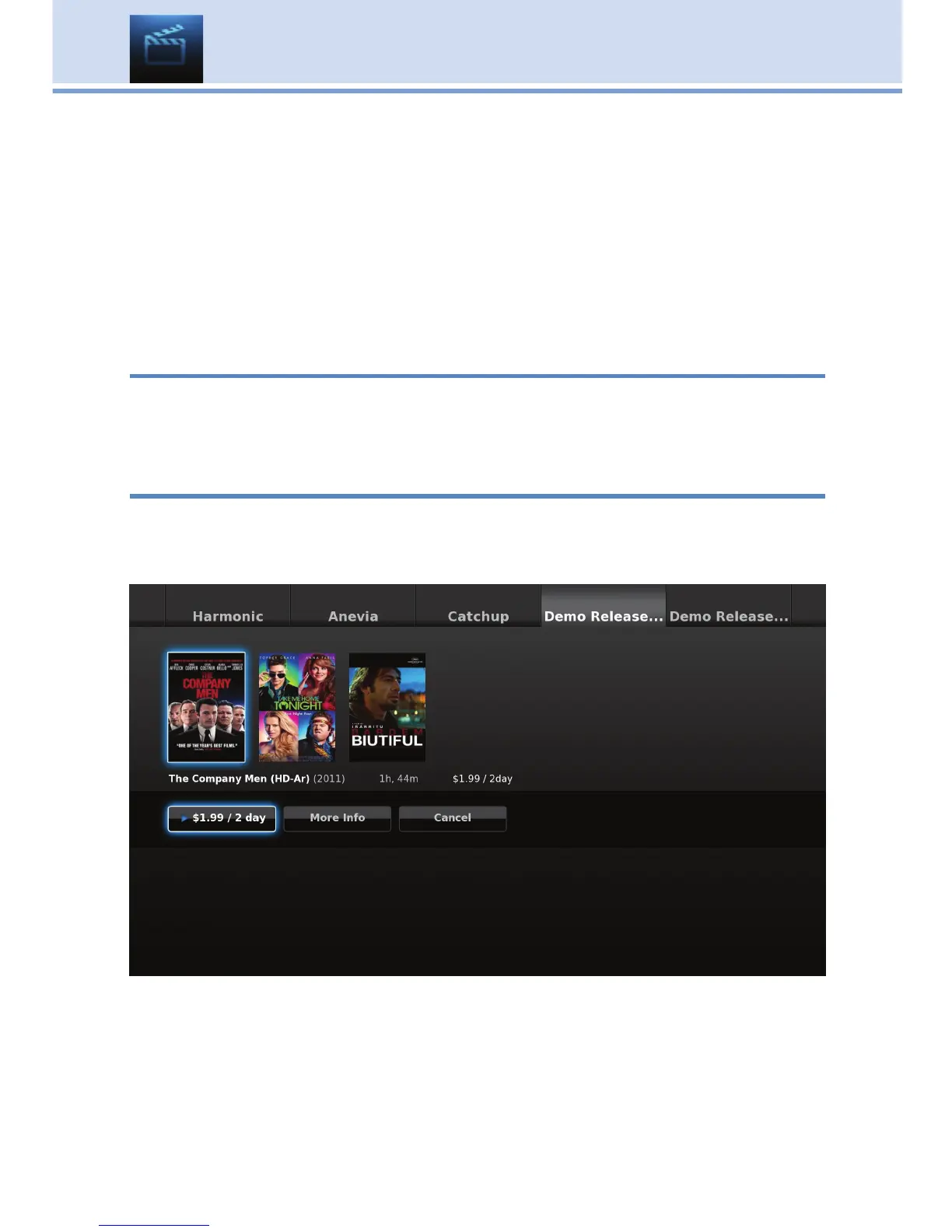
To rent a movie, highlight the program and press OK on your remote. This
will bring up the programs play options. Highlight the price button (example
$1.99 / 2 day) and press OK.
A window will appear asking for your PIN code. Enter your PIN code and
press OK. See 13 Settings for setting a PIN code.
10 On Demand



 To Next Page