87
Changing Your Password
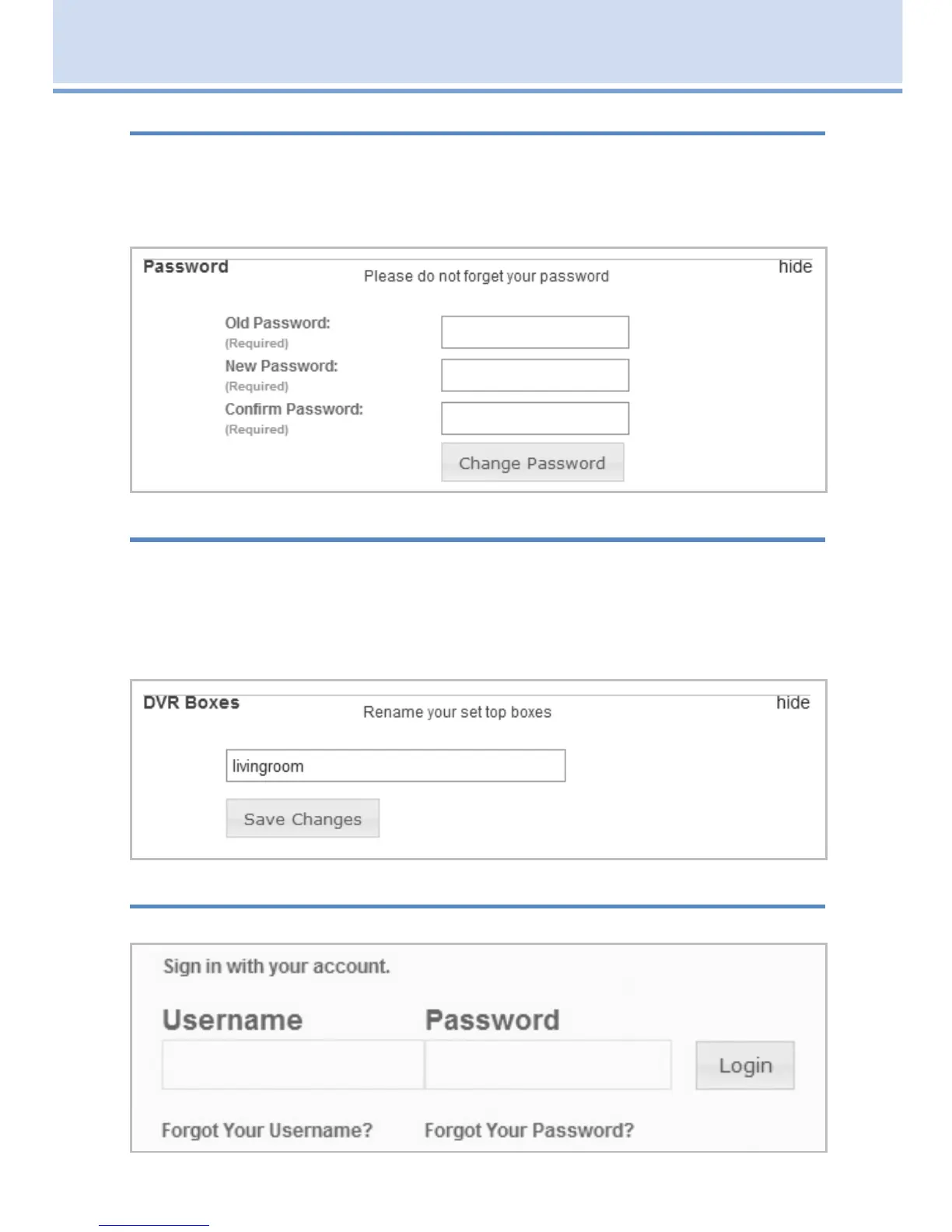
You can change your password by clicking on Password or by clicking on
the word change to the right. Next type in your old password, then type
the new password and then confirm the new password. When finished
click Save Changes.
Renaming Your DVR Set Top Boxes
You can rename your STB by clicking on DVR Boxes or the word Manage
to the right. Next type in what you wish to rename your STB (no spaces).
You can change the set top box name by number or change the name
for convenience (example — livingroom). Click Save Changes when
complete.
Signing Out
To sign out of your account session, click on Sign Out.
19 Remote Scheduling (Coming Soon)



 To Next Page