52
12 Settings
Theme
Theme allows you to change the
color and style of menu, guide and
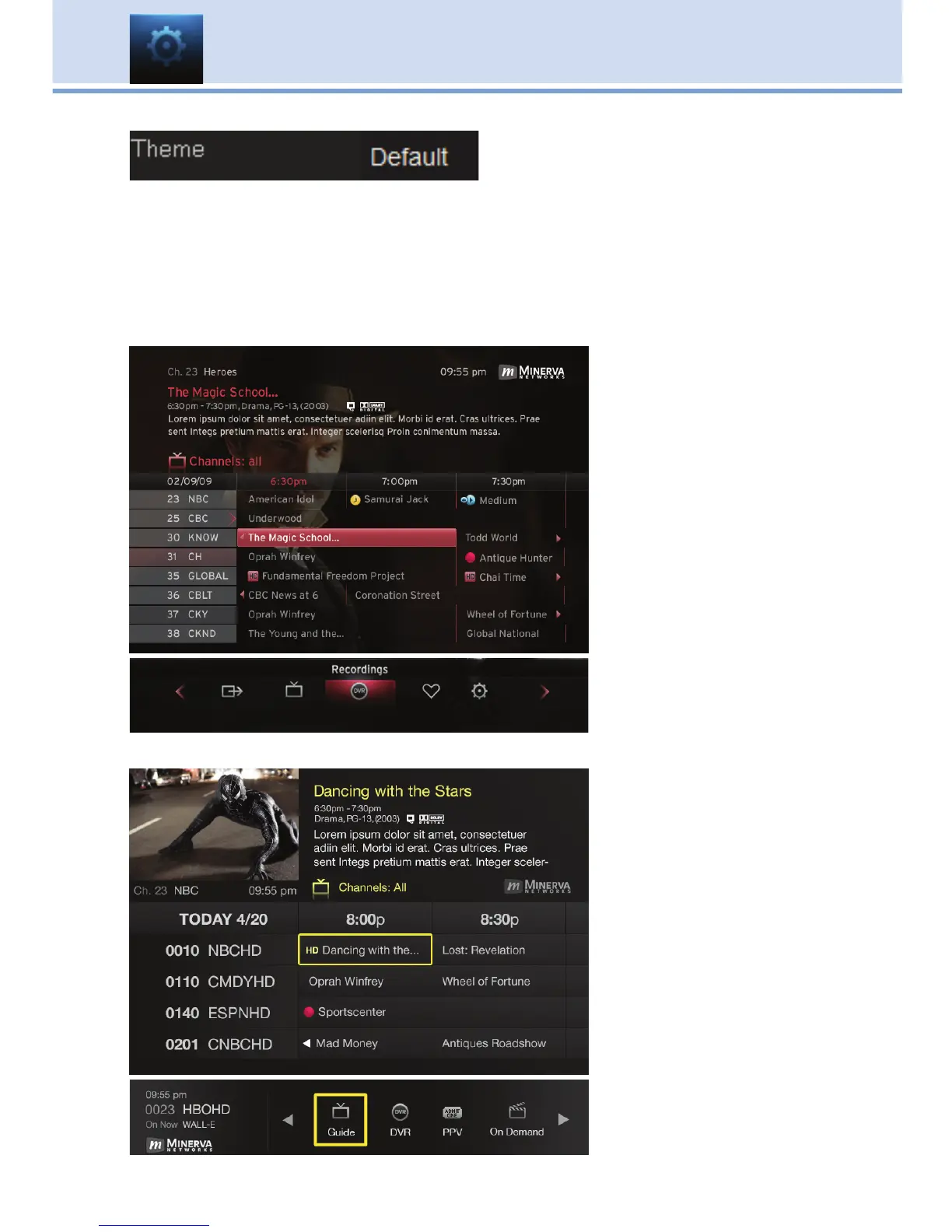
system screens using pre-set styles. These different pre-set styles are
called skins. To get to Theme, highlight and select the Settings icon on
the main menu bar, then scroll over to Theme. There are several choices in
the drop down menu for Theme. Here are some examples of the different
Guide and Menu screens.
Pink Shadow 5.4/5.6
Guide
Menu
Bumblebee 5.6
Guide
Menu



 To Next Page