57
12 Settings
Now highlight New Password to
change the password. Use the
Number Pad on your remote to enter a numeric password.
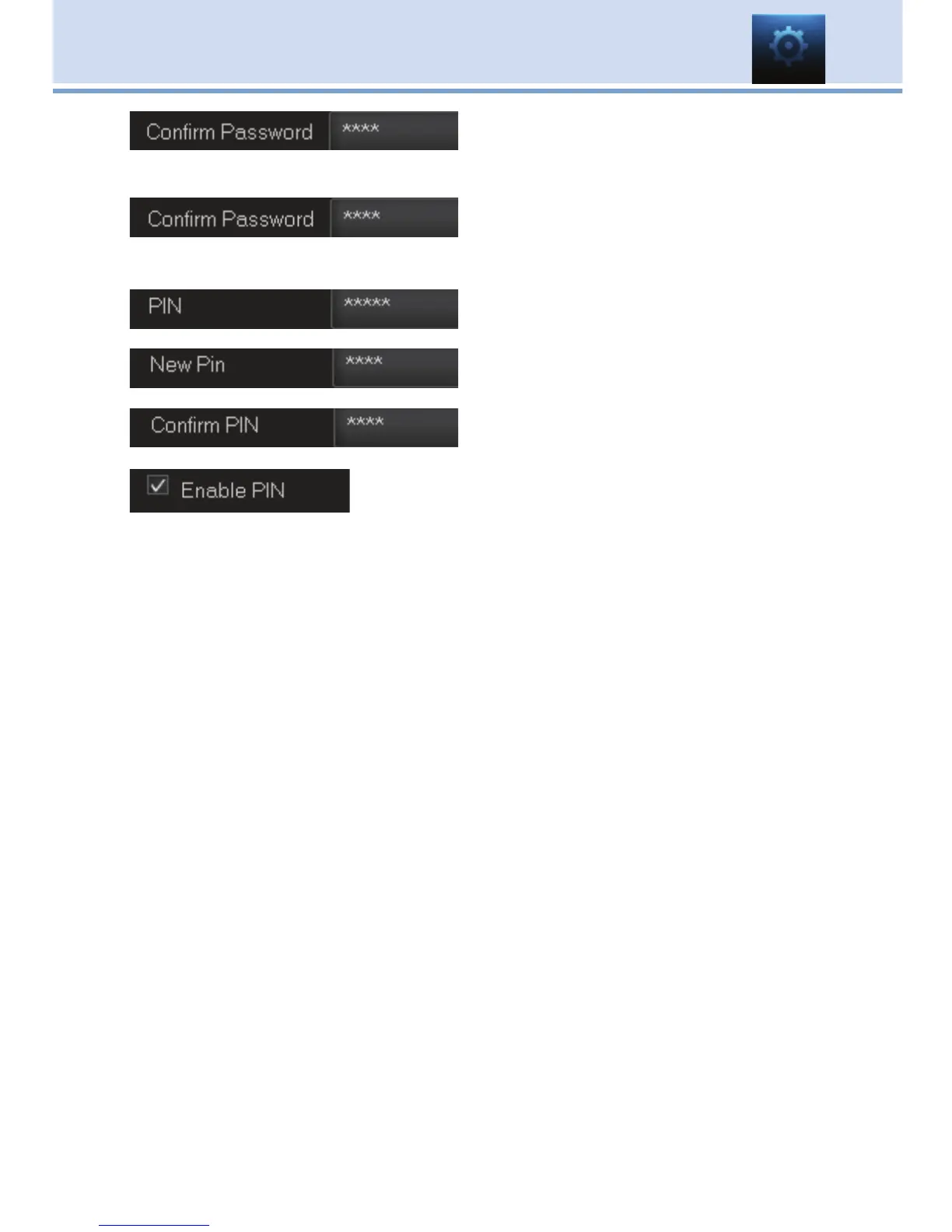
Highlight Confirm Password to re-enter
the password. Use the Number Pad
on your remote to exactly re-enter the password.
Highlight PIN and enter the account’s
existing PIN.
Highlight New PIN and enter a new
PIN for this account.
Highlight Confirm PIN to re-enter the
new PIN.
Highlight the Enable PIN check box and press
OK to enable or disable the need to use a PIN.
Once you have made all changes to this account, highlight Submit and
press OK.



 To Next Page