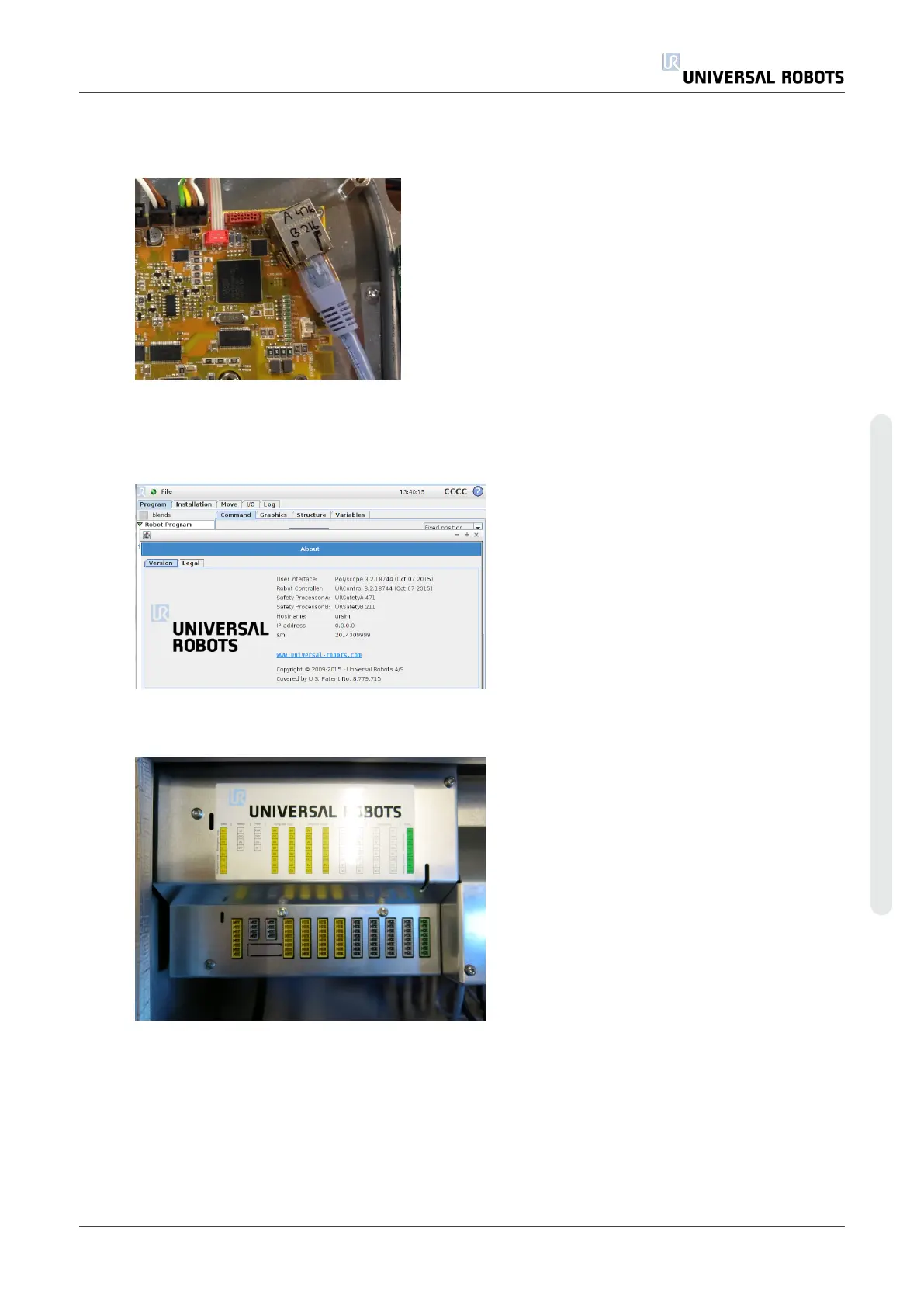
1. Check that the software on the robot is not older than the firmware version on the SCB.
If the software on the robot is older, error C203A0 will be displayed.
The SCB firmware version can be found on the Ethernet connector.
This can also be found in the “About” menu.
Shortcut to “About”, by clicking on the UR logo in the top right corner of the screen is
available from software version 3.2.18642
2. Shut down the controller and disconnect the power cable, open the controller cabinet then
carefully remove all plugs and connectors.
Service Manual 65 UR5
5.Service and Replacement of parts
Copyright © 2009–2021 by UniversalRobotsA/S. All rights reserved.












 To Next Page