uponor.com l 47
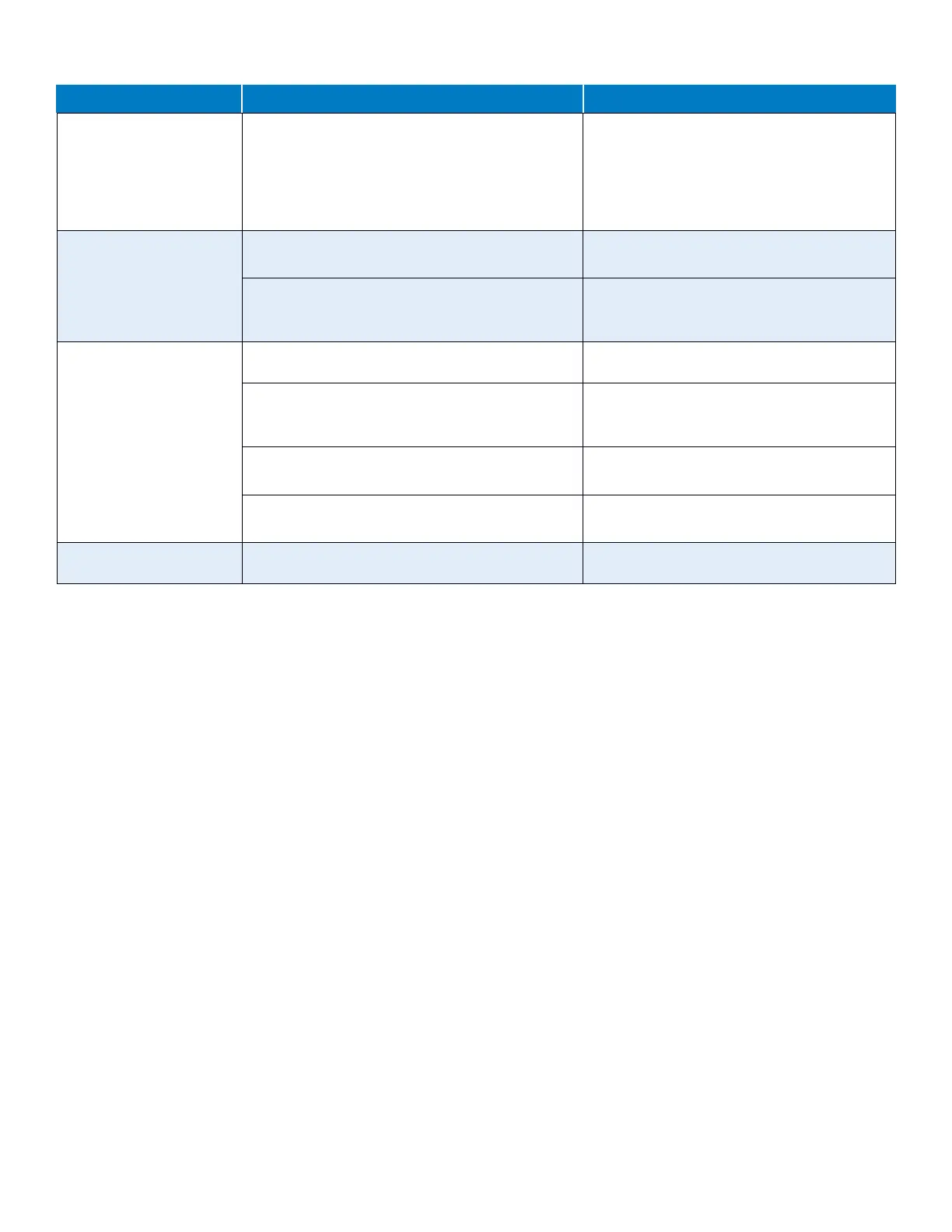
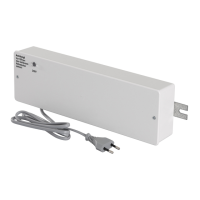
Controller
Issue Cause Resolution
Power indicator in the
controller is off
There is no AC power to the Controller. • Check that the Controller is connected to
AC power.
• Check the wiring in the 24V wiring
compartment.
• Check that there is 115V power at the wall
outlet.
There is no power in the
115V wall outlet
A fuse is blown. • Reset the circuit breaker or replace the fuse.
• Correct the wiring issue.
There is faulty power supply or connections. • Replace the Transformer.
• Correct the wiring issue inside the 24V wiring
compartment.
Channel LEDs in the
controller continue flashing
The thermostat is not correctly positioned. • Check the placement of the thermostat so the
signal is not shielded by another object.
The Antenna is not correctly installed or positioned. • Check the wiring and Antenna connection.
• Make sure the Antenna is mounted in the
vertical position.
The Antenna is installed inside a metal cabinet or
too close to other shielding objects.
• Change the Antenna location.
• If the problem persists, contact the installer.
The Communication Module is installed inside a
metal cabinet or too close to other shielding objects.
• Change the Communication Module location.
• If the problem persists, contact the installer.
Power LED and channel LED
on the Controller flashes
The antenna is out of position, or a wire is
disconnected.
• Install the Antenna in a correct position with
the cable correctly connected.



 To Next Page