Setup and Registration
6-3
6
Preparation: Refer to Receiving Mode on page 6-17 to select [Auto (FAX/TEL)].
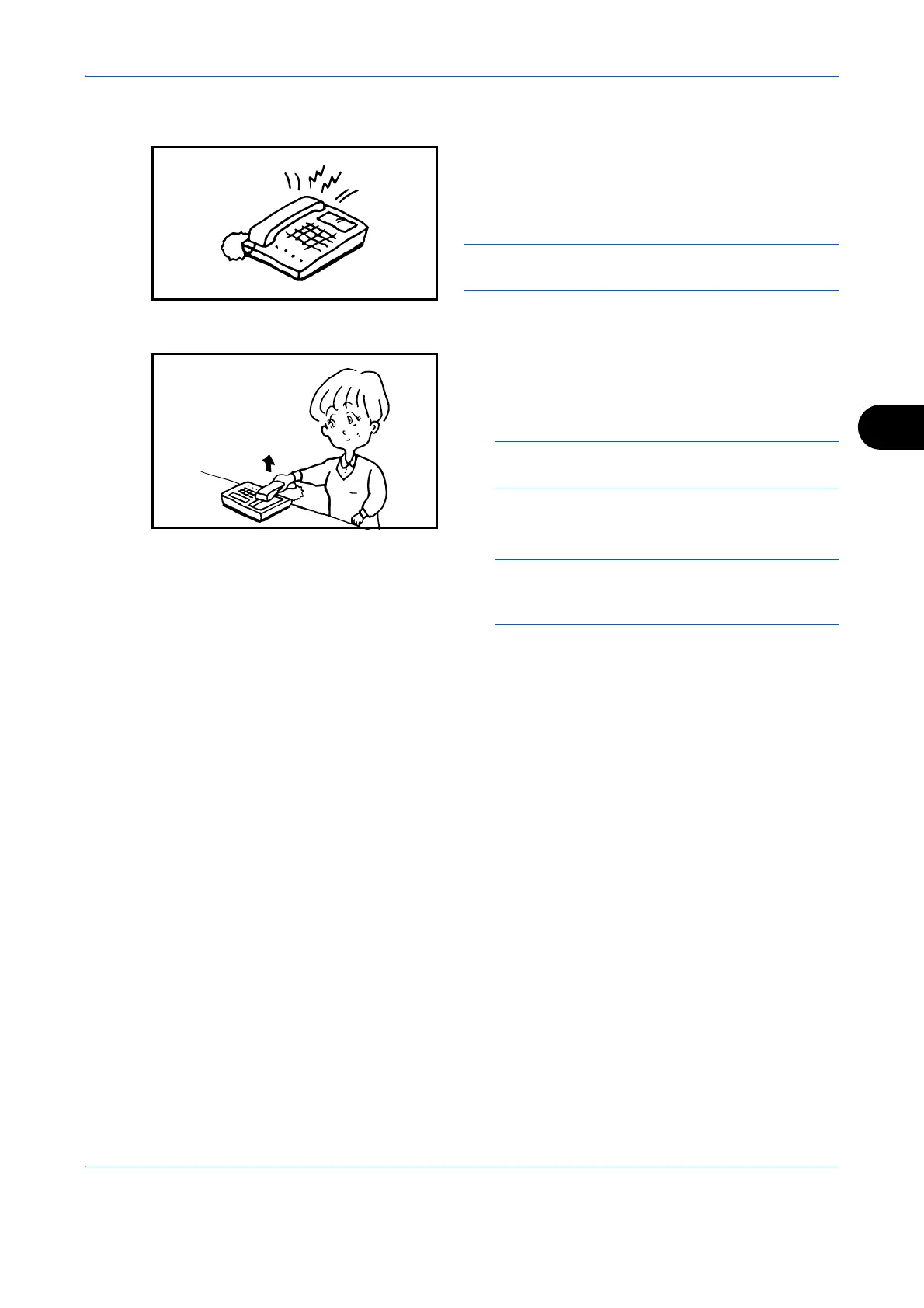
1 The connected telephone set makes a ringing
tone. Note that if [0] (zero) is set as the number of
rings (for FAX/TEL Auto Switch), the connected
telephone does not ring.
NOTE: You can change the number of times the
ringing tone rings. (Refer to Rings on page 6-16.)
2 When the call is from a telephone
1 The machine makes a ringing tone urging the
user to respond. Lift the handset of the
telephone within 30 seconds.
NOTE: If you do not lift the handset within 30
seconds, the machine switches to fax reception.
2 Talk to the other party.
NOTE: At the end of the conversation, you can
manually receive the originals. (Refer to Manual
Reception on page 4-11.)
When the call is from a fax
The machine starts receiving fax originals.


 To Next Page
 Loading...








