Checking Transmission Results and Registration Status
5-10
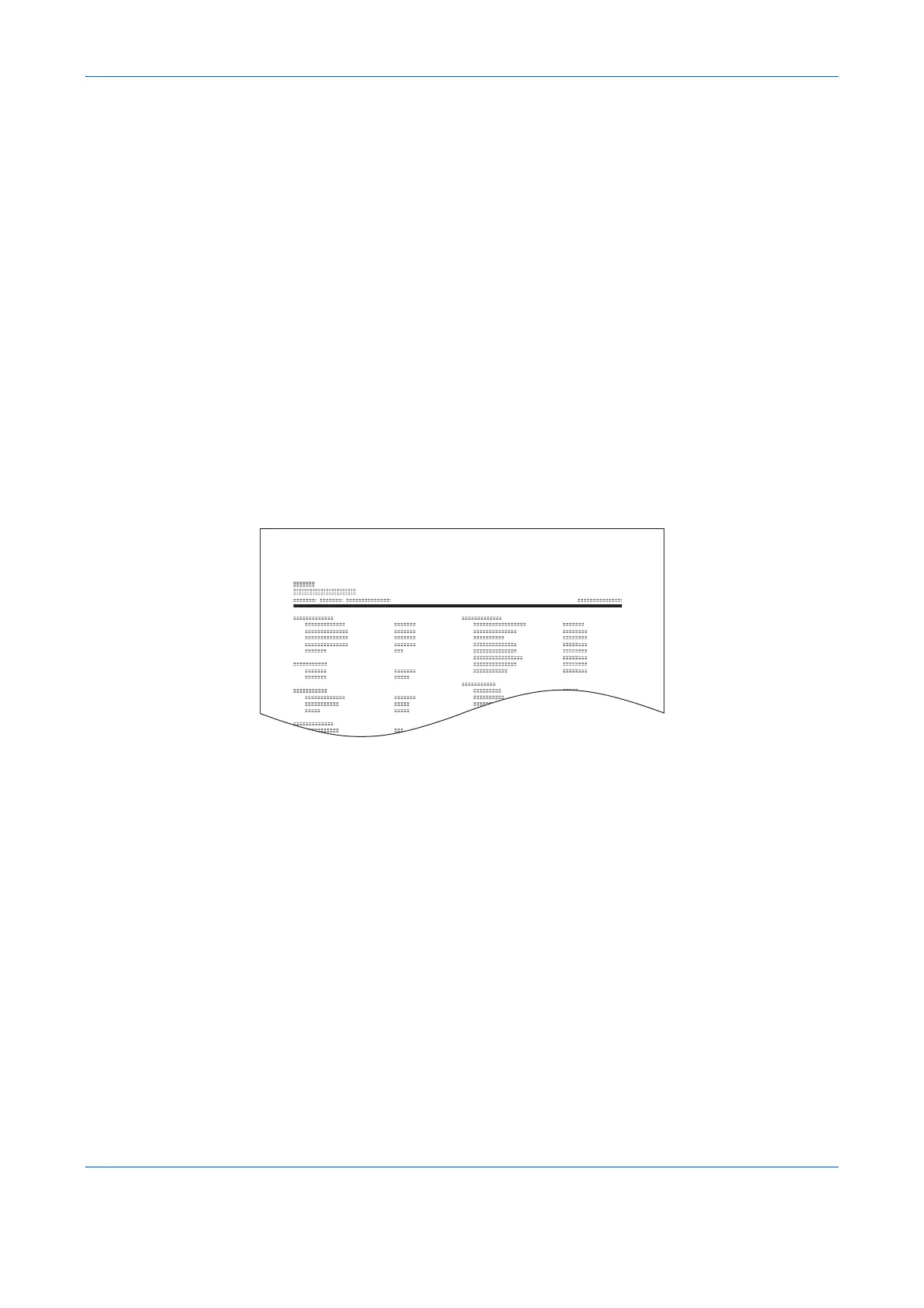
Status Page
A status page provides information on a number of user setups.
FAX-related information includes the Local FAX Number, Local FAX Name, fax line setting, etc. You can print it
out as necessary.
1 Press the System Menu/Counter key.
2 Press the or key to select [Report].
3 Press the OK key.
4 Press the or key to select [Report Print].
5 Press the OK key.
6 Press the or key to select [Status Page].
7 Press the OK key.
8 Press [Yes] (the Left Select key). The status page
is printed.


 To Next Page
 Loading...








