Operating instructions for the electronicVED plus electric instantaneous water heater 0020149585_00 11
3.1.9 Displaying and resetting the energy and water
consumption (Reset)
i
Note that the electronicVED plus is not a cali-
brated measuring instrument. Due to toler-
ances in the electronic semiconductor and
sensors, the values displayed may deviate
from the real values.
i
The energy consumption data displayed can-
not be legally used to prepare or compare
energy consumption calculations of any kind.
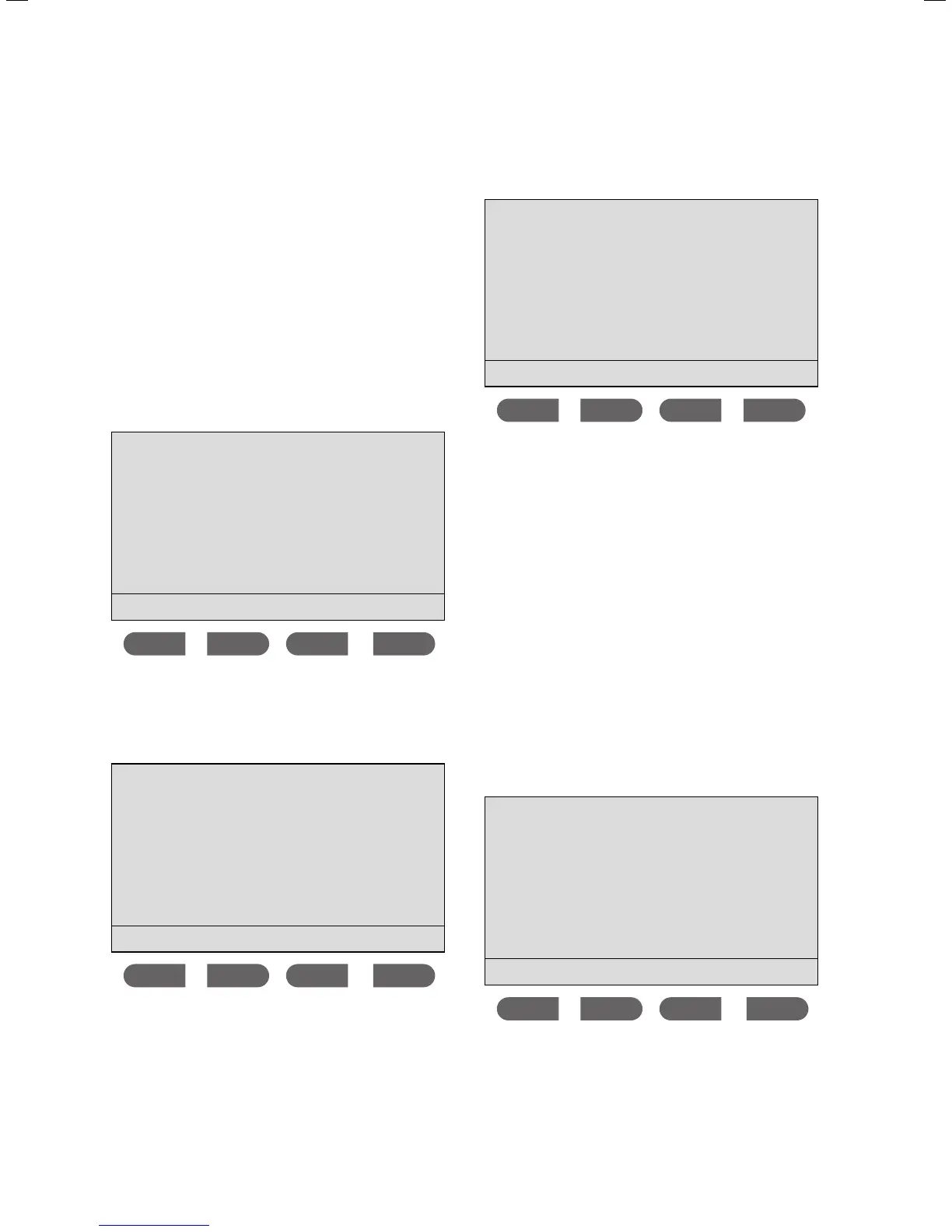
> Press the
MEMO and eco buttons simultaneously to
reach the
Menu.
Menu
Display settings
Scald protection
Consumption
Select language
ok
The cursor is next to the Display settings menu point.
> Press the
button twice.
The cursor is next to the Consumption menu point.
> Press the
ok button.
Consumption
Energy consumption
Water consumption
ok
The cursor is next to the Energy consumption menu
point. You can display the energy consumption in
kilowatt hours or water consumption in litres for a spe-
cific period of time (select using the
or button).
> After selection, press the
ok button.
Energy consumption
since reset
the last 30 days
the last 365 days
ok
The cursor is next to the since reset menu point. The
display screen illustrated above is an example of the
Energy consumption sub-menu. Regardless of whether
or not you wish to query the energy or water consump-
tion, the time cycles remain identical. You can display
the energy or water consumption data since the unit
was last reset to its factory settings (Reset), or the last
month (30 days) or the last year (365 days).
> Press the
or the button to make a selection.
> Confirm by pressing the
ok button.
To reset the display of either the energy or water con-
sumption data to 0, proceed as follows:
> Within the
Consumption menu, select either Energy
consumption
or Water consumption.
> Press the
ok button.
The cursor is next to the
since reset menu point.
> Press the ok button.
Energy consumption
since reset
13.4 kWh
Reset
The display screen illustrated above is an example of
the
Energy consumption sub-menu. Follow the same
Function and operation 3



 To Next Page