15Installation instructions for the electronicVED plus electric instantaneous water heater 0020149585_00
5.3.1 Calling up the installer menu
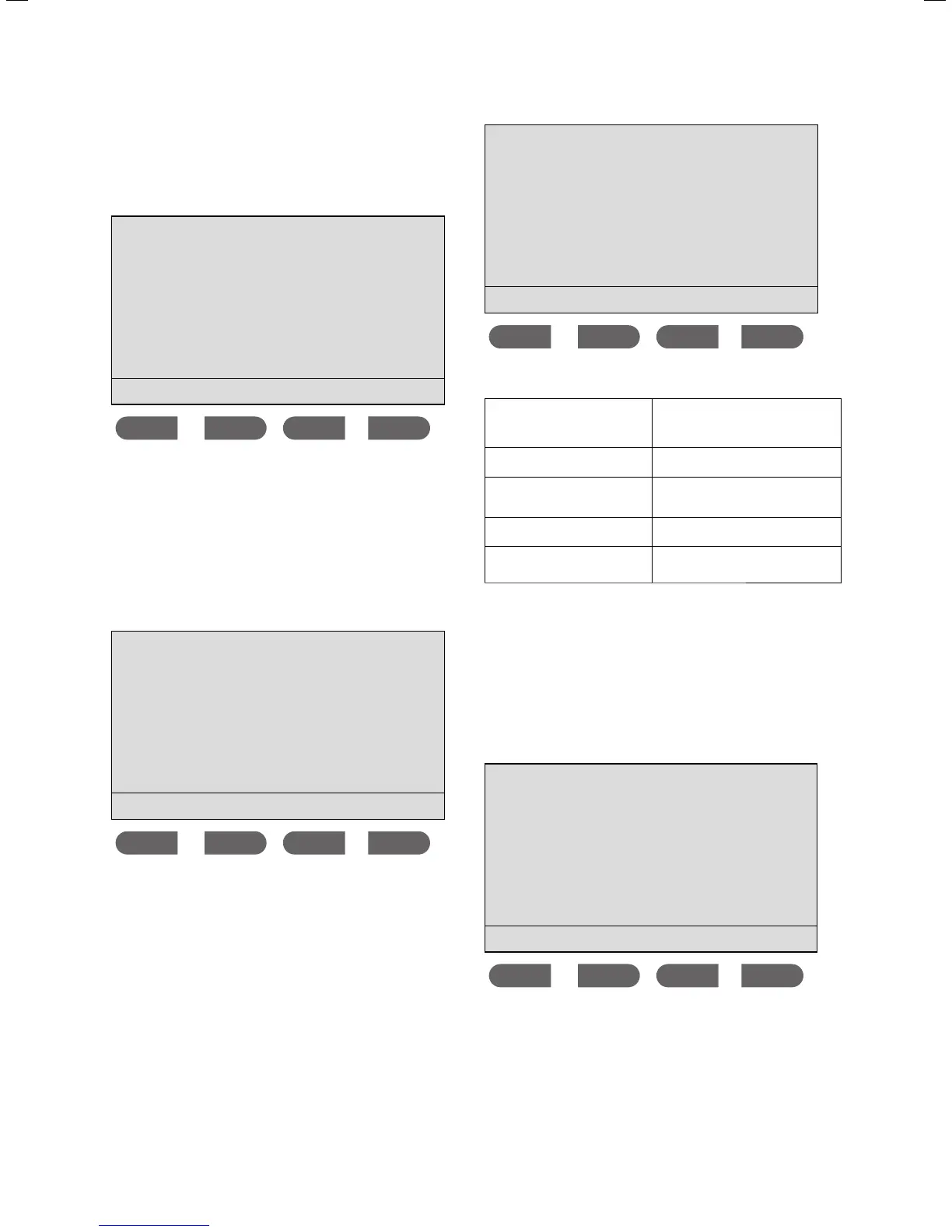
> Press and hold the
MEMO button for longer than
3 seconds to reach the installer menu.
Appliance data
Remote control
ok
Using this menu, you have access to the current and
cumulated
Appliance data.
5.3.2 Displaying unit parameters
You are in the installer menu. The cursor is next to the
Appliance data menu point.
> Press the
ok button.
Appliance data
current
cumulated
ok
The cursor is next to the current menu point.
> Press the
ok button.
Current appl. data
Inlet temp. 21 °C
Desired temp. 38 °C
Outlet temp.
---
Output 12.0 kW
Flow rate 8.0 l/min
ok
The following information is displayed:
Inlet temp.
The current temperature of the
drinking water, as measured at the
unit's cold water inlet.
Desired temperature
The target temperature set on the
unit for the hot water output.
Outlet temp.
The current temperature of the
hot water, as measured at the hot
water outlet.
Output
The unit's current output, meas-
ured in kilowatts.
Flow rate
The current flow rate, measured in
litres per minute.
Tab. 5.1 Current appliance data
> Press the button to return to the Appliance data
menu.
The cursor is next to the
current menu point.
> Press the
button.
The cursor is next to the
cumulated menu point.
> Press the
ok button. The cumulated appliance data
will be displayed.
Appl. data history
Operated time 548 h
Period of use 112 h
Energy 107 kW
Water 2538 Litres
ok
Starting up/decommissioning 5



 To Next Page