Operating instructions for the electronicVED plus electric instantaneous water heater 0020149585_00 13
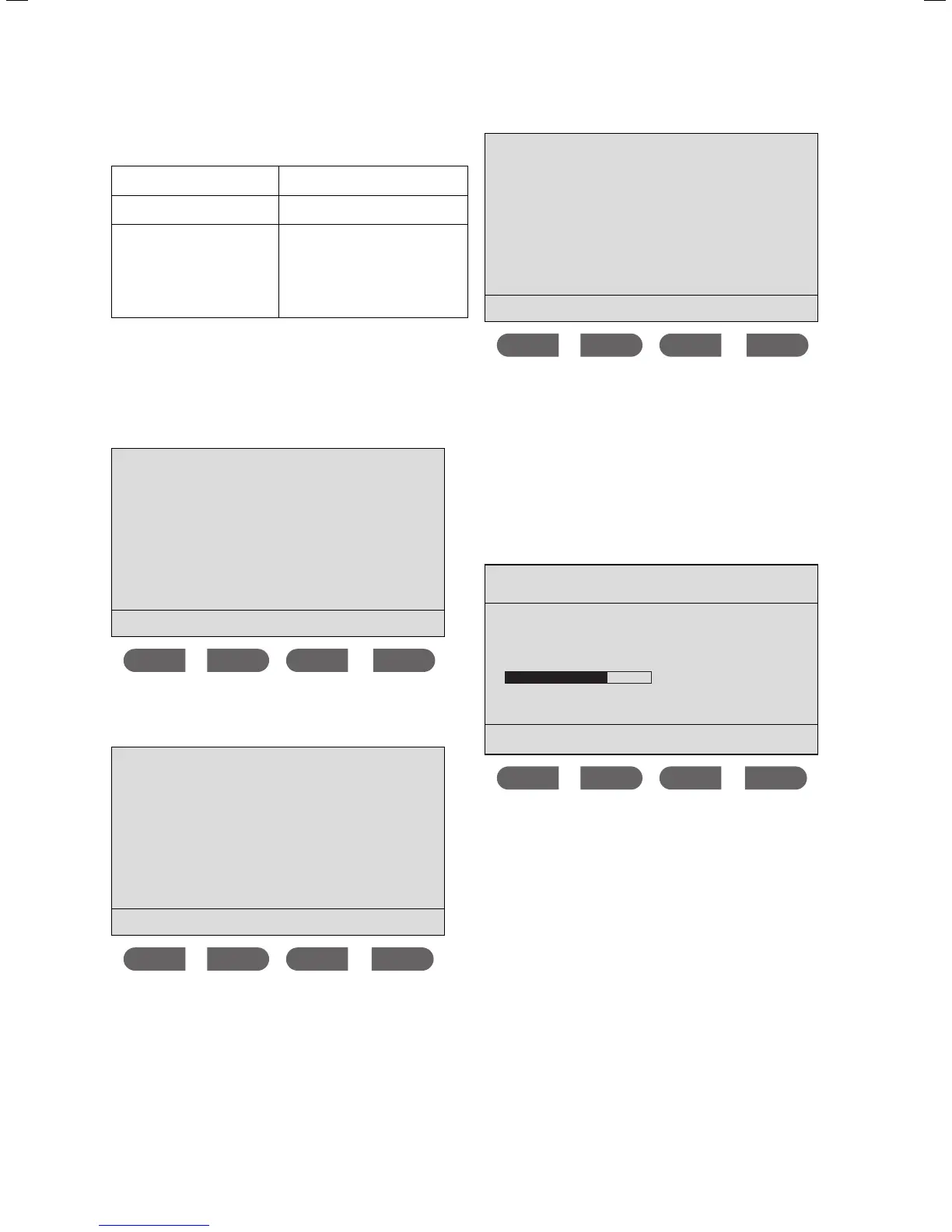
The following settings are possible:
on
The display lighting is perma-
nently on.
off
The display lighting is perma-
nently off.
automatic
When drawing hot water, the dis-
play lighting turns on. When oper-
ating the display, e.g. setting the
temperature, the display lighting
also turns on. If nothing is hap-
pening, the display lighting turns
off.
3.1.12 Activating the power display
> Press the
MEMO and eco buttons simultaneously to
reach the
Menu.
Menu
Display settings
Scald protection
Consumption
Select language
ok
The cursor is next to the Display settings menu point.
> Press the
ok button.
Display settings
Backlight
Output display
Volume flow display
ok
The cursor is next to the Backlight menu point.
> Press the
button.
The cursor is next to the Output display menu point.
> Press the
ok button.
Output display
is on
on
off
ok
> Press the or button to activate (on) or to deacti-
vate (
off) the power display.
> Confirm this change by pressing the
ok button.
i
If the power display is activated, the current
energy consumption will be displayed in kilo-
watts when drawing water.
Example:
max. 60 °C eco
41.0 °C
12.7 kW
- + MEMO eco
Function and operation 3



 To Next Page