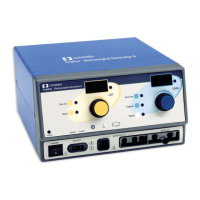
Controls
Description of Controls, Indicators,
and Receptacles
Force 2 Service Manual 3-3
Controls
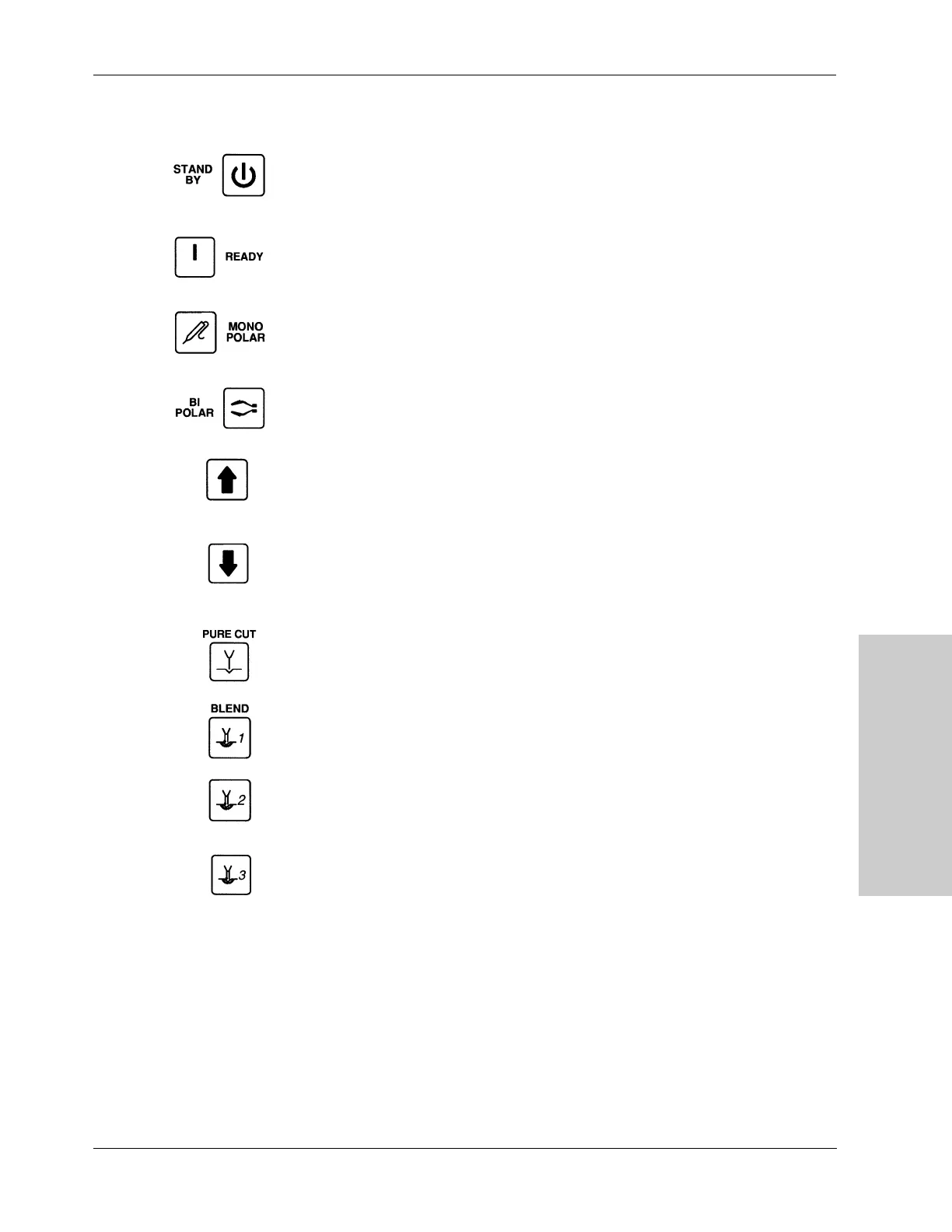
Standby – Press this button to place the electrosurgical generator in a hold
mode. You cannot activate the generator and all audio alarms are
silenced. The generator’s memory retains the power settings and the
display shows dashes.
Ready – Press this button to place the generator into service with power
outputs, displays, and alarms fully functional.
Monopolar – Press this button to select the monopolar footswitch control for
activating the Accessory receptacle.
Bipolar – Press this button to select the bipolar output when using the
monopolar footswitch.
Power Up –Press this button to increase power in the selected mode.
A single press of the button increases the power setting by one watt.
Continuously pressing the button gradually increases the power to
maximum.
Power Down – Press this button to decrease power in the selected mode.
A single press of the button lowers the power setting by one watt.
Continuously pressing the button gradually decreases the power to
minimum.
Pure Cut – Press this button to select cut with the lowest level of hemostasis.
Blend 1 – Press this button to select cut with minimum hemostasis.
Blend 2 – Press this button to select cut with moderate hemostasis.
Blend 3 – Press this button to select cut with maximum hemostasis.



 To Next Page