6. Configuration
6.1. Configuration menu
The configuration menu contains the following func-
tions:
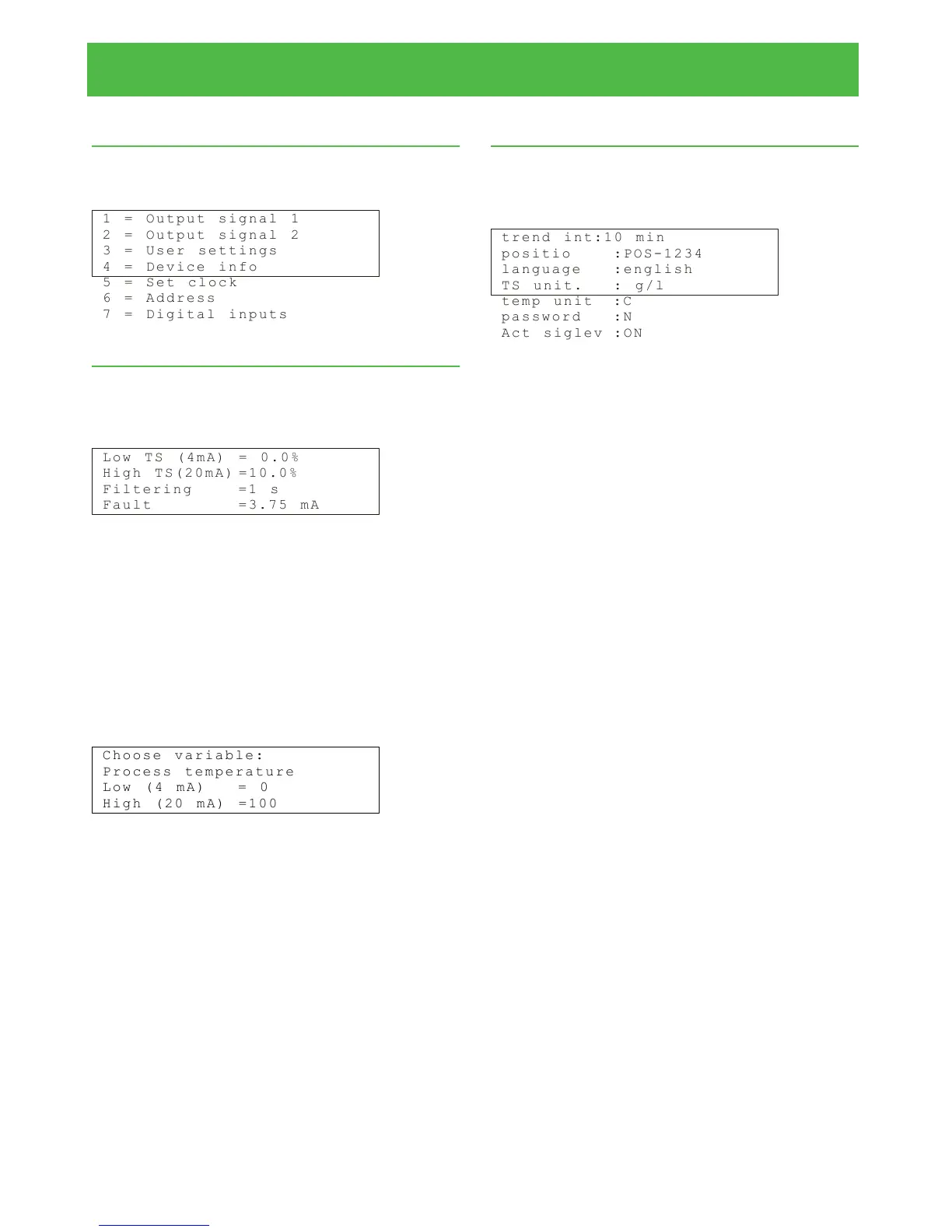
1 = O u t p u t s ig n a l 1
2 = O u t p u t s ig n a l 2
3 = U s e r s e t ti n g s
4 = D e v i c e i nf o
5 = S e t c l o c k
6 = A d d r e s s
7 = D i g i t a l i n p u t s
6.2. Choosing and scaling the output signal
In the main display, press ESC to access the Opera-
tions menu. Configure the total solids content output:
choose 1 and the following display will appear:
L o w T S ( 4 m A ) = 0. 0 %
H i g h T S ( 2 0m A ) = 1 0 . 0 %
F i l t e r i ng = 1 s
F a u l t = 3 . 7 5 m A
Press "Edit/Save" and enter values for the low and
high solids content. If necessary, you can also change
the filtering time and choose how the current output
behaves if the self diagnostics detects an error. The
alternatives are setting the current output to a fixed
value (either 3.75 mA or 22.5 mA), and freezing it to
the last value before the error situation.
If you wish to configure either process temperature
or process conductivity to current output 2, choose 2
and the following display will appear:
C h o o s e v a ri a b le :
P r o c e s s t em p e ra t u re
L o w ( 4 m A ) = 0
H i g h ( 2 0 m A ) =1 0 0
Press "Edit/Save". Select the variable with the
up/down arrow keys, and then enter the low and high
limits for the selected variable. Press "Edit/Save" to
save.
6.3. User settings
In the main display, press ESC to access the Opera-
tions menu. Choose "Configuration" -› "User settings"
to see the following display:
t r e n d i n t :1 0 m i n
p o s i t i o : P O S - 1 2 34
l a n g u a g e : e n g l i s h
T S u n i t . : g / l
t e m p u n i t : C
p a s s w o r d :N
A c t s i g l e v : O N
The display shows four lines at a time. Use the
up/down arrow keys to scroll the screen. Press
"Edit/Save", and you can then edit the following:
Trend int: Sampling interval of the trend table. Use the
up/down arrow keys to edit.
Position: Installation point of the sensor. In this field
you can type letters with the number keys. To get a
letter, press a button rapidly several times so that the
letters under that key run on the screen.
Language: Changing display language. Use the
up/down arrow keys to select from the list.
Temp unit: Temperature unit, °C / °F. Use the up/down
arrow keys to select from the list.
TS unit: Total solids content unit, TS% or g/l.
Password: Choose whether or not a password is re-
quired. Use the up/down arrow keys to select. If the
password is activated, the program will ask for a pass-
word when entering Edit mode and also before a calib-
ration sample can be taken. The password is 3121.
The default setting is that a password is not in use.
Act.siglev: ON/OFF. When this setting is ON, the
device will keep the signal level within a certain optim-
um range. This may be necessary if process conduct-
ivity varies a lot.
Installation & Owner's manual, OUL00489 V2.3 EN
21
Valmet Total Solids Transmitter


 To Next Page