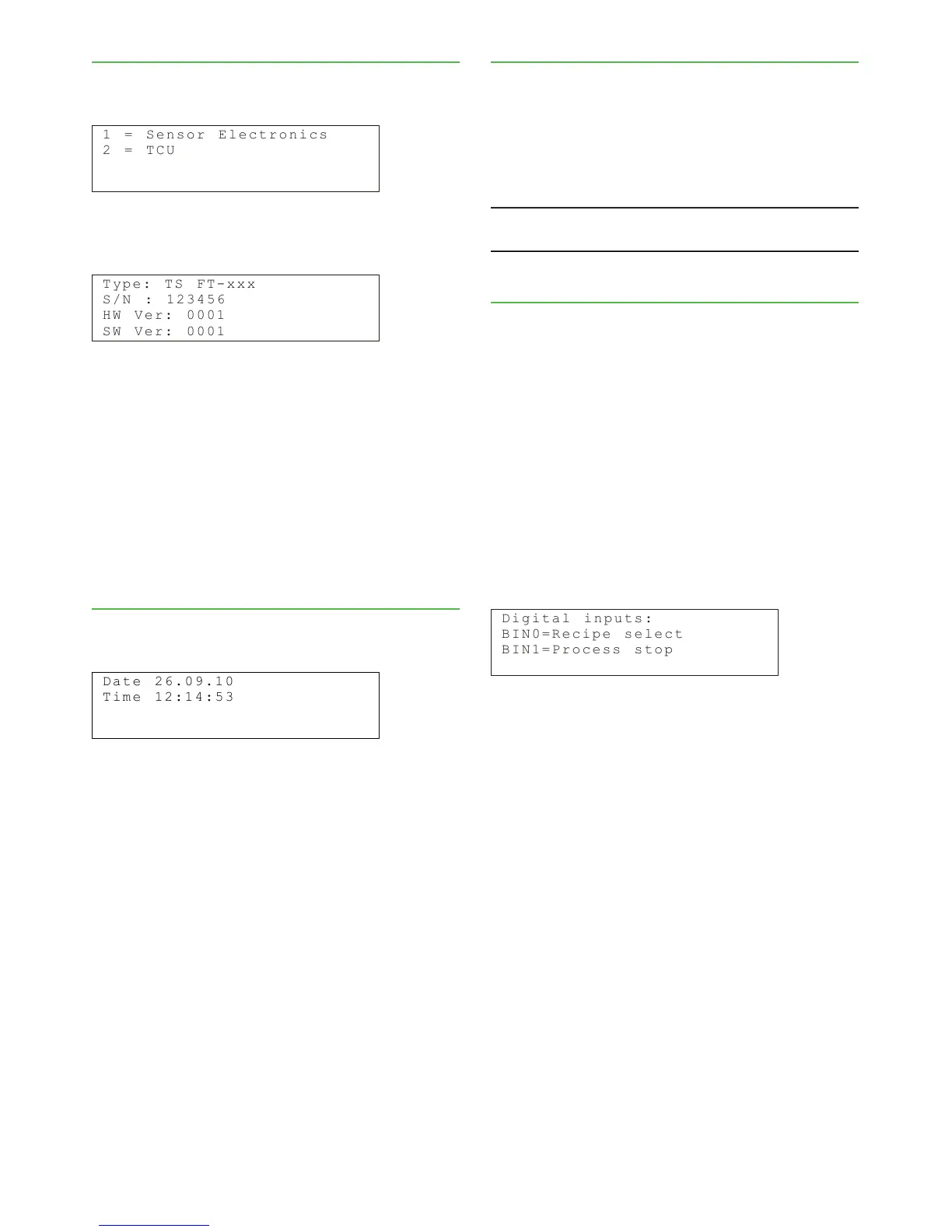
Type: Sensor type.
S/N: Serial number of sensor electronics.
HW Ver: Sensor electronics version number.
SW Ver: Version number of sensor electronics soft-
ware.
To see the corresponding information on the TCU,
choose 2=TCU.
6.5. Setting date & time
Choose "Configuration" -› "Set clock" to see the follow-
ing display:
The date and time set in this menu will be used in
the trend table and as the time stamp for calibration
samples. The status line in the main display reads "Set
clock" until the time has been set in this menu. Use the
"Edit/Save" button to edit and save the time setting.
6.6. Address
HART(R) address of the device. Acceptable values are
from 0 to 15. Default value is 0 (zero), i.e. normal install-
ation with a single transmitter, analog output signal (4
- 20 mA) is active.
Values 1 - 15 define a fixed 4 mA current output and
all communication with the device is performed over
the digital HART protocol.
WARNING: Do not set values 1 - 15 if the 4 - 20 mA analog
output signal is needed! Profibus PA address, 0 - 126.
6.7. Digital inputs
BIN0: For recipe selection (in remote recipe selection
mode).
BIN1: Selectable. Recipe select / Process stop.
• If "BIN1" is used for recipe selection, all four recipes
can be activated through input signals.
• If Process stop is selected and "BIN1" is active, the
process is running. When "BIN1" becomes inactive
the process stop will be active and current output
goes to the selected fault signal state (3.7 mA, 22.5
mA or Freeze). TCU status will be PROCESS STOP
in main display.
If "BIN1" is used for process stop information only
two recipes (recipe 1 and recipe 2) can be activated
through input signals.


 To Next Page