9.4. Recipes
The recipe function may be needed in special applica-
tions where the measuring conditions vary so much
that they cannot be covered with just one calibration.
These changes may be for example
– large changes in total solids content that go outside
the measuring range of the device (±9…±15%, de-
pending on sensor type),
– a change in the measured material, when the total
solids content sensitivity of the materials is very dif-
ferent, or
– a large chemical change (e.g. different chemical
type) that cannot be covered by chemical compens-
ation.
In such cases the device is calibrated and configured
separately for each different set of process conditions,
and these are then saved as separate recipes. Each
recipe can have its own total solids content calibration,
chemical compensation, temperature compensation
correction, sensitivity correction, and current output
scaling.
Up to four recipes can be stored in the device. If the
recipes are in use, the status line of the Valmet TS
main display will show the recipe name instead of the
usual "OK".
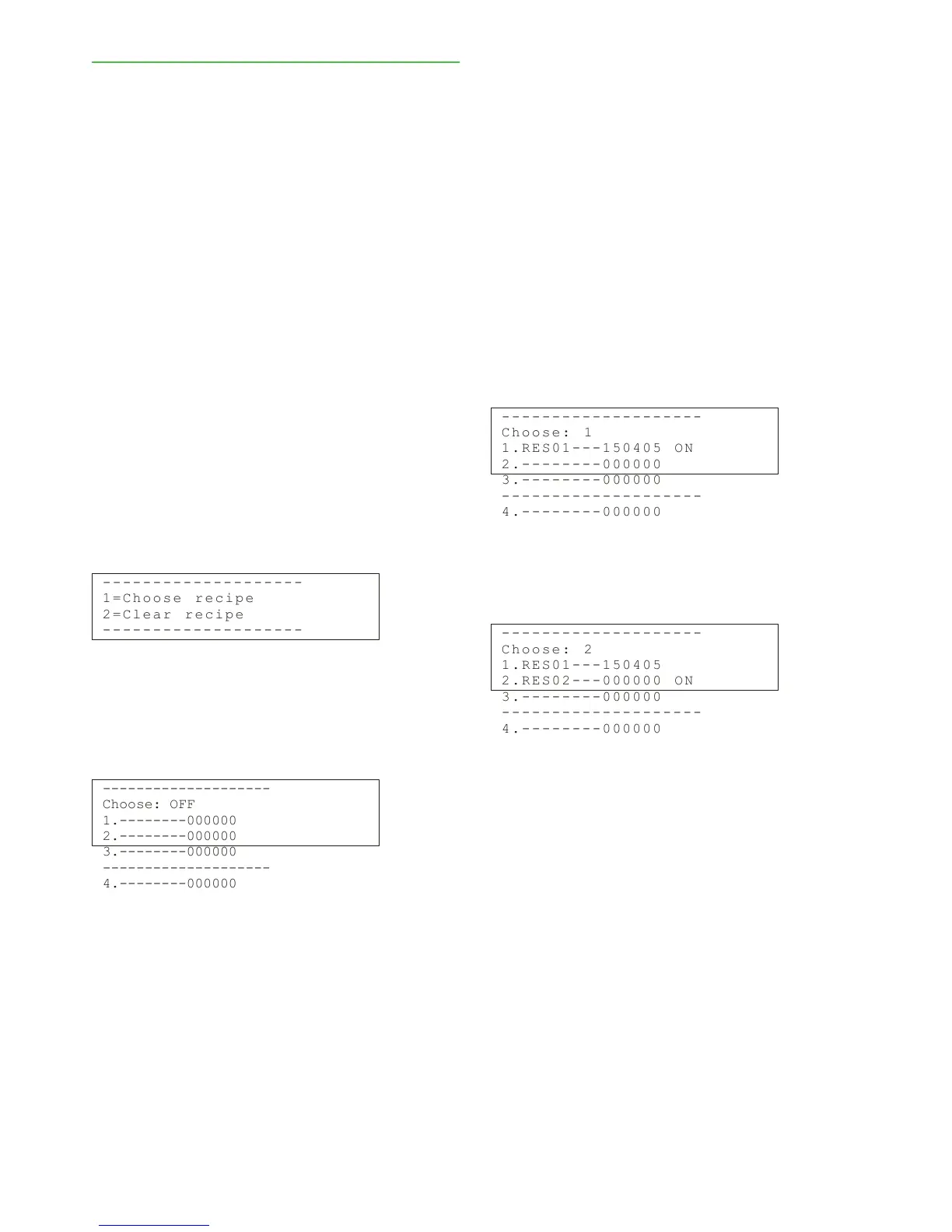
Choose "Special functions" -› "Recipes" to see the
following display:
- - - - - - - -- - - -- - - -- - - -
1 = C h o o s e re c i pe
2 = C l e a r r ec i p e
- - - - - - - -- - - -- - - -- - - -
Using the recipes
Select recipes either manually from the TCU keypad,
or automatically with the binary controls connected to
the TCU. Press "Recipes" -› "Choose recipe", and the
following display will appear:
--------------------
Choose: OFF
1.--------000000
2.--------000000
3.--------000000
--------------------
4.--------000000
Press "Edit/Save", and the cursor will appear in the
field "Choose" on the first line. Use the up/down arrow
keys to choose the recipe number (1, 2, 3 or 4) or the
"Binary" selection. When "Binary" is selected, recipe is
set by the TCU binary inputs Bin0 and Bin1 (see below,
Recipe selection with binary inputs).
You can name the recipe as follows: move the
cursor to the recipe with the "Enter" key, and then write
the recipe name. Use the number keys to scroll the
letters under each key. If the recipe is not named by
the user, the program will use default names (RES01,
etc). Save the recipe selection and names with the
"Edit/Save" key.
The date after a recipe name (ddmmyy) indicates
when the calibration was last changed. The text "ON"
after the date indicates which recipe is in use at the
moment.
- - - - - - - -- - - -- - - -- - - -
C h o o s e : 1
1 . R E S 0 1 -- - 1 50 4 0 5 ON
2 . - - - - - -- - 0 00 0 0 0
3 . - - - - - -- - 0 00 0 0 0
- - - - - - - -- - - -- - - -- - - -
4 . - - - - - -- - 0 00 0 0 0
When process conditions change so much that a
new recipe is needed, choose the next recipe as instruc-
ted above, either manually or with the binary inputs.
- - - - - - - -- - - -- - - -- - - -
C h o o s e : 2
1 . R E S 0 1 -- - 1 50 4 0 5
2 . R E S 0 2 -- - 0 00 0 0 0 ON
3 . - - - - - -- - 0 00 0 0 0
- - - - - - - -- - - -- - - -- - - -
4 . - - - - - -- - 0 00 0 0 0
The software will store the calibration of the previous
recipe for the next one. If the date is shown as 000000,
this means that the recipe in question has not been
cali-brated with an own sample. Calibrate the recipe
with a new sample as instructed in chapter 7, and the
calibration date will then appear in the display.
If necessary, scale the current output as instructed
in section 6.1 and also configure the special functions
as instructed in chapter 9. Configure recipes 3 and 4
in the same way.
Installation & Owner's manual, OUL00489 V2.3 EN
31
Valmet Total Solids Transmitter



 To Next Page