VAMP 260 Power monitoring unit
Operation and configuration
VAMP Ltd
30
Vamp 24h support phone : +358 (0)20 753 3264
VM260.EN004
6. PC software
6.1. PC user interface
The PC interface is intended to be used for onsite parameter-
ization of the unit, for reading measured values to a computer
or loading unit software from a computer.
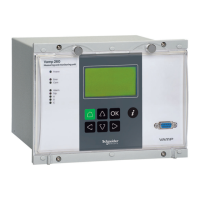
Two RS 232 serial ports are available for the connection of a
local PC, one on the front panel and one on the rear panel of
the unit. The serial ports are connected in parallel. However, if
both ports are fitted with a connection cable, only the port on
the front panel will be active. To connect a PC to a serial port,
use a connection cable of type VX 003-3.
6.1.1. Using the VAMPSET program
See separate user’s manual for the VAMPSET software,
VMV.EN0xx. If the VAMPSET software is not available, please
download it from our web site at www.vamp.fi.
6.2. Remote control connection
The monitoring unit communicates with higher-level systems,
e.g. network control systems, via the serial port (REMOTE) on
the rear panel of the unit.
ModBus, SPA_Bus, IEC 60870-5-103, ProfiBus or ModBus TCP
can be used as REMOTE communication protocols (see details
in Chapter 2.5.2 in technical description).
Additional operation instructions for various bus types are to
be found in their respective manual.


 To Next Page