Technical description 5 Control functions 5.6 Controllable ob
ects
VM50.EN004 VAMP 24h support phone +358 (0)20 753 3264
157
Object states
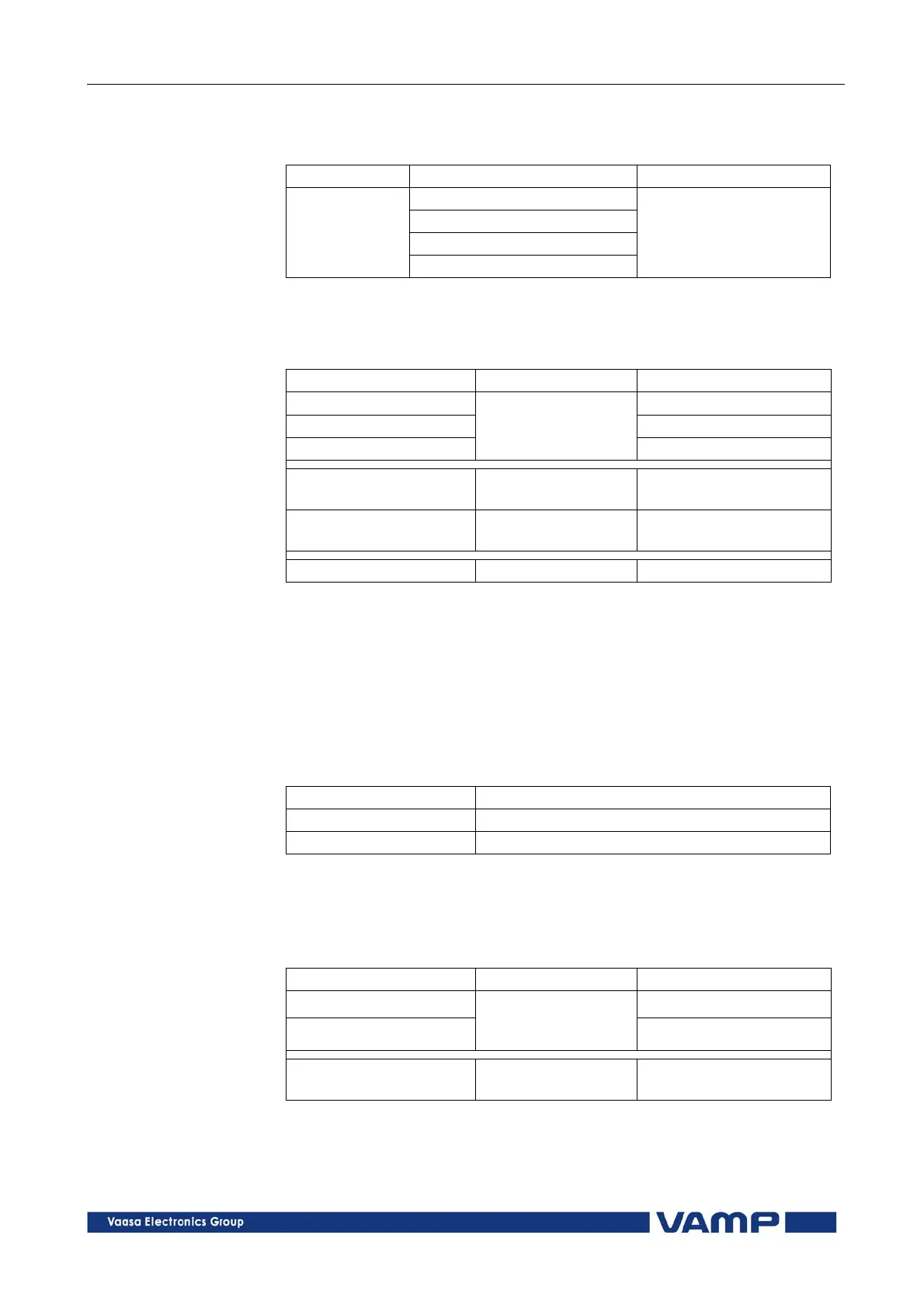
Each object has the following states:
Setting Value Description
Undefined (00)
Open
Close
Object state
Undefined (11)
Actual state of the
object
Basic settings for controllable objects
Each controllable object has the following settings:
Setting Value Description
DI for ‘obj open’ Open information
DI for ‘obj close’ Close information
DI for ‘obj ready’
None, any digital
input, virtual input
or virtual output
Ready information
Max ctrl pulse length
0.02 … 600 s
Pulse length for open
and close commands
Completion timeout
0.02 … 600 s
Timeout of ready
indication
Object control Open/Close Direct object control
If changing states takes longer than the time defined by “Max
ctrl pulse length” setting, object fails and “Object failure”
matrix signal is set. Also undefined-event is generated.
“Completion timeout” is only used for the ready indication. If
“DI for ‘obj ready’” is not set, completion timeout has no
meaning.
Output signals of controllable objects
Each controllable object has 2 control signals in matrix:
Output signal Description
Object x Open Open control signal for the object
Object x Close Close control signal for the object
These signals send control pulse when an object is controlled by
digital input, remote bus, auto-reclose etc.
Settings for read-only objects
Each read-only object has the following settings:
Setting Value Description
DI for ‘obj open’ Open information
DI for ‘obj close’
None, any digital
input, virtual input
or virtual output
Close information
Object timeout
0.02 … 600 s
Timeout for state
changes
If changing states takes longer than the time defined by “Object
timeout” setting, object fails and “Object failure” matrix signal
is set. Also undefined-event is generated.



 To Next Page