5.6 Controllable objects 5 Control functions Technical description
158
VAMP 24h support phone +358 (0)20 753 3264 VM50.EN004
Controlling with DI
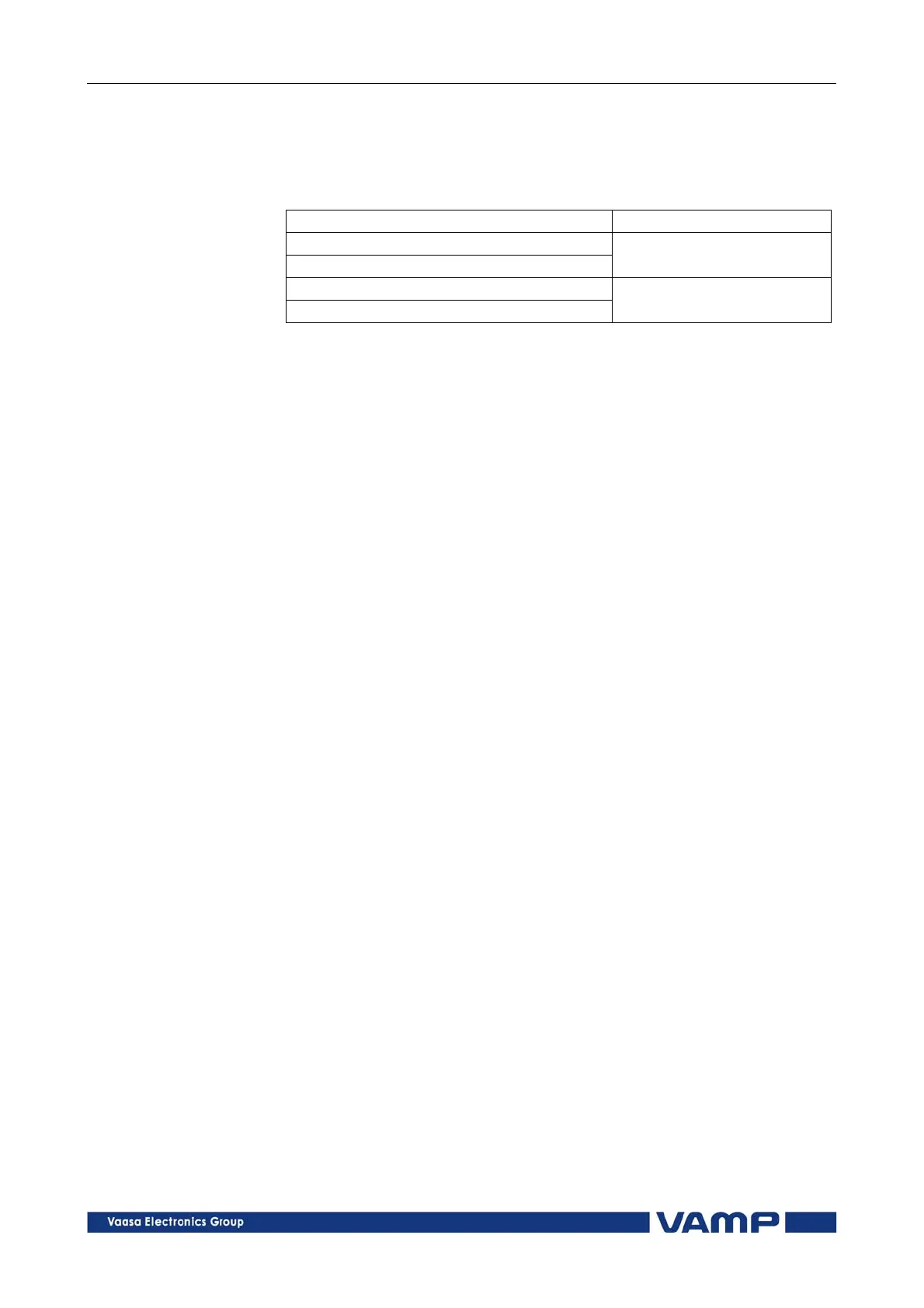
Objects can be controlled with digital input, virtual input or
virtual output. There are four settings for each controllable
object:
Setting Active
DI for remote open control
DI for remote close control
In remote state
DI for local open control
DI for local close control
In local state
If the device is in local control state, the remote control inputs
are ignored and vice versa. Object is controlled when a rising
edge is detected from the selected input. Length of digital input
pulse should be at least 60 ms.
5.6.1. Local/Remote selection
In Local mode, the output relays can be controlled via a local
HMI, but they cannot be controlled via a remote serial
communication interface.
In Remote mode, the output relays cannot be controlled via a
local HMI, but they can be controlled via a remote serial
communication interface.
The selection of the Local/Remote mode is done by using a local
HMI, or via one selectable digital input. The digital input is
normally used to change a whole station to a local or remote
mode. The selection of the L/R digital input is done in the
“Objects” menu of the VAMPSET software.
NOTE! A password is not required for a remote control operation.



 To Next Page