General Description
General information
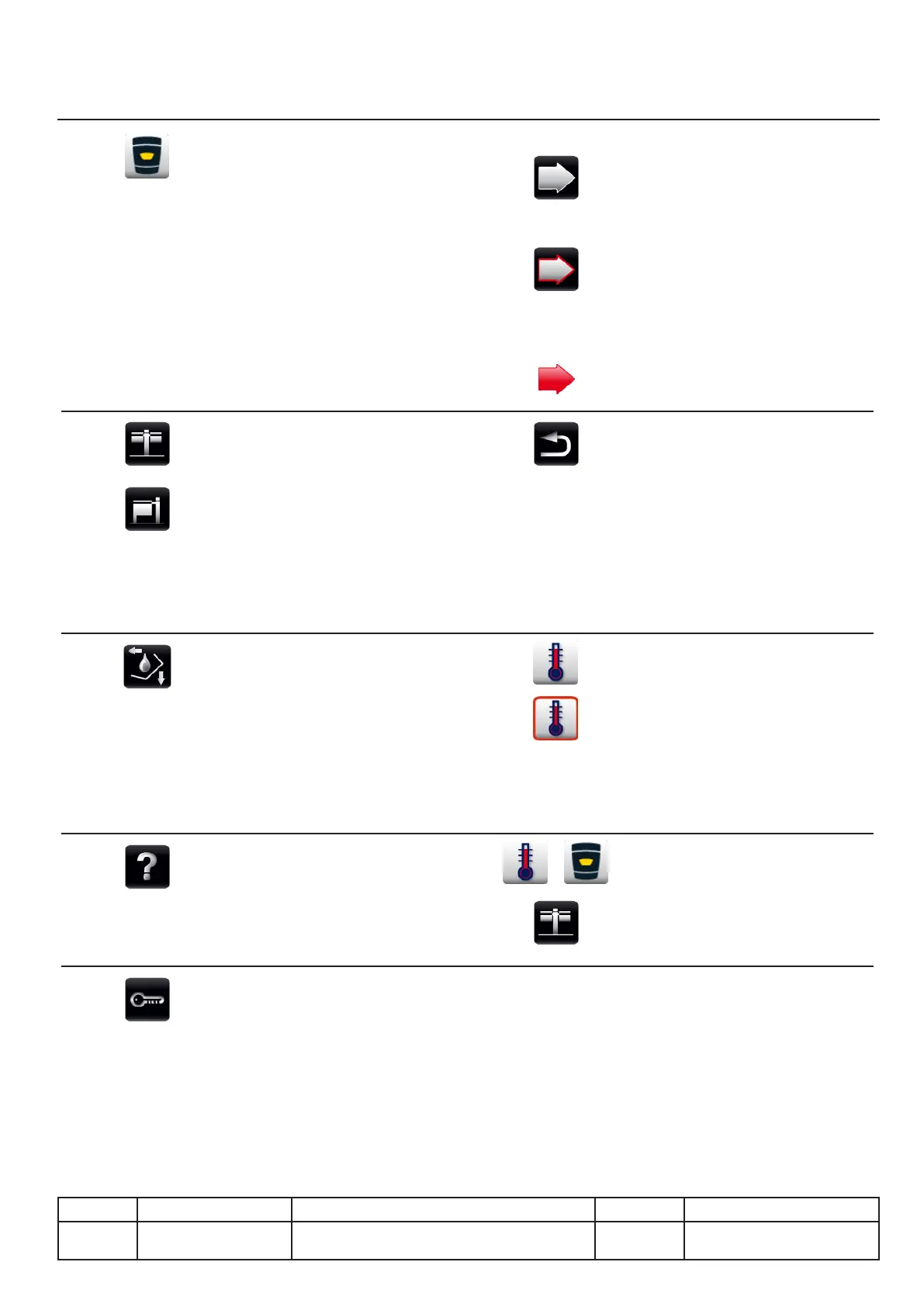
Return to main menu button. By
long press (> 2 seconds)
112 and 112T only:
Pan selection button.
Button indicates by its red
coloured edge that the side
concerned is operating but not
selected!
Arrow indicating by its red
colour that the selected side is
in operation.
MyVCC
This button gives you access
to your VarioCooking Center
©
personalisation settings. The
coloured representation of the
technical box indicates that the
appliance is in a special mode
(demo, dummy, etc.).
Back arrow
To return to the previous menu.
Function key
Access to the controls for parts of
the appliance. Tipping pan, lling
with water, drain pan, power to
the ceramic hob.
Flashing
A red frame ashing around a
button tells you that its settings
are being modied.
The change is vacoverated
automatically after 4 seconds
or by pressing the dial on the
control panel.
Help
Access to the built-in help. The
user manual and the implemen-
tation manual are available.
Long press:
On some keys there is a long
press (> 2 sec.) This allows you
to access another feature.
Button for unlocking the screen.
(Press > 2 sec.)
To lock the screen long-press
the MyVCC button.
III.03
v03 • July-2016 • Hen
User mode Module
Line Appliances Serial number (starting from) Sw Revision
VDC VCCM
VCCWE
All



 To Next Page