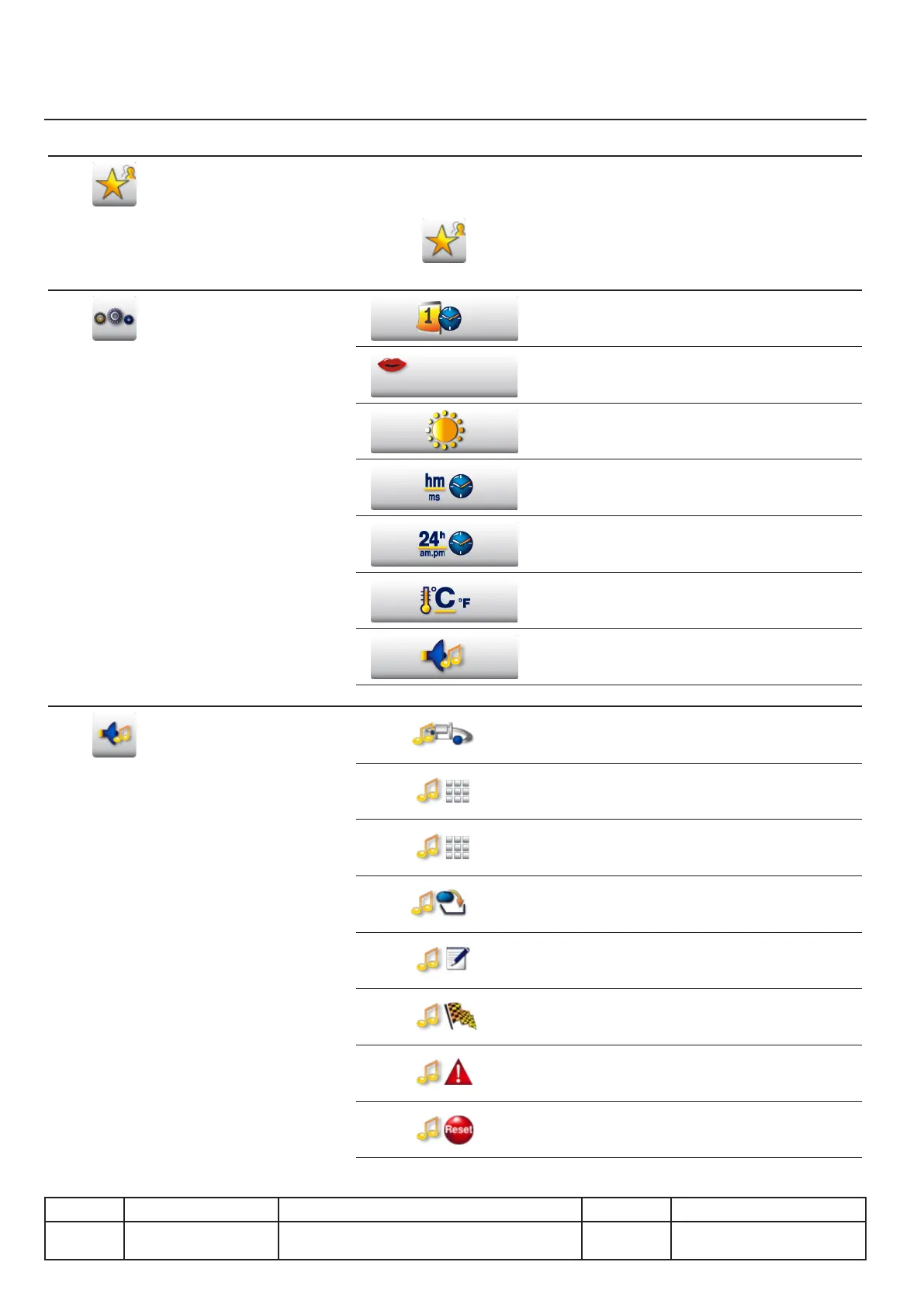
Menu description
My VCC menu
Key Function Key Function
Favorite
Display functions dened als favorite
This key located next to each function allows
marking it as favorite
Parameters
Setting the current date and time
Setting the user language
Adjusting the brightness of the screen
Setting the time format. Hour:Minutes or
Minutes:Seconds
Setting the time format. 24 hr or am/pm
Setting the temperature unit.
Celsius or Fahrenheit
Setting the system sounds
Sounds
Adjusting the master volume
Enable or disable the Key tone
Volume of key tone
Setting the melody, loudness and duration
when an action is required by the user
Setting the melody, loudness and duration for
the end of step of a cooking program
Setting the melody, loudness, duration for the
end of the cooking time
Setting the melody and volume when interrup-
tion of a process
Reset all volume settings
III.04
v03 • July-2016 • Hen
User mode Module
Line Appliances Serial number (starting from) Sw Revision
VCCM
VCCWE
All 01-01-01



 To Next Page