Description of the Service Mode
Diagnosis, service message history
Description
Display in sequential order of the last 15 service messages that have occurred on the unit.
Messages cannot be deleted. The history is only lost if the Main Board A2 and the SD card are
swapped out at the same time.
The detail button gives the status of the unit at the time the service message appeared.
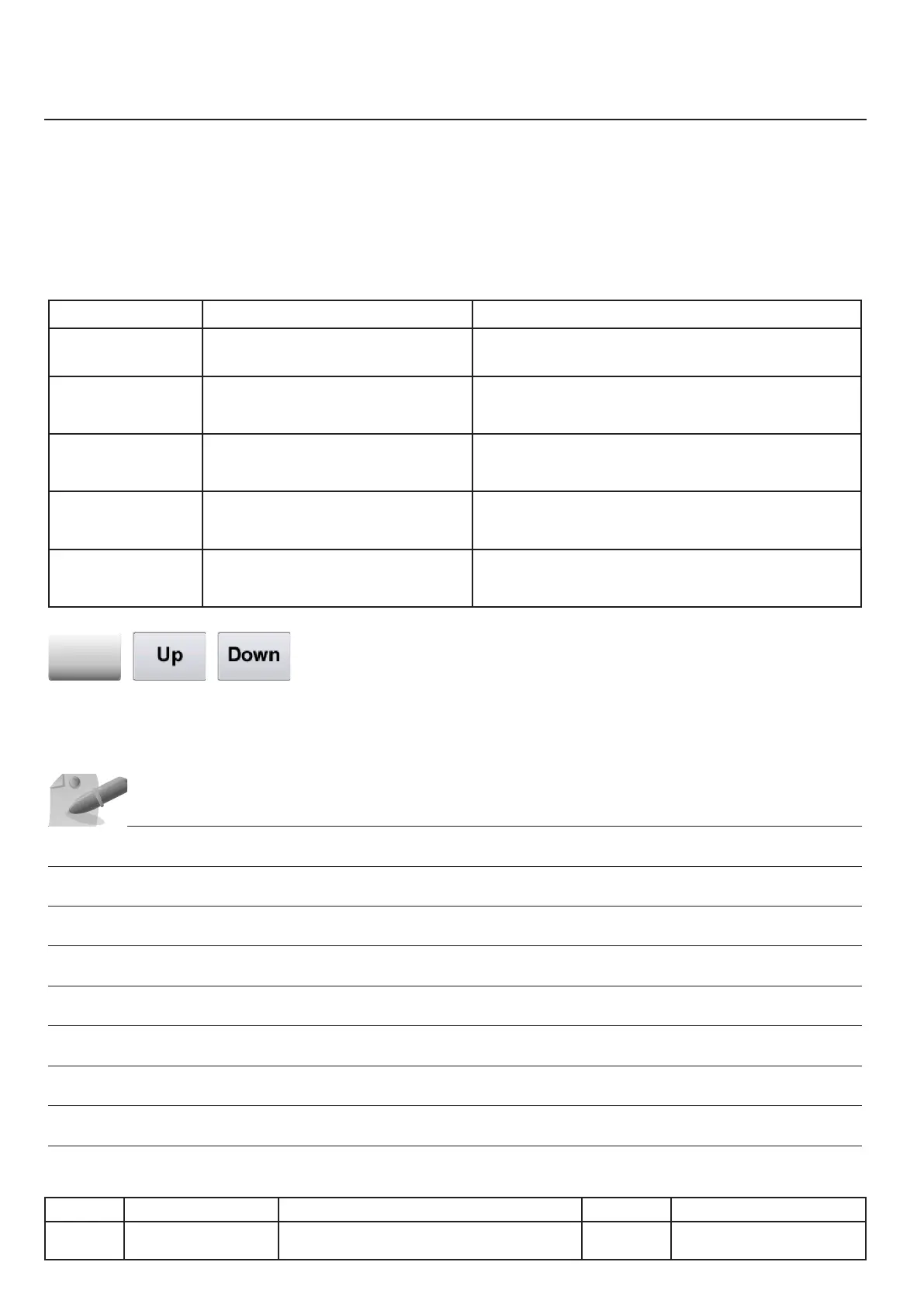
Columns displayed
Name Explanation Details
Sequential number
Service
Message number See the service messages chapter for more details
First
occurrence
Date of the rst appearance of the
service message
Counter
Number of occurrences of that mes-
sage
Last
Occurrence
Date of the last appearance of the
service message
Details
, ,
By selecting a line by pressing on it or by pressing either the Up button or Down button you can ac-
cess the details of the corresponding service message.
IV.14
v03 • July-2016 • Hen
Service Mode Module
Line Units Serial number (starting from) Sw Revision
VCCM
VCCWE
All ExxXH1009xxxxxxx 01-00-08



 To Next Page