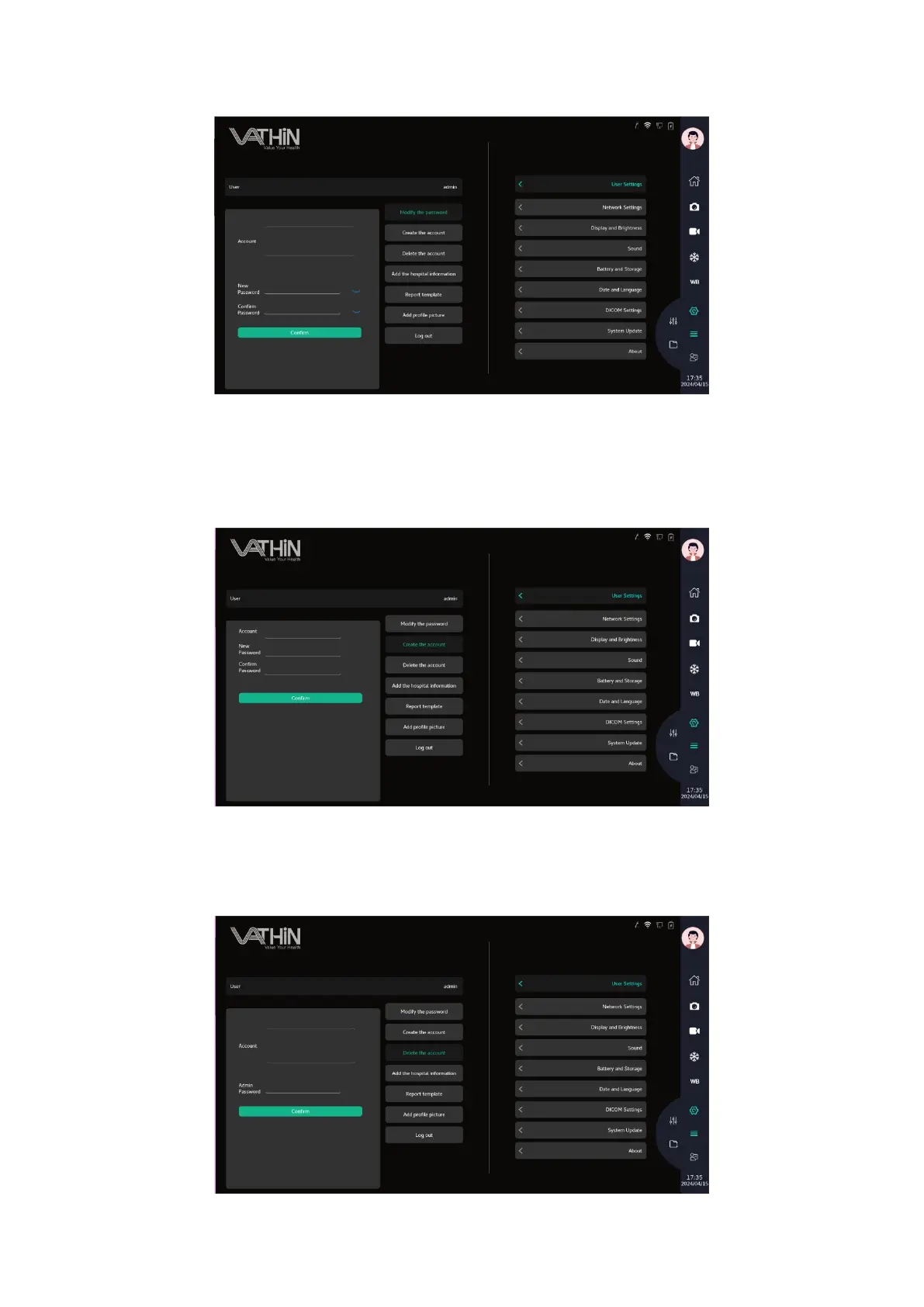
6.6.1.2 Create a user account
In the administrator account, select the account that needs to be modified, enter the new password,
confirm the new password, and click confirm to complete the password modification.
6.6.1.3 Delete a user account
In the administrator account, After selecting the account that needs to be deleted, enter the
administrator password and click confirm to complete the deletion of the user account.



 To Next Page