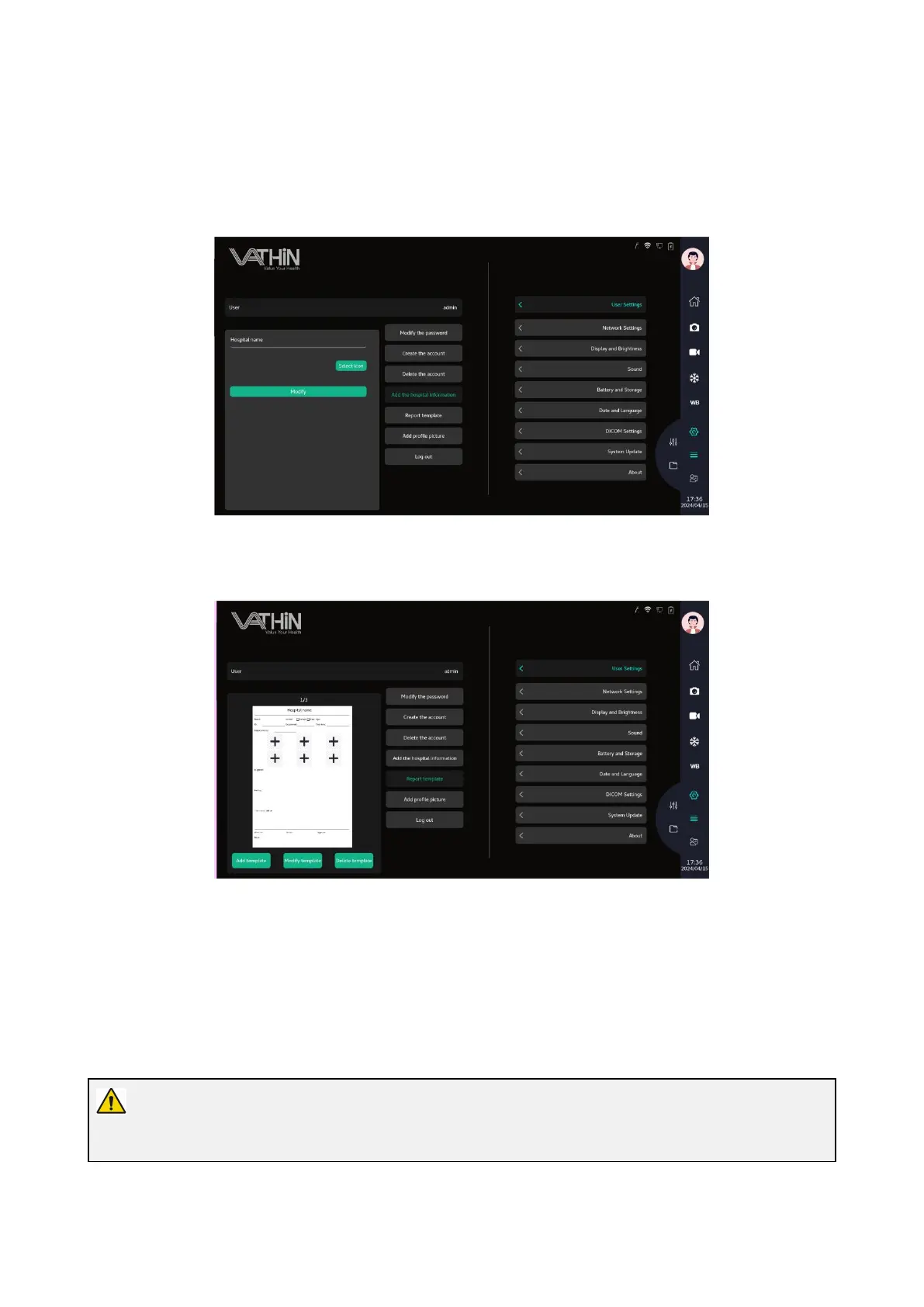
6.6.1.4 Add hospital information
In the user settings interface, modify the hospital name and icon, and click on modify to save the
setting.
6.6.1.5 Report template
In the report template window, you can add, modify, and delete reports
6.6.1.6 Add avatar
Click the add avatar button to select the avatar icon and modify the current user's avatar
6.6.1.7 Log out
Click the logout button to exit the current account and return to the login interface
6.6.2.
Network Settings
Warning
It is prohibited to connect to unsafe WIFI access nodes, and it is prohibited to access public WIFI.



 To Next Page