Caution
Turn on the operating system firewall function of the workstation computer.
When connecting to a network, make sure that the device is connected to a private Local Area
Network and that the private network is secure. Reliability of the network needs to be confirmed
when network settings are updated. An unreliable network will cause a certain risk of data loss or
function failure of the device.
For related warnings and information about Wi-Fi please refer to Appendix 3. Information About
Wi-Fi.
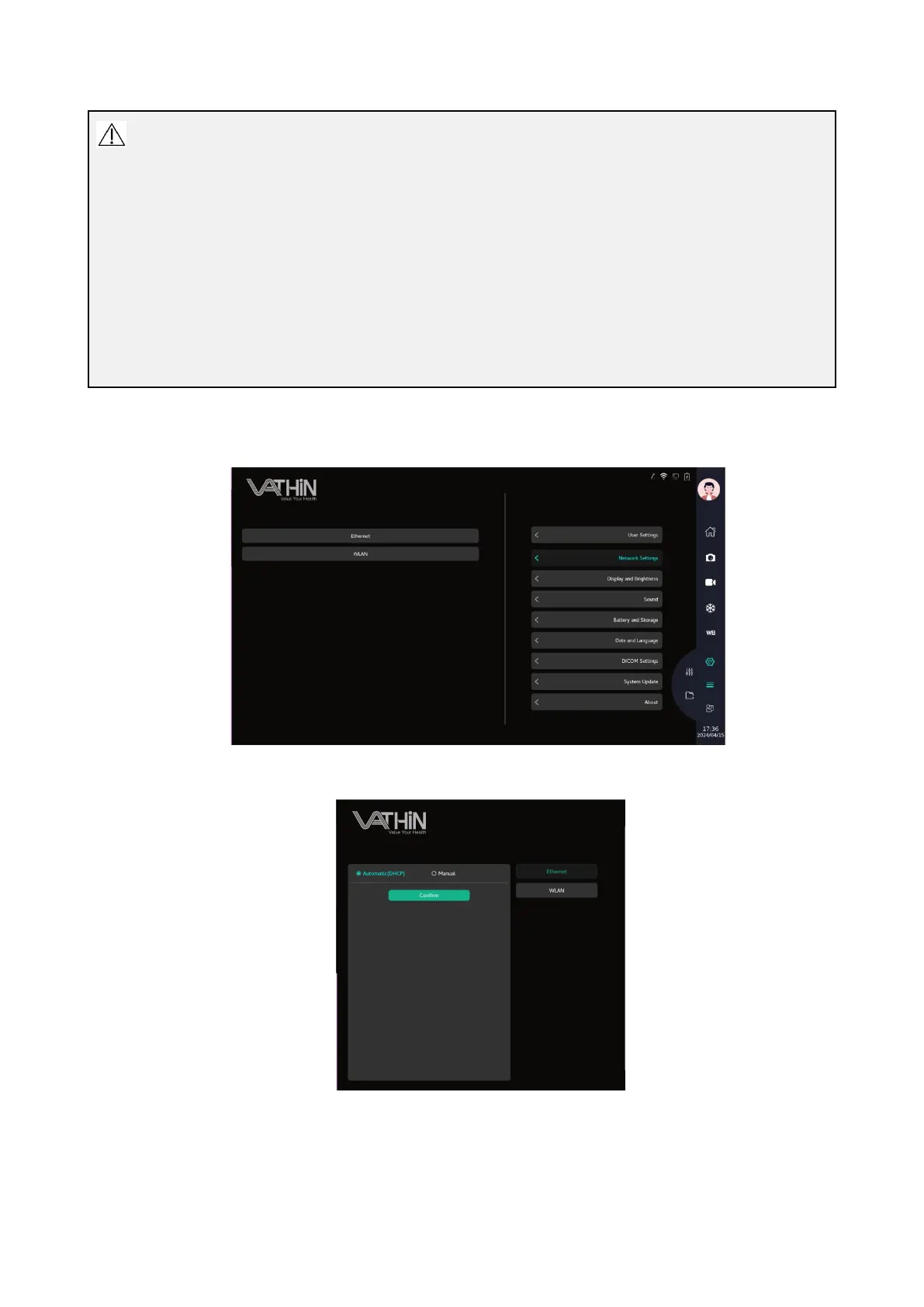
Under the system settings interface, click the network settings option to enter the network settings
interface, where you can connect to wired and wireless networks.
When connecting to a wired network, plug the network cable into the RJ45 interface, select IPv4
automatic acquisition, or manually set the IP to connect to the wired network.



 To Next Page