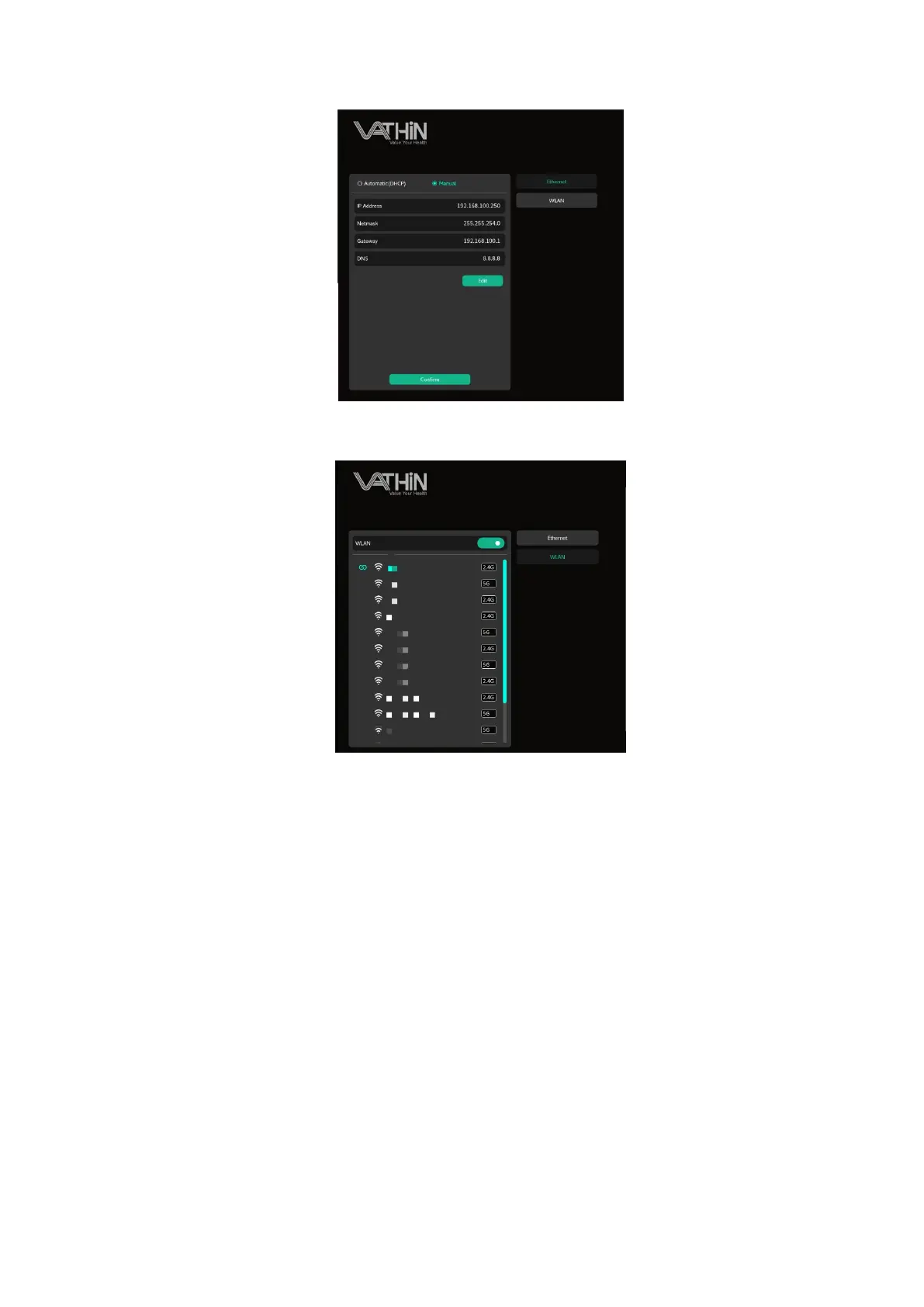
When connecting to a wireless network, start scanning the network, select the corresponding wireless
network, and enter a password to connect to the network.
6.6.3. Display and brightness
Under the system settings interface, click on the display and brightness options to enter the display
and brightness settings interface.
Drag the slider to adjust the screen backlight brightness; Select a video mask type and adjust the
image mask



 To Next Page