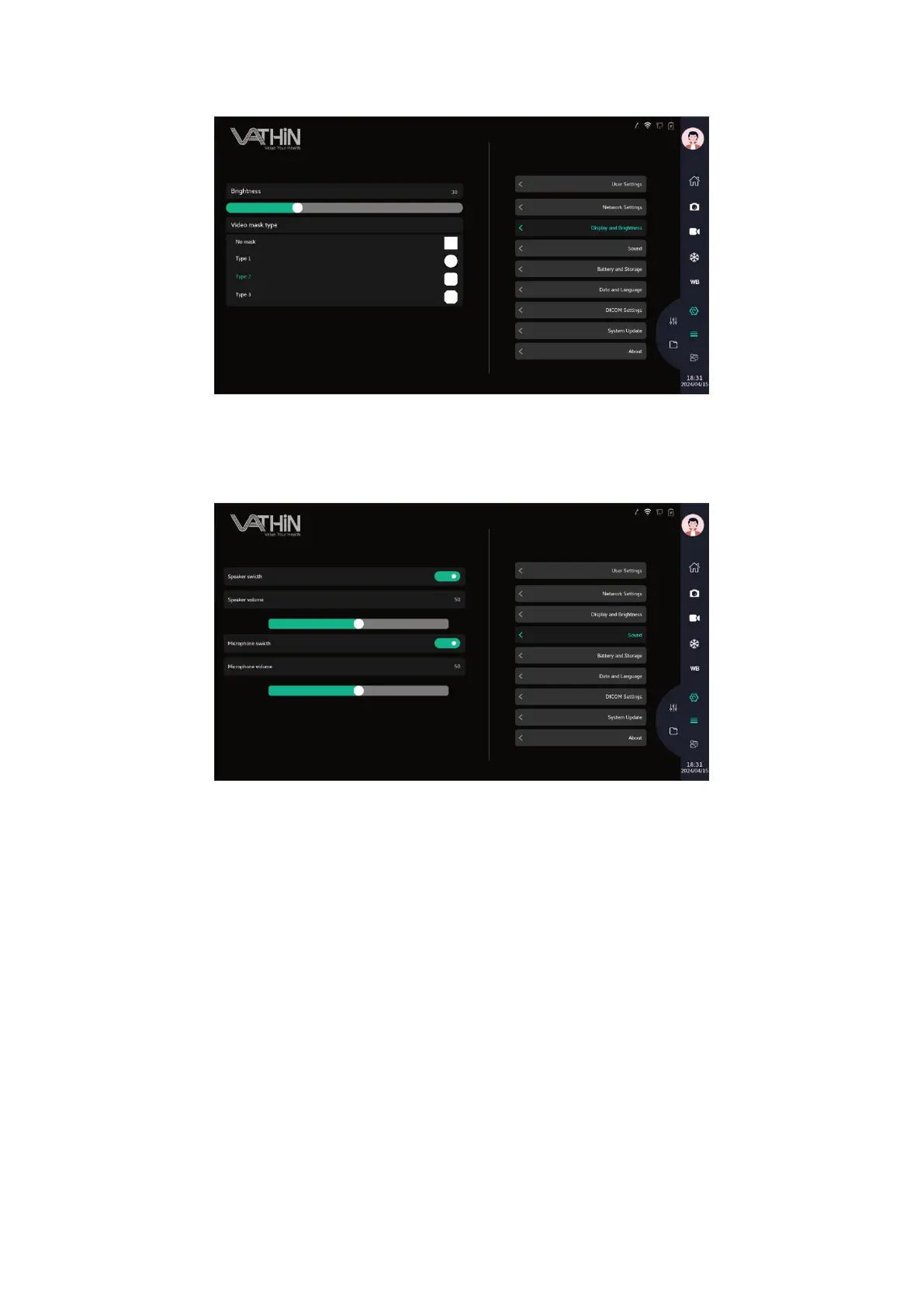
6.6.4. Volume
Under the system settings interface, click on the sound settings option to enter the sound settings
interface, where you can set the speaker and microphone
6.6.5. Battery and storage
Under the system settings interface, click on the battery and storage settings option to enter the
battery and storage settings interface, where you can view the current device's battery and storage
information
Battery: displays the percentage of battery charge;
Voltage: Display the current voltage of the battery;
Temperature: Display the current battery temperature;
Remaining storage size: The remaining storage size of the device;
Total storage size: The total storage size of the device;
Remaining storage size of USB flash drive: The remaining storage size of USB flash drive. If no
USB flash drive is inserted, it shows that no USB device has been found.



 To Next Page