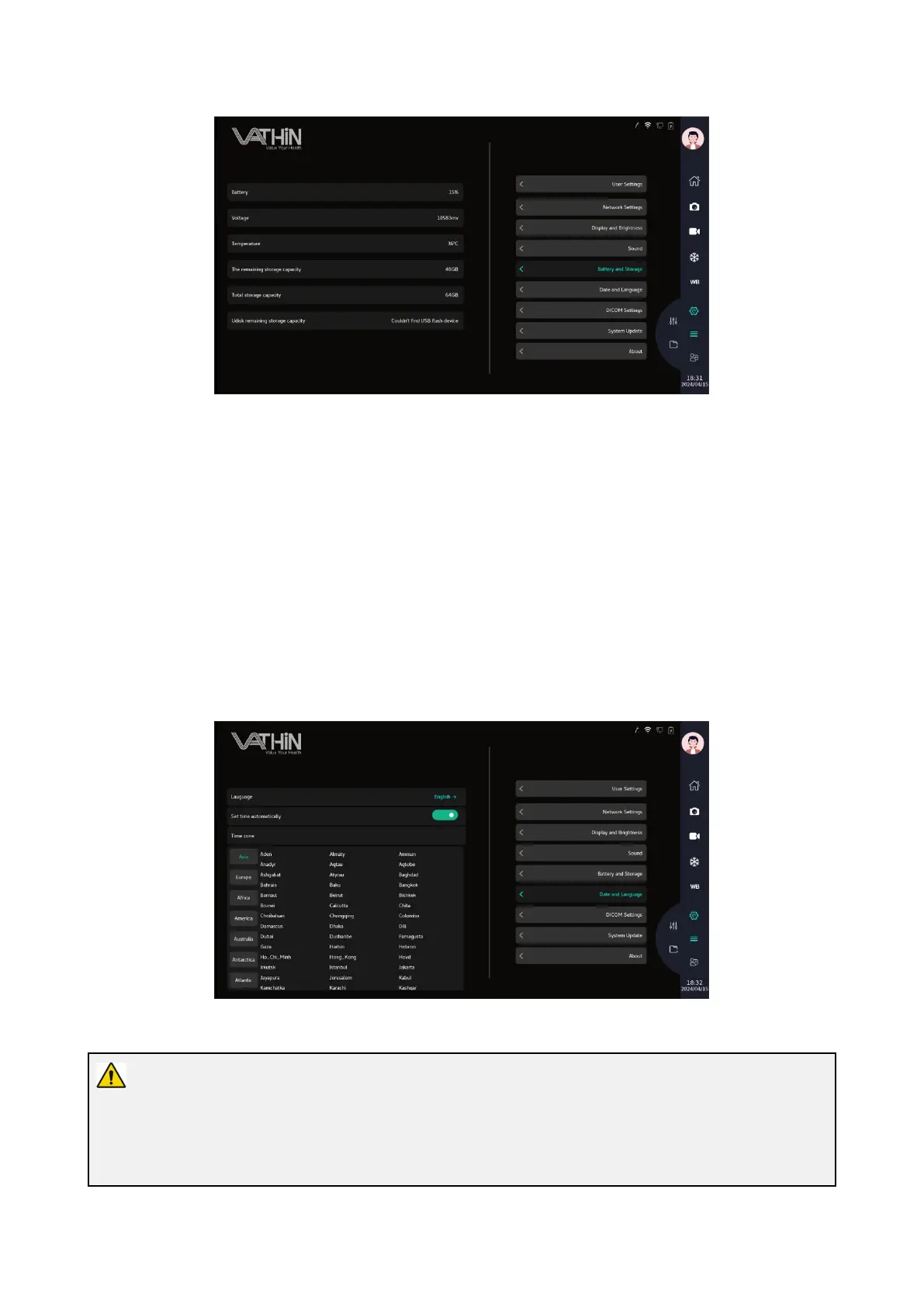
6.6.6. Time zone and language
Under the system settings interface, click on the Time Zone and Language Settings option to enter the
Time Zone and Language Settings interface. You can select the current system language, system
time, and time zone information
Language: After clicking, you can select the system language. After clicking on the corresponding
language, the system switches to the corresponding language;
Automatic synchronization time: The automatic synchronization time function can be turned on/off. If
the synchronization time function is activated, it will access the synchronization time service for time
synchronization; If the synchronization time function is turned off, the current time can be manually
entered for time setting;
Time zone: Select the time zone of the current region for time zone setting
6.6.7. DICOM Settings
Warning:
Please make sure that the network connection is normal before using the DICOM function.
When connecting to a DICOM network, make sure that the device is connected to a private Local Area



 To Next Page