Network and that the private network is secure. Otherwise, the files cannot be transferred.
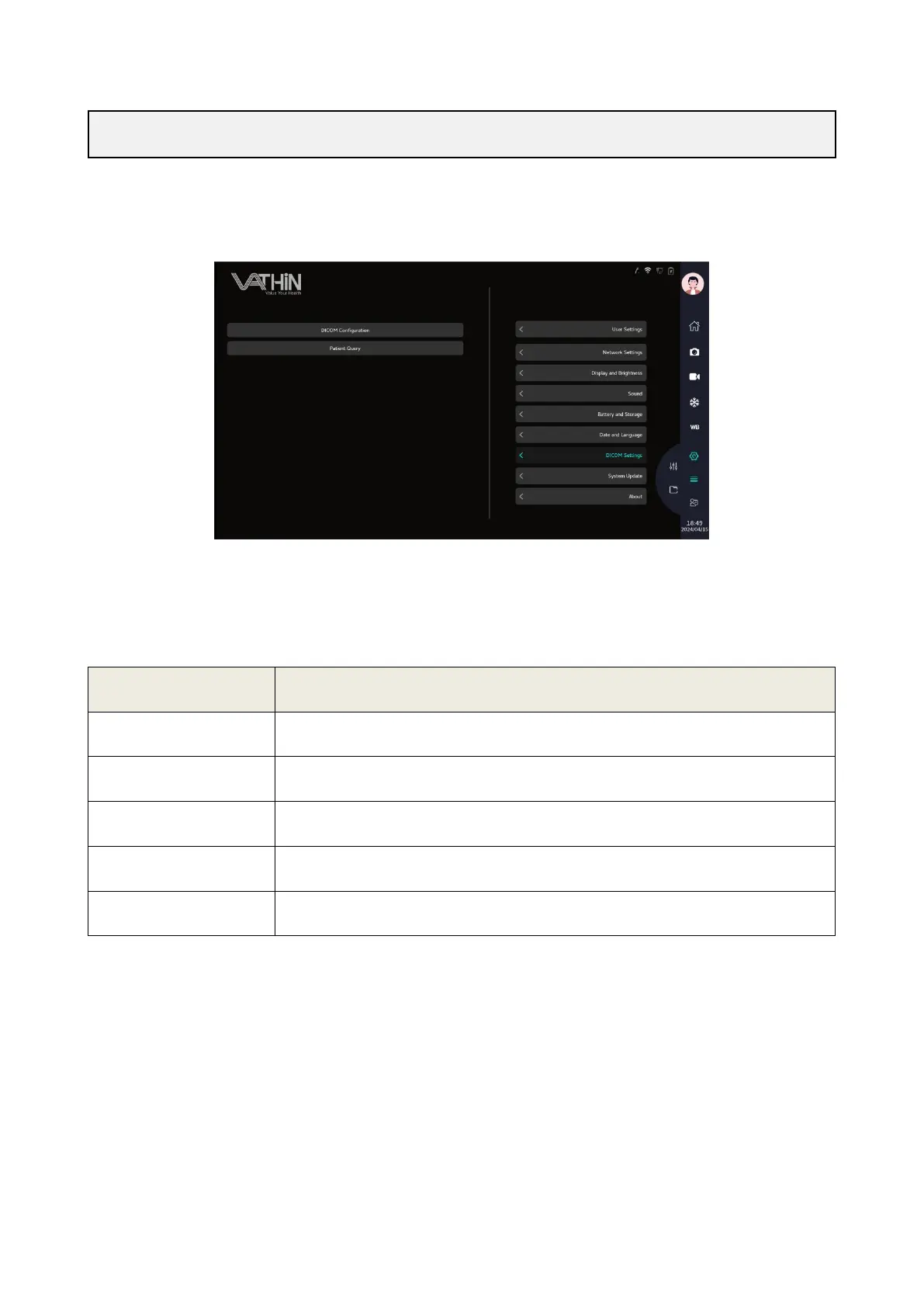
Under the system settings interface, click on the DICOM settings option to enter the DICOM settings
interface, where you can configure DICOM services and query patient information
6.6.7.1 DICOM configuration
Configure DICOM sites and PACS servers to send images, recordings, and medical records from the
host to the DICOM server through wired or wireless network connections, or query patient information
from the PACS server.
configure the current device name and site name
configure target PACS server information;
Set TLS certificates, which can be obtained externally through a USB drive;
Modify current interface parameters
Attempting to connect to PACS server



 To Next Page