70
User Manual
03:45:14 PM
10:31:24 PM
213°22.120W
305°04.015W
20°01.022N
79°56.320N
RECOVERED
Recovered
Recovered
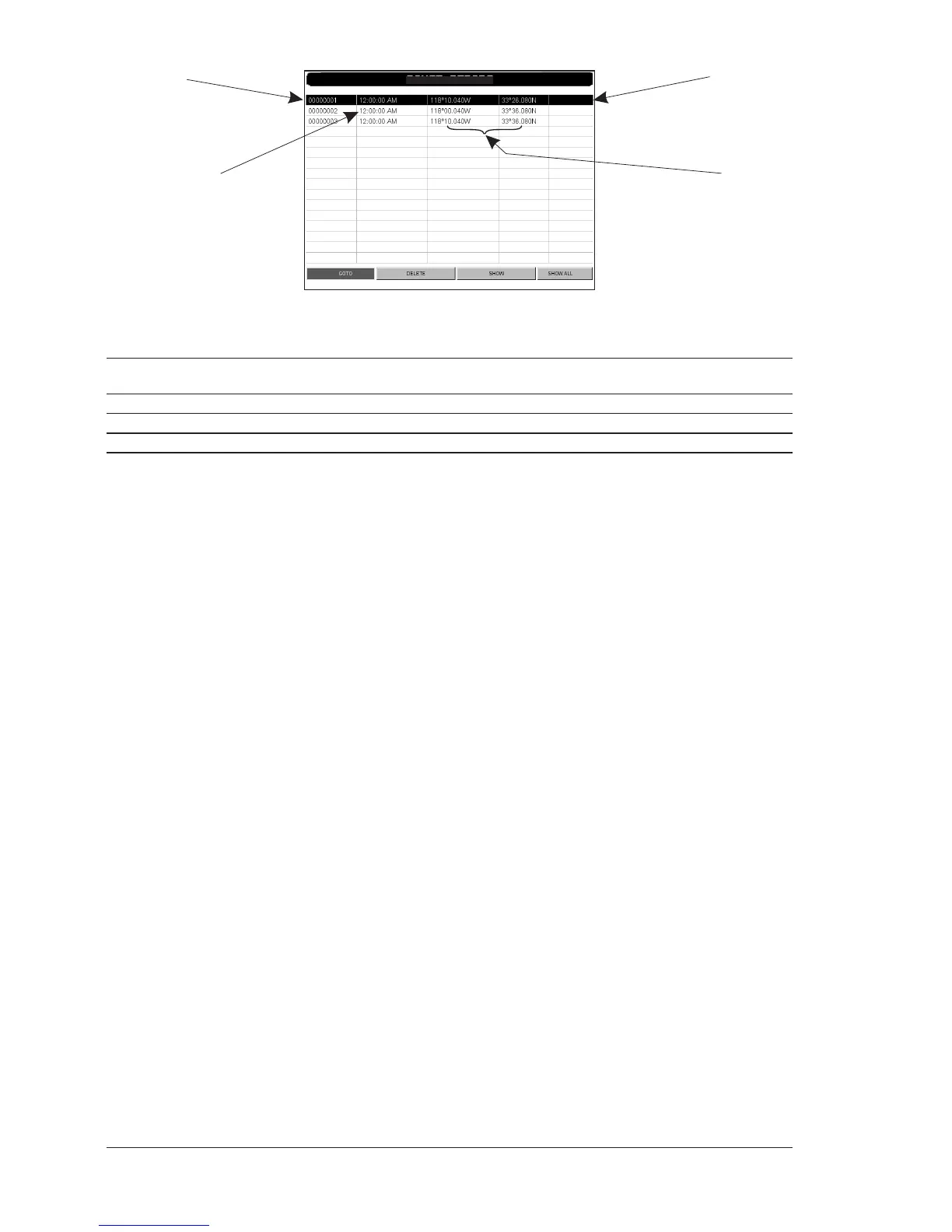
PTX indentifier
Time of PTX creation
PTX position
PTX status
MOBILARM-Alarm Status List
Fig. 6.4.3 - Example of MOBILARM PTX List page
This page allows you to:
GOTO : Activates navigation to the selected PTX. Once the navigation has been activated, close all
menus/data pages (if open) and center the chart selected PTX.
DELETE : Deletes the selected PTX.
SHOW : Centers the chart on the selected PTX.
SHOW ALL : Selects the best chart scale to see al PTX icons on the map at the same time.
6.4.4 Show PTX
The Show function is available when PTX has beeen received again, it is already
present on the chart plotter memory and it is the active one.
Press [ENTER], using the cursor select "SHOW" and press [ENTER] to close all
menus/data pages (if open) and center the chart on the received PTX.



 To Next Page