When addressing technical inquiries to VELUX, you will be
asked to provide the version number of the software in the
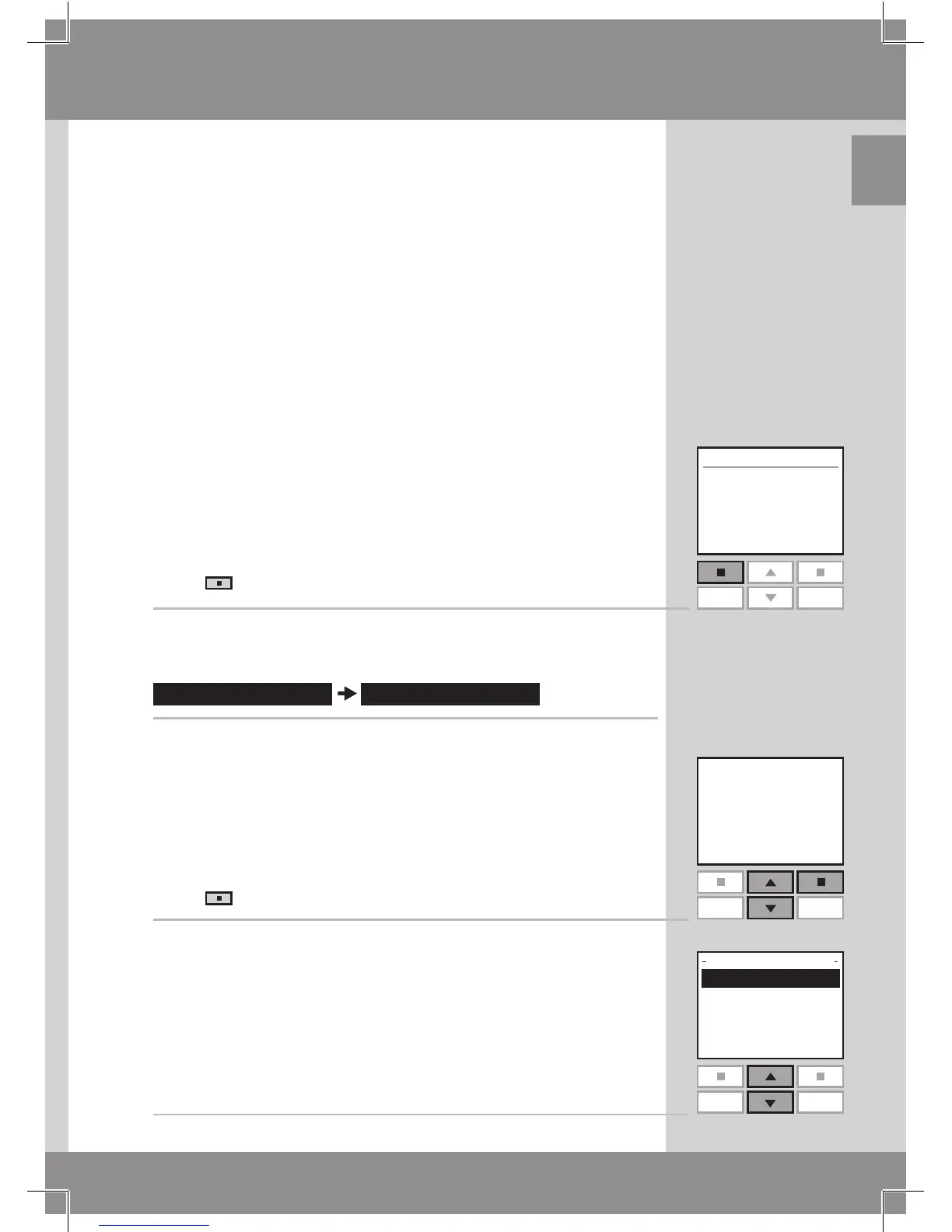
remote control. To find this proceed as follows:
1
Press "Menu".
2
Scroll through the menus:
3
The display shows a code, for instance 004.XXX.XXX.XXX.
The first three digits are the version number.
Press "Back" to return to the previous menu.
4
The display shows the previous menu.
Software version



 To Next Page
 Loading...






