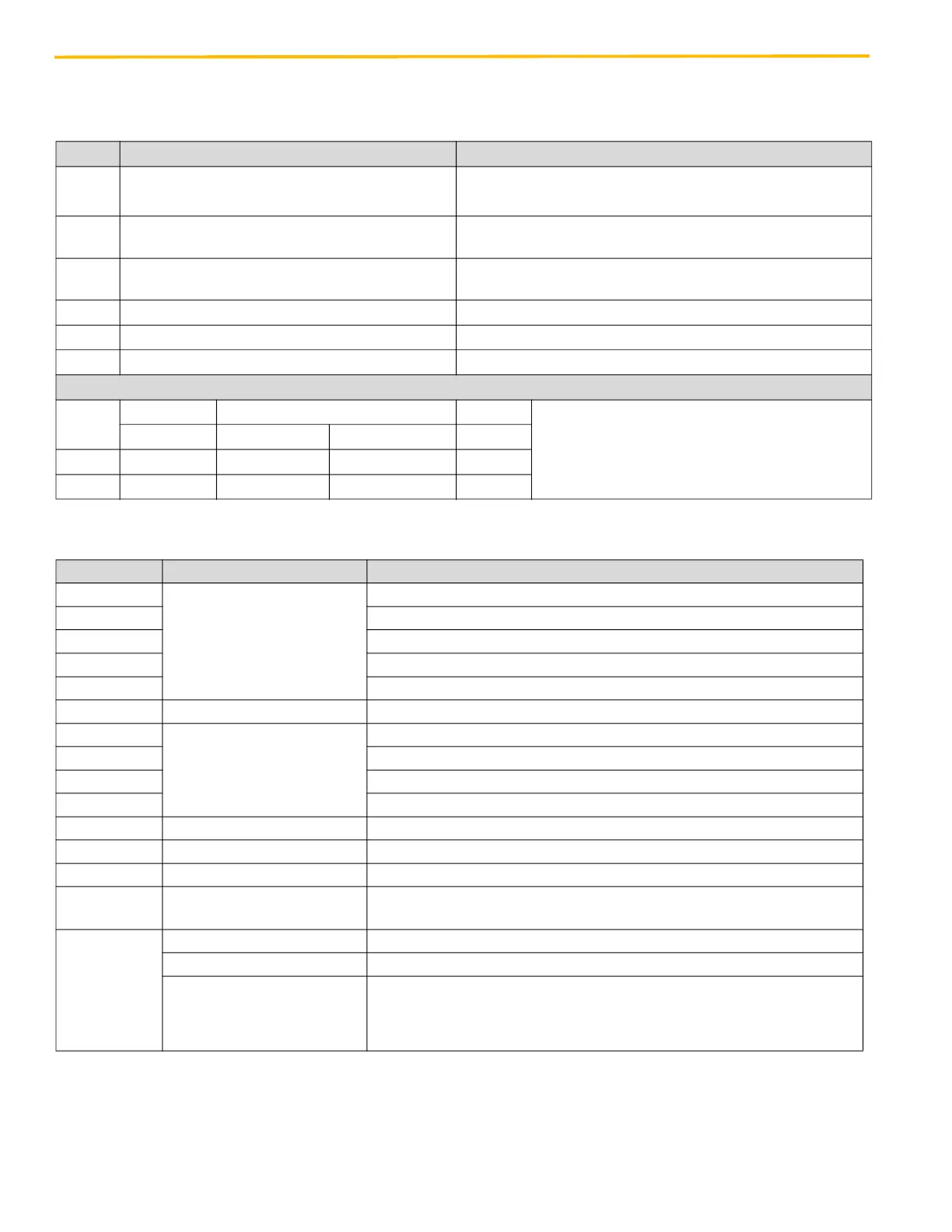
Electronic Setup & Adjustment LD-16 Door Operator - Modernization
62 © Vertical Express
DIP Switch Settings
(continued)
Table 1 - Door Operator Control Board DIP Switch Definitions
Table 2 - Door Operator Control Board LEDs
Switch ON OFF
S1/1*
Test Drive Button Operation (Buttons active)
Normal Operation (Command Inputs Active)
Performs same function as TEST/RUN switch
S1/2
Automatic Reopen on Obstruction or IPD (Reopen
O3 switched as long as Reopen in progress)
No Automatic Reopen (Only Reopen O3 is switched)
S1/3
Electric Shoe Operation, Command Input Always I1
(Swing Door Mode) (*)
Normal Operation (Command Inputs Active)
S1/4 Reduced Motor Torque Used Maximal Possible Motor Torque Used
S1/7 Open Force Limitation Active No Open Force Limitation
S1/8 Automatic End-Keeping Hold Open/Closed Only on Active Open/Close Command
Desired Speed Pattern - Discrete Interface Only
Switch
No.
Min. Speed Pattern Selection Max.
1 2 3 4
S1/5 OFF ON OFF ON
S1/6 OFF OFF ON ON
LED Application Description - When Illuminated
I1
Discrete Input Status
Discrete input I1 is active - Open command (COM connected)
I2 Discrete input I2 is active - Close command (COM connected)
I3 Discrete input I3 is active - Nudging command (COM connected)
I4 Discrete input I4 is active - Inspection command (COM connected)
I5 Discrete input I5 active - Alt speed profile command (COM connect)
IPD Input - Passenger Detection Light curtain signal is active - Doors are obstructed
O1
Discrete Output Status
Discrete output O1 is active - Door Open Limit - relay is ON and serial bit sent
O2 Discrete output O2 is active - Door Close Limit- relay is ON and serial bit sent
O3 Discrete output O3 is active - Reopening - relay is ON
O4 Discrete output O4 is active - SIX Inch Limit- relay is ON and serial bit sent
POWER Board Power Supply Board power supply is ON
WDOG Microprocessor Function Board microprocessor is not executing software - locked up
REFSW Closed Limit Area Car door is in the REFSW area - closed limit area, REFSW is active
Voltage Sel
120VAC
120VAC Supply Selected 120VAC power input is selected and active
— OFF = Normal Operation
STATE — Constant ON = Learn Mode and Start Up
Error/Status
See Troubleshooting Guide on
page 70
Flashing: 1X = Motor or encoder fault
3X = Internal board fault
4X = Abnormal operation
5X = Learn error


 To Next Page