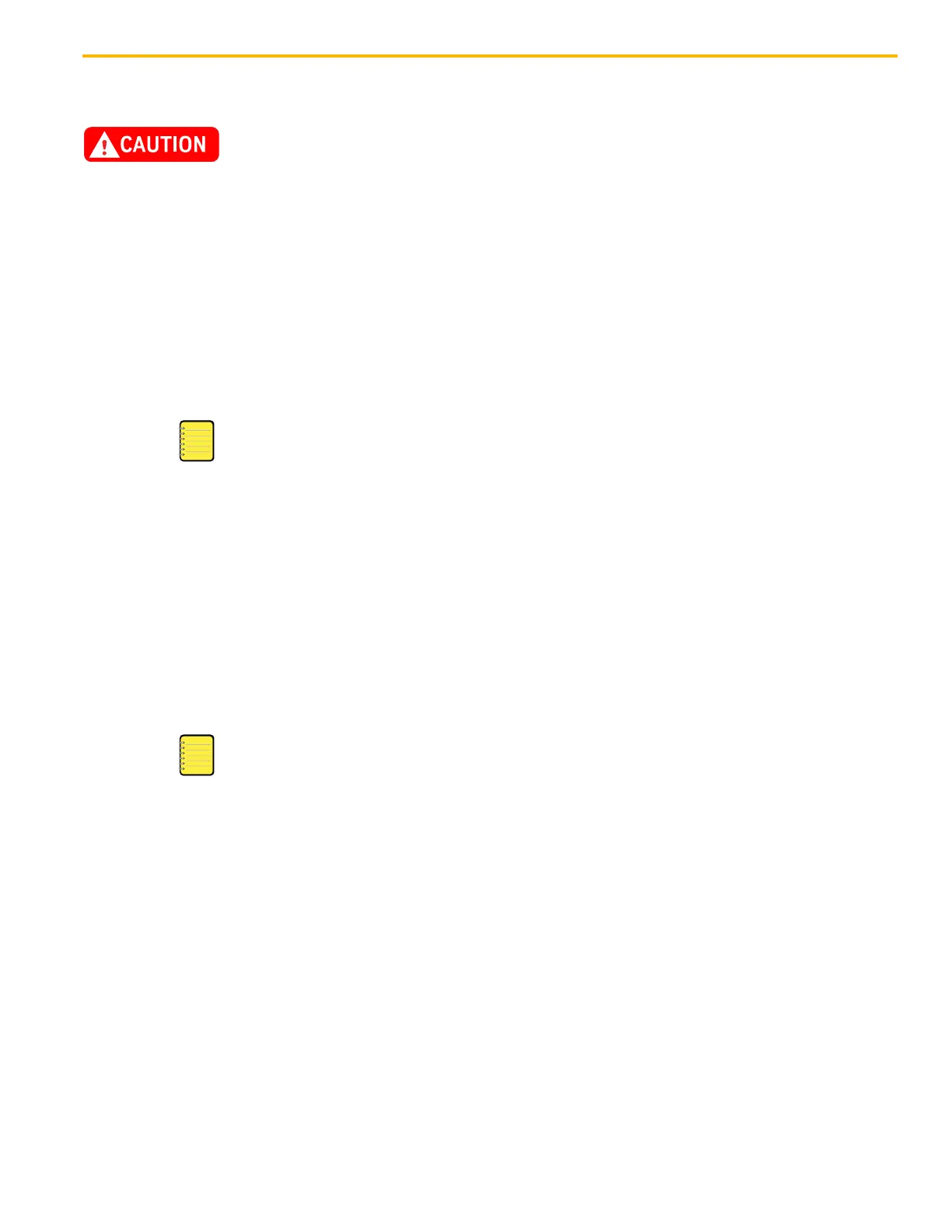
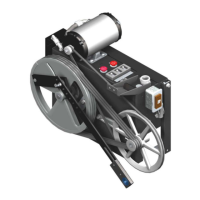
LD-16 Door Operator - Modernization Electronic Setup & Adjustment
October 2021 - 88420 v.1.0
63
Learn Door Travel
Before performing a Learn Door Travel Procedure, install a tie wrap to keep
the CDI picked and eliminate the risk of getting fingers pinched.
1. Place the elevator on Inspection Operation, and manually close the doors.
2. Power up the door operator, and verify the following LEDs. See Figure 56 on
page 64.
a. POWER, VOLTAGE SEL 120VAC, and REFSW are illuminated.
b. WDOG is not illuminated.
3. Press LEARN, and then release it. The STATE LED should flash 2 or 3 times and
then remain illuminated; If it remains in the flashing mode, there is an error and
setup cannot proceed.
The first LEARN cycle will operate at a reduced speed.
a. Press and hold DOOR CLOSE until 02 and REFSW LEDs illuminate—the door
will jerk and then start powered motion to learn the direction and the closed
limit. If the doors move open, continue to press DOOR CLOSE until the doors
move in the correct direction and 02 illuminates.
b. Pick the Car Door Interlock (CDI).
c. Press and hold DOOR OPEN until the door is fully open on its door stop bumper
and the 01 LED illuminates.
d. Press DOOR CLOSE until the 02 LED light illuminates.
e. Press DOOR OPEN until the 02 LED illuminates again. When the STATE LED is
not illuminated, a LEARN Run Scan has been completed.
f. Repeat Step a and Step c until STATE LED is not illuminated.
• The doors have learned the hardware parameters. Door direction, opening
width, and clutch width are retained until manually reset or re-learned.
• A soft learn (used for fine-tuning the belt position) must happen after every power
cycle. In this case, the door will not move itself to LEARN, but will LEARN while
moving.
4. Rotate the TEST/RUN switch to the RUN position. The door system is now capable
of Automatic Operation, and learned parameters are automatically saved.


 To Next Page