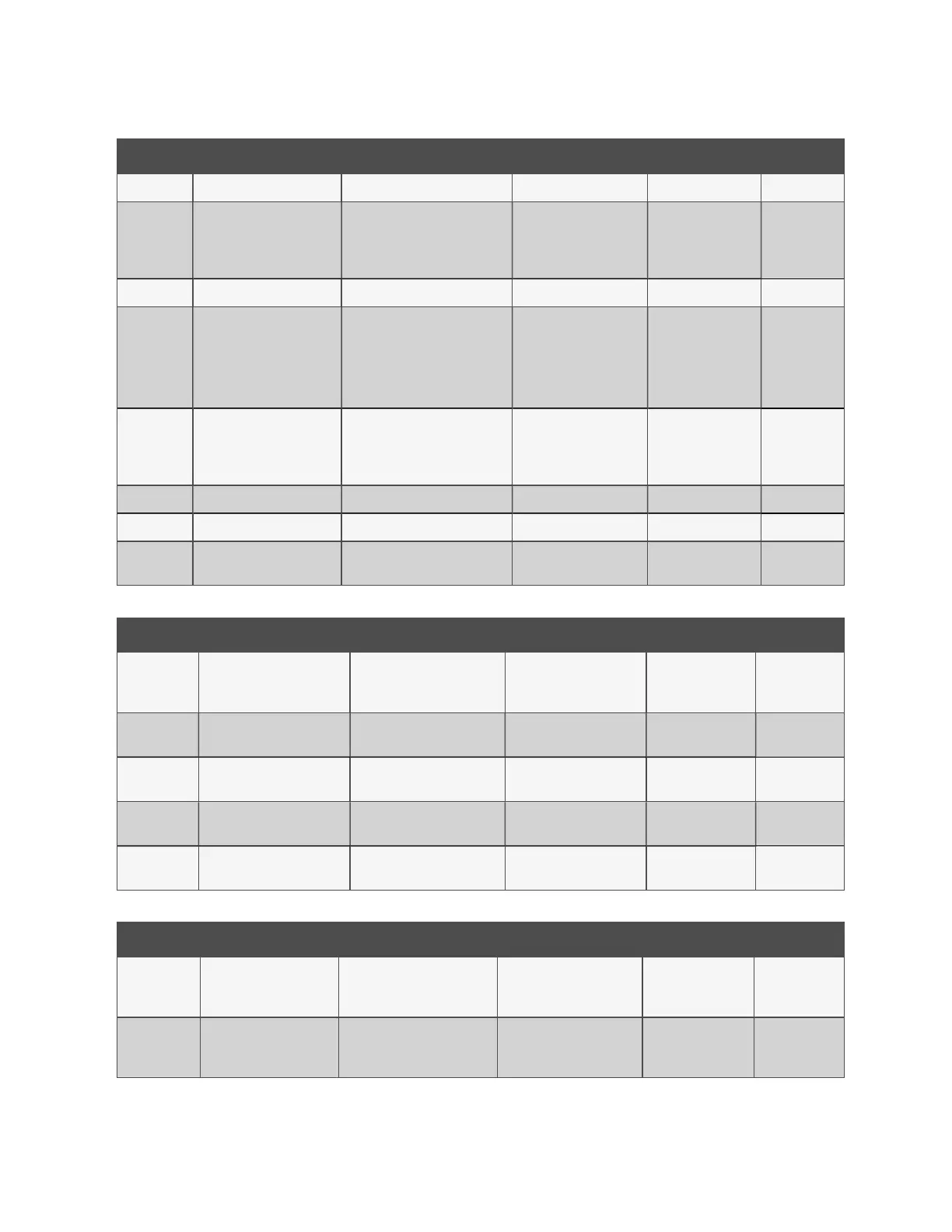
ID Title Description Default Range Unit
Date Adjust Date — dd/mm/y9y —
P021 Date Format Select preferred format dd/mm/yyyy
dd/mm/yyyy
mm/dd/yyyy
yyyy/mm/dd
—
Time Adjust time (24 hour clock) — hh:mm:ss —
P022 Daylight Saving Adjust according to location None
None
Europe/UK
N. America
Australia
—
P023 NTP Synchronization
Select i NTP Synchronization is
required or not.
Disabled
Disabled
Enabled-Port A
Enabled-Port B
—
P024 NTP Server IP Address IP address of the NTPServer 0.0.0.0 Configurable —
P025 Time Zone Offset Select according to location 0.0 -12.0 to +12.0 hrs
P026 NTP Sync Interval
Interval between
NTPsynchronizations
23 1 to 168 hrs
Table 4.10 Setup Date and Time
ID Title Description Default Range Unit
P030 Screen Saver/Logout Period
Elapsed time before screen
saver launches or dislay auto
logs out
30 0 to 60 min
P031 Backlight Period
Elapsed time before screen
dims
10 1 to 60 min
P032 Temperature Units
Select required temperature
display units
°C °C, °F —
P033 Pressure Units
Select required pressure
display units
bar bar, psi —
P034 Flow Rate Units
Select required flow rate
display units
l/m l/m, g/m —
Table 4.11 Setup Display
ID Title Description Default Range Unit
P040 Interface A Enabled
Set to active or not. See Table
4.13 on the facing page for
submenu details.
Enabled
Enable
Disable
—
P041 Interface B Enabled
Set to active or not. See Table
4.14 on the facing page for
submenu details.
Enabled
Enable
Disable
—
Table 4.12 Setup IP Connectivity
26 Proprietary and Confidential ©2025 Vertiv Group Corp. 4 Operation
Vertiv™ CoolChip CDU 600 Operation and Maintenance Guide








 To Next Page