5 CANbus Communication Troubleshooting
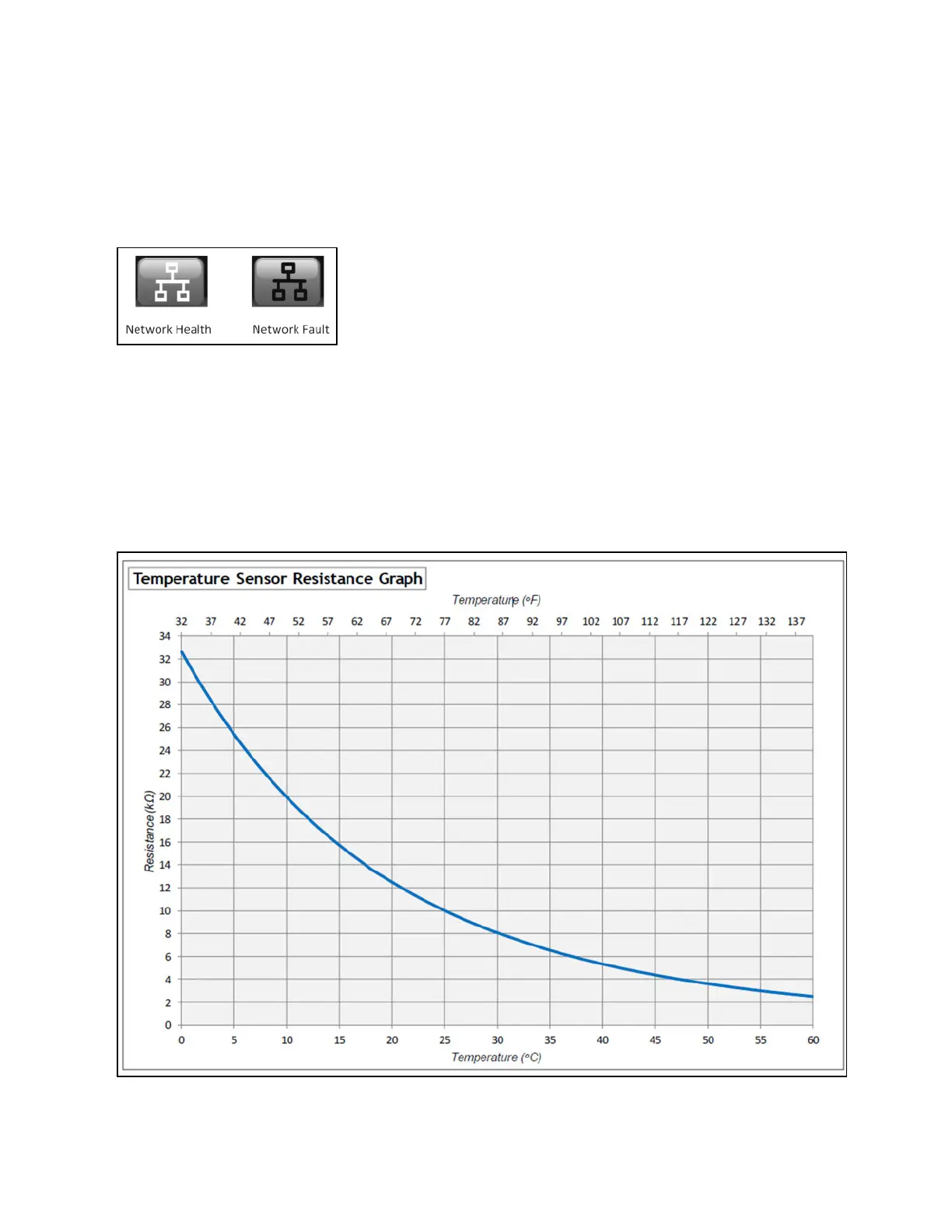
The CANbus network health is indicated on the Home screen via the CANbus status icon.
Figure 5.1 CANbus Status Icon
When the icon indicates a network fault (red), view the network status screens to determine which devices on the network are
not communicating. The mode will indicate Comms Fail. If these devices are not intentionally powered off or not intentionally
disconnected from the network, check network cabling and CANbus configuration.
5.1 Temperature Sensor Graph
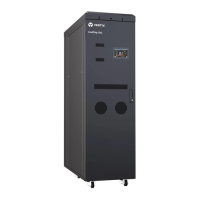
Figure 5.2 below can be used to check the validity of the 10K thermistor temperature sensors used in the unit.
Figure 5.2 Temperature Sensor Resistance Graph
5 CANbus Communication
Troubleshooting
Proprietary and Confidential ©2025 Vertiv Group Corp. 59
Vertiv™ CoolChip CDU 600 Operation and Maintenance Guide








 To Next Page