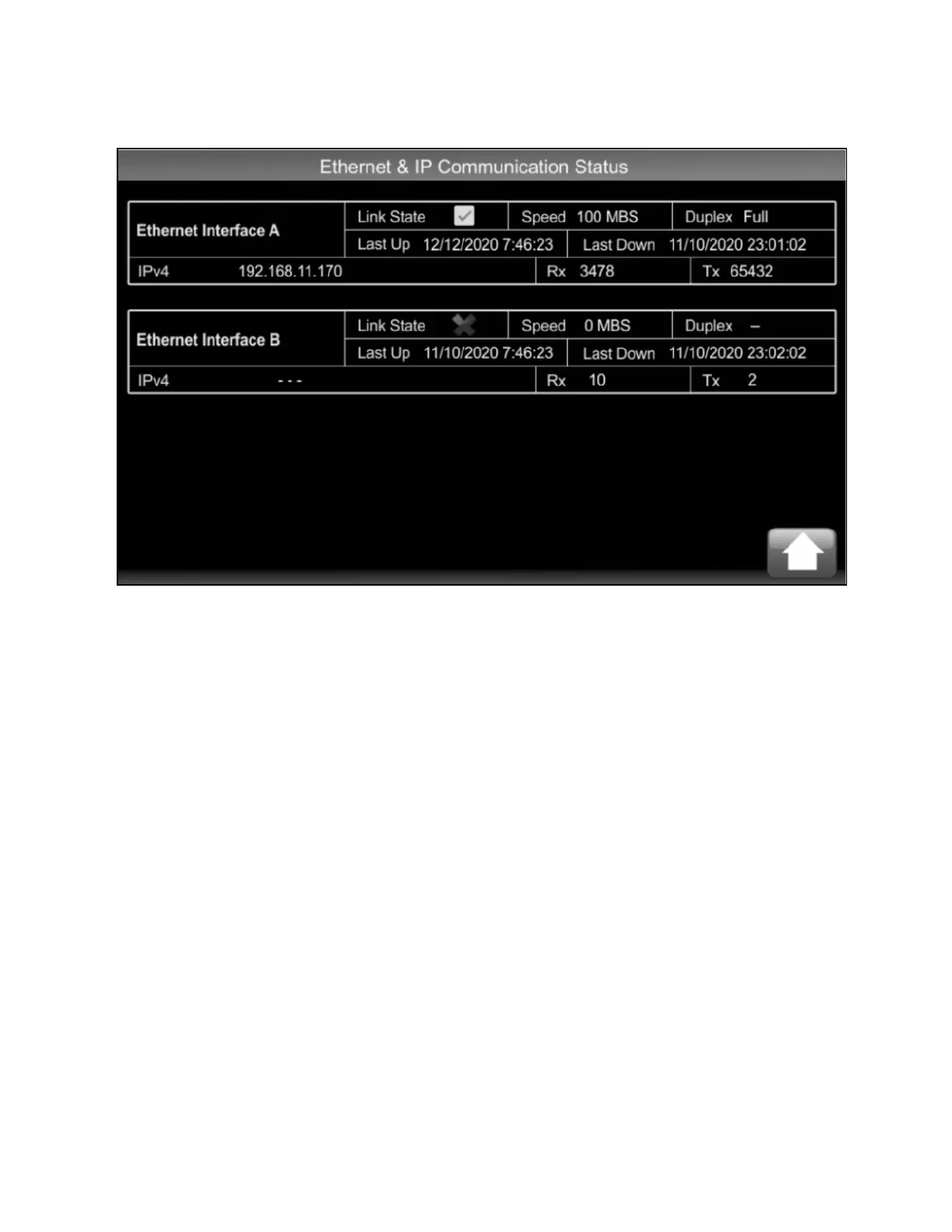
Figure 4.12 Ethernet and IPCommunication Status
4.2.13 Calibration Screen
To calibrate the touchscreen, press the screen 20 times within a 20 second interval. The Calibration screen will then open.
Follow the on screen instructions to complete calibration.
4 Operation Proprietary and Confidential ©2025 Vertiv Group Corp. 41
Vertiv™ CoolChip CDU 600 Operation and Maintenance Guide








 To Next Page