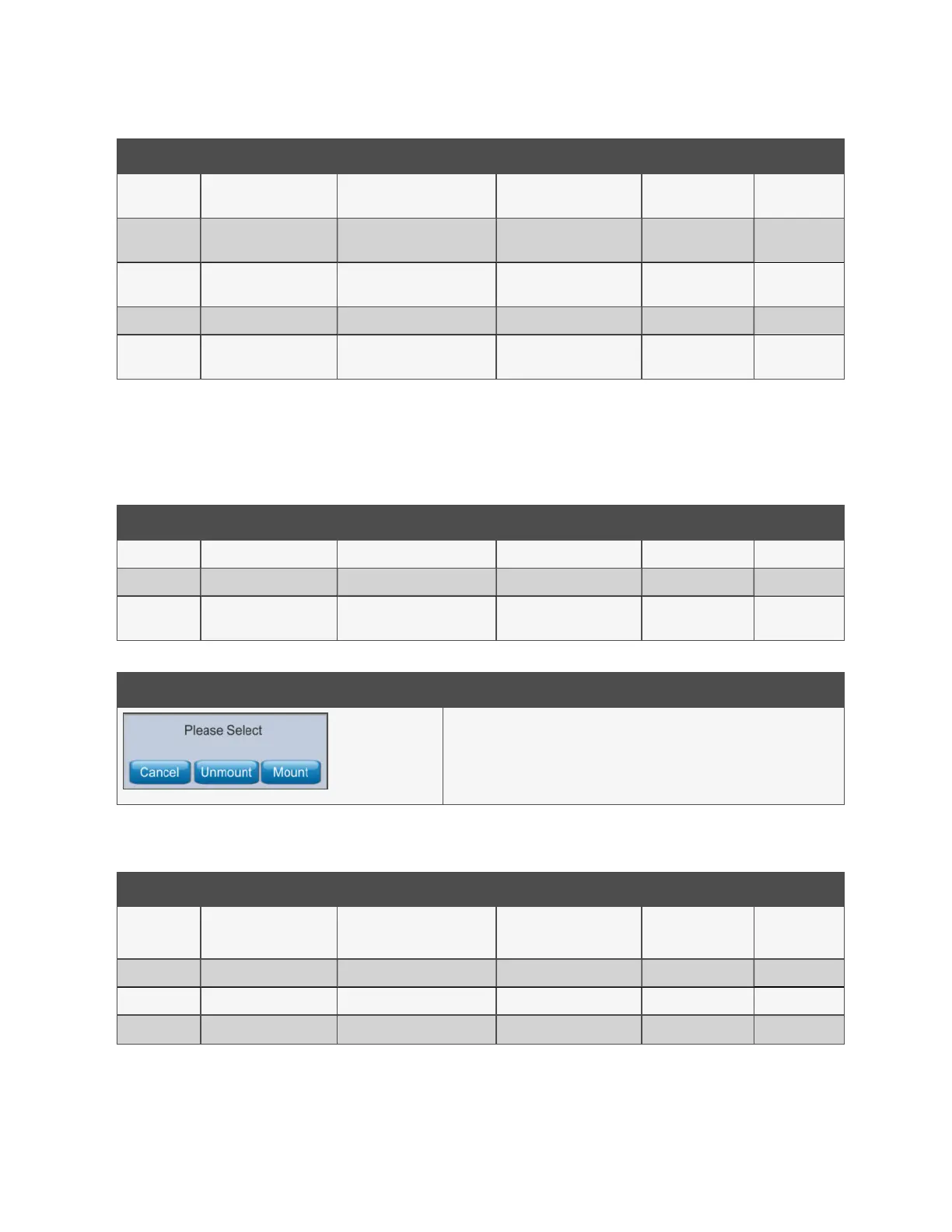
ID Title Description Default Range Unit
S101 Pump 1 Speed
Set pump 1 inverter speed. 0%
= no override.
0 0 to 100 %
S102 Pump 2 Speed
Set pump 2 inverter speed. 0%
= no override.
0 0 to 100 %
S103 Cooling Valve
Set cooling valve position. 0% =
no override.
0 0 to 100 %
S104 Fill Pump P3 Switch fill pump on Auto Auto—Man. —
S105 Alarm
Simulate fault on customer
alarm relay
Auto Auto—Man. —
Table 4.31 Service—Overrides
Overrides allows manual control of some functions of the unit for a limited time period while running an automatic model for
troubleshooting. See SL:-07625 CoolChip CDU 600 Installation and Commissioning for additional information. If an operator
issues an override while the CDU is not in automatic mode, the override is ignored and the value will be automatically set back
to default.
ID Title Description Default Range Unit
S201 Pump 1 Run Hours Set pump 1 run hours to zero — — hrs
S202 Pump 2 Run Hours Set pump 2 run hours to zero — — hrs
S203 Cooling Valve Run Hours
Set cooling valve run hours to
zero
— — hrs
Table 4.32 Service—Reset Hours Run
Option Description
Use this dialog to control access to the SD card. Select Unmount to allow safe
removal of the SD card. Select Mount following re-insertion of the SDcard.
Table 4.33 Service—SD Card
ID Title Description Default Range Unit
S301 Full Manual Control
Allows full manual control of all
functions
Disabled
Disabled
Enabled
—
S302 Pump 1 Speed Set pump 1 inverter speed 0 0 to 100 %
S303 Pump 2 Speed Set pump 2 inverter speed 0 0 to 100 %
S304 Cooling Valve Set control valve position 0 0 to 100 %
Table 4.34 Service--Full Control Manual
36 Proprietary and Confidential ©2025 Vertiv Group Corp. 4 Operation
Vertiv™ CoolChip CDU 600 Operation and Maintenance Guide








 To Next Page