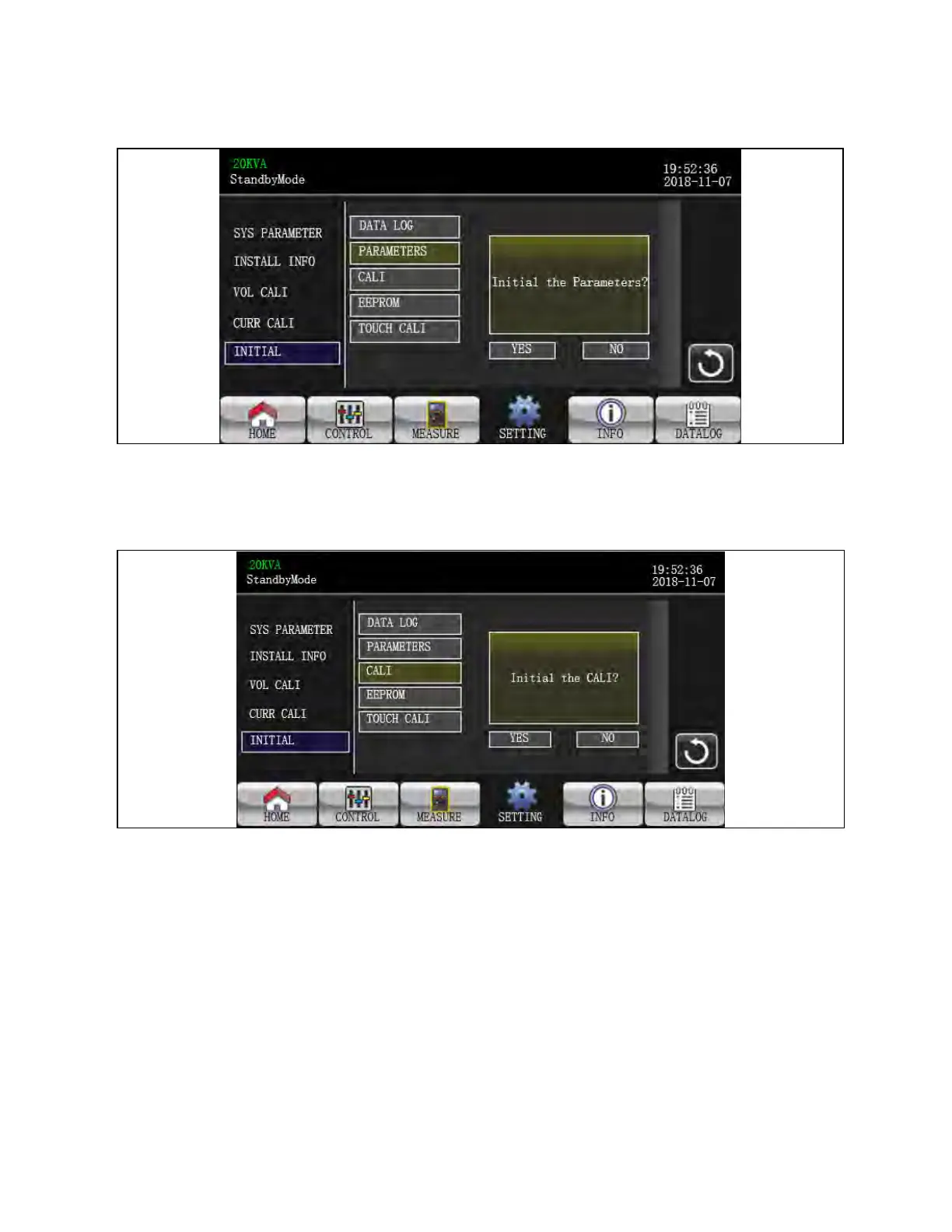
Figure 3.46 Initial Parameters Page
• PARAMETERS: After clicking “PARAMETERS”, it will pop up a message screen as shown in above screen. Touch
“YES” to restore default value. Touch “Back” or “No” to cancel this operation and back to INITIAL menu page.
Figure 3.47 Initial CALI Screen
• CALI: After clicking “CALI”, it will pop up a message board as shown in above screen. Touch “YES” to restore
default calibration value. Touch “Back” or “No” to cancel this operation and back to INITIAL menu page.
3 Operations Proprietary and Confidential ©2024 Vertiv Group Corp. 57
Vertiv™ Liebert® MTP Online UPS User Manual 20-40-80kVA






 To Next Page