2. Check the loads, wiring, ventilation, mains, battery and so on after the fault occurs. Do not try to turn on the UPS
again before solving the issues. If the problems persist, contact the distributor or service personnel immediately.
3. In case of an emergency, shut off connections from mains, external battery, and output immediately to avoid
damage to the UPS or equipment.
Transfer from Line Mode (AC Mode) to Maintenance Bypass Mode:
This operation should only be performed by maintenance personnel or qualified technicians.
When the UPS needs to repair or service and the load could not be shut off, the UPS needs to be put into maintenance mode.
1. Check inside the Setting Page (Advance section, Password 0000) that the Bypass parameters are set in such a
way to allow the transfer on Bypass mode when the UPS is turned OFF. In particular, it is necessary to have:
Bypass Forbid --> Disable
Bypass UPS OFF --> Enable
2. Go to CONTROL page and select UPS on/off icon. The screen will show Turn off UPS?. Select Yes.
3. At this point the load will be passed on Bypass and the display will show the indication Bypass Mode.
4. Go to the breakers area on the UPS (rear panel for MTP 20-40kVA, front panel behind the front door for MTP
80kVA) and remove the Maintenance Bypass metallic cover.
5. Put the Maintenance Bypass Switch in ON position. The Load is now supplied from the Maintenance Bypass.
6. Put in OFF position the Line input breaker, the Bypass input breaker and the Output switch. The fans and the
LCD will switch OFF. The load, however, is still supplied from the Maintenance Bypass.
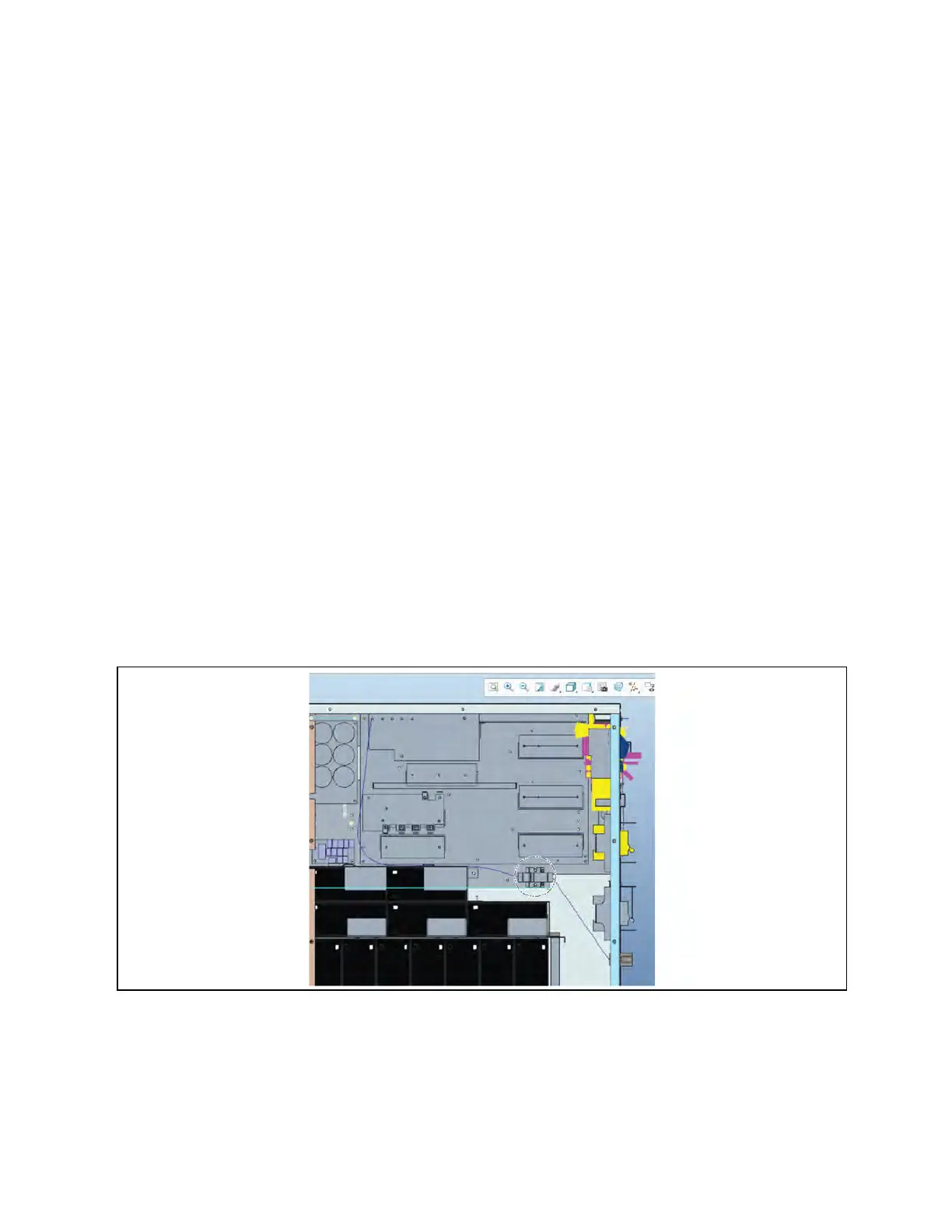
Neutral Disconnection
Figure 3.62 Breaker for Vertiv 20k Input Disconnect N
3 Operations Proprietary and Confidential ©2024 Vertiv Group Corp. 71
Vertiv™ Liebert® MTP Online UPS User Manual 20-40-80kVA






 To Next Page