USER MANUAL-S600E
63
S600E
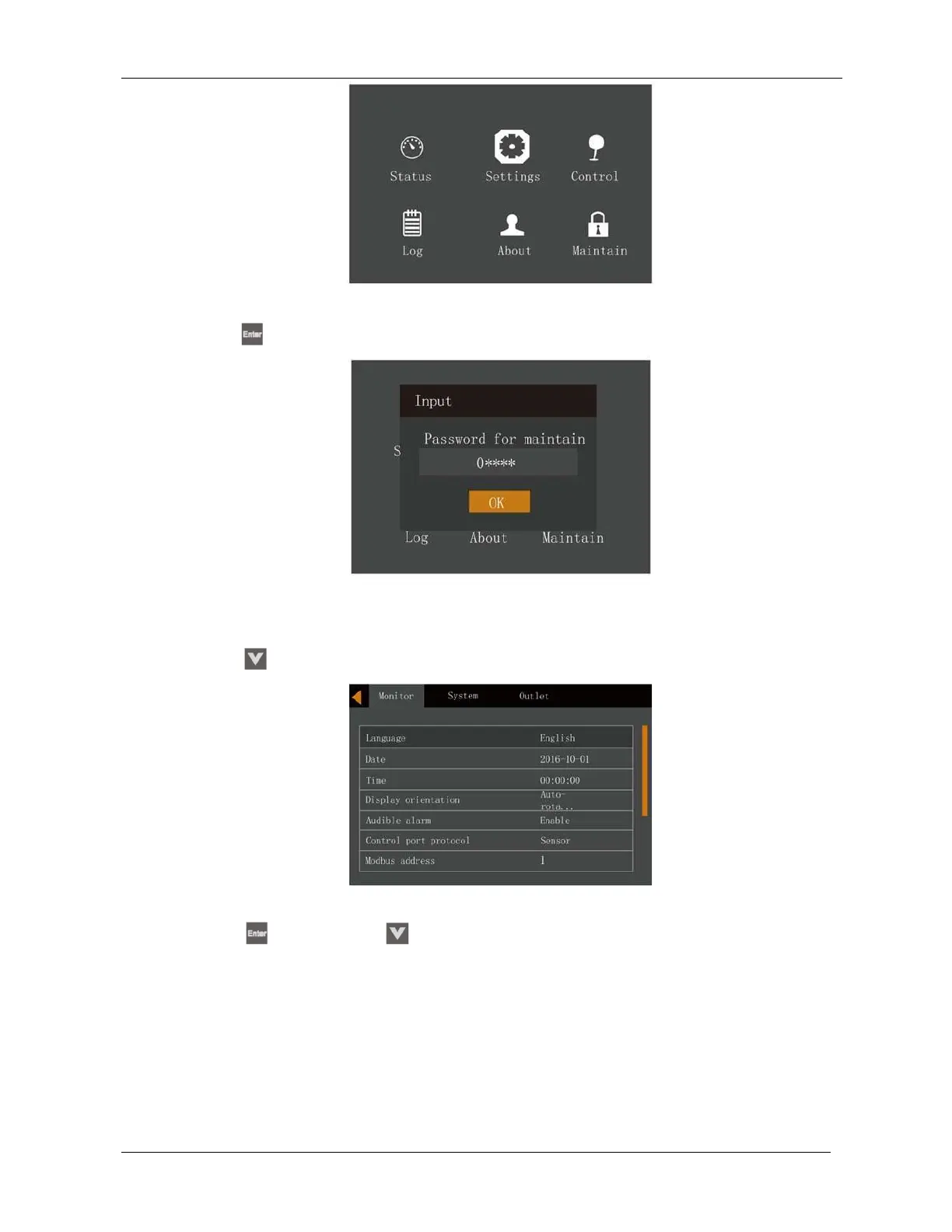
Figure 5-22 Main menu
2.
Press the
key, the interface shown in Figure 5-23 will appear.
To change the password, proceed as follows:
Figure 5-23 Entering the password
1.
Press the key to move the cursor to the 'Monitor’ page, see Figure 5-24.
Figure 5-24 Monitor interface
2.
Press the
key, then press the
key to select 'Change settings password', see Figure 5-25.











 To Next Page