USER MANUAL-S600E
64
S600E
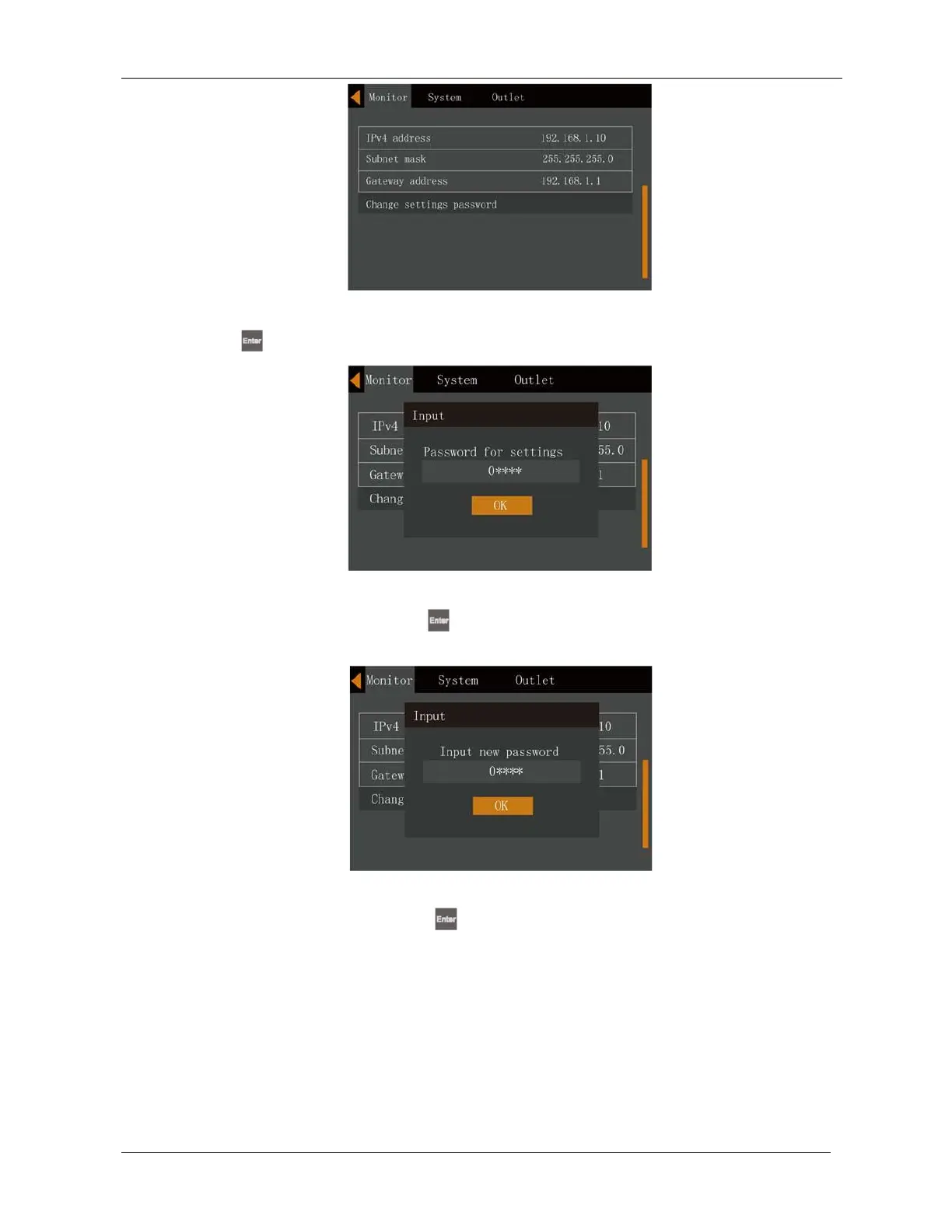
Figure 5-25 Changing the settings password
3.
Press the
key, the interface shown in Figure 5-26 will appear.
Figure 5-26 Settings password
4.
Enter the current password and press the
key to confirm; at this point requests the user to enter a new
password. See Figure 5-27.
Figure 5-27 Entering the new password
5.
After entering the new password, press the
key to confirm; at this point the system requests the user to
confirm the new password by entering it again, see Figure 5-28.











 To Next Page